BuildersCAD
BuildersCAD: Construction Drawing Software
BuildersCAD is a 2D and 3D CAD software designed specifically for builders and construction professionals. It provides tools for home design, floor plans, elevations, sections, framing diagrams, and other construction drawings.
What is BuildersCAD?
BuildersCAD is computer-aided design (CAD) software made specifically for residential builders and construction professionals. It enables users to easily create detailed 2D drawings like floor plans, elevations, sections, framing diagrams, and 3D models.
Unlike generic CAD programs, BuildersCAD is optimized for fast drafting and design of homes and small buildings. It comes preloaded with thousands of customizable symbols and templates for kitchens, baths, doors, windows, fixtures, furniture, and more.
Key features include:
- User-friendly interface for faster design
- Tools for home floor plans, foundation plans, roof design
- Framing tools for walls, floors, roofs and trusses
- Interior elevation tools
- 3D modeling for visualizations and flythroughs
- Materials lists and cut lists for estimation
- DWG compatibility for collaboration with contractors
BuildersCAD helps designers, architects, builders, and construction professionals to efficiently create accurate drawings and plans. Its simplicity and specialization for residential projects makes it popular choice for home design.
BuildersCAD Features
Features
- 2D drafting
- 3D modeling
- Automatic dimensioning
- Schedule generation
- PDF printing
- iOS/Android app
Pricing
- Subscription-Based
Pros
Cons
Official Links
Reviews & Ratings
Login to ReviewThe Best BuildersCAD Alternatives
View all BuildersCAD alternatives with detailed comparison →
Top Development and Cad Software and other similar apps like BuildersCAD

Autodesk Revit


ArchiCAD


Vectorworks


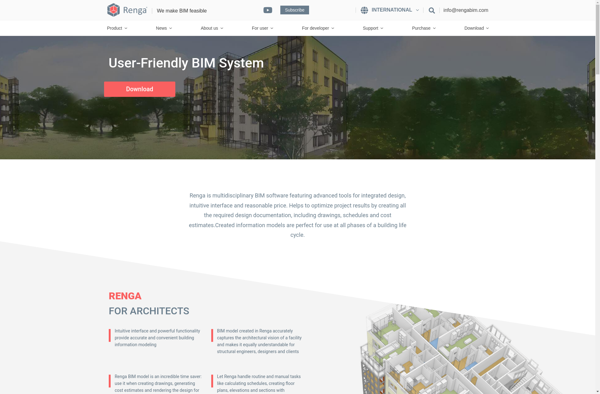
Renga Architecture

Ashampoo 3D CAD Professional


Allplan Architecture


ARCAD 3D

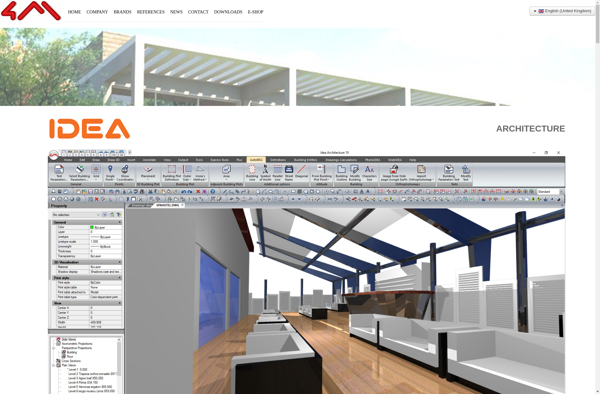
IDEA Architecture

MultiCAD

Allplan Engineering


DataCAD