Calcpad

Calcpad: Simple & Lightweight Calculator for Windows
A basic calculator app for quick calculations and conversions on Windows, featuring a simple interface with numerical and mathematical functions.
What is Calcpad?
Calcpad is a free calculator application for Windows designed to provide simple math and conversion functionalities with a clean and minimalist user interface. It serves as an alternative to the default Windows calculator app for users who prefer a lightweight program specifically for calculation tasks.
The Calcpad calculator layout consists of large numeric buttons from 0-9 along with clear, delete, memory, percentage and decimal point keys. It supports operators like add, subtract, multiply and divide as well as common math functions such as square root, square, reciprocal, sign change and pi. The application allows seamlessly switching between standard, scientific and programmer calculator modes.
Additional features of Calcpad include support for copying calculations to the clipboard, customizable hotkeys, opeartion history, themes and the ability to always remain on top of other Windows. It provides common conversion tools for length, weight, temperature, area, volume and more. The calculator automatically determines appropriate decimal precision based on input numbers.
As an open-source program, Calcpad offers a free and ad-free calculation utility for Windows without needing installation. It is very lightweight at less than 1MB file size. For users seeking a simple but capable math and conversion tool, Calcpad is an excellent alternative calculator app for Windows.
Calcpad Features
Features
- Basic calculator
- Scientific calculator
- Programmer calculator
- Date calculation
- Unit conversion
Pricing
- Free
Pros
Cons
Official Links
Reviews & Ratings
Login to ReviewThe Best Calcpad Alternatives
View all Calcpad alternatives with detailed comparison →
Top Office & Productivity and Calculators and other similar apps like Calcpad
Here are some alternatives to Calcpad:
Suggest an alternative ❐
Julia

Microsoft Excel

Mathematica

MATLAB


Scilab

GNU Octave

Maxima

Jupyter

Mathway

SageMath
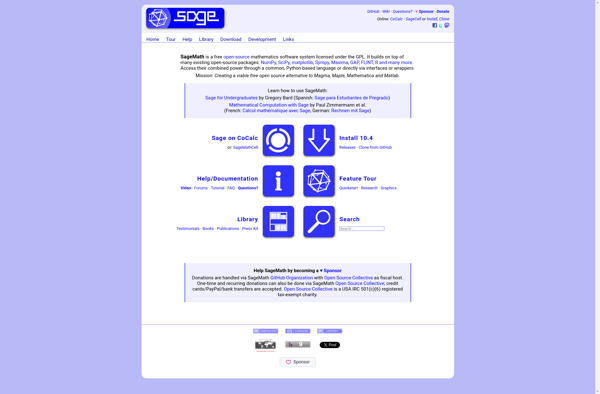

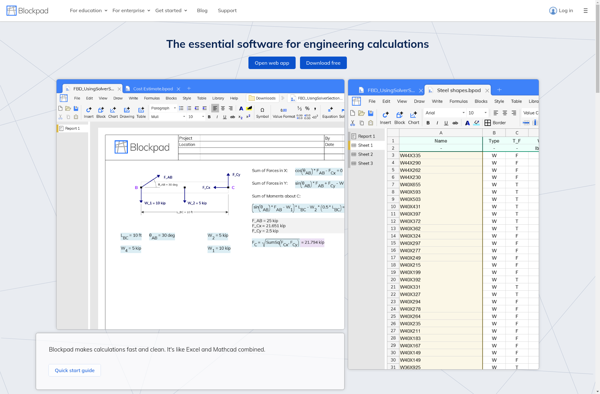
Blockpad

WxMaxima

Livebook


Swift Calcs

FxSolver


Engineering Calculator

CADWOLF


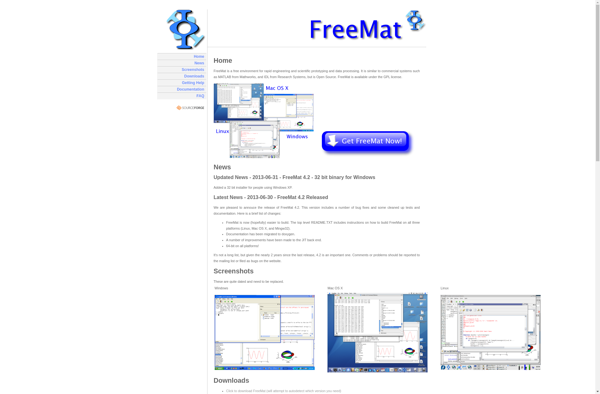
Freemat

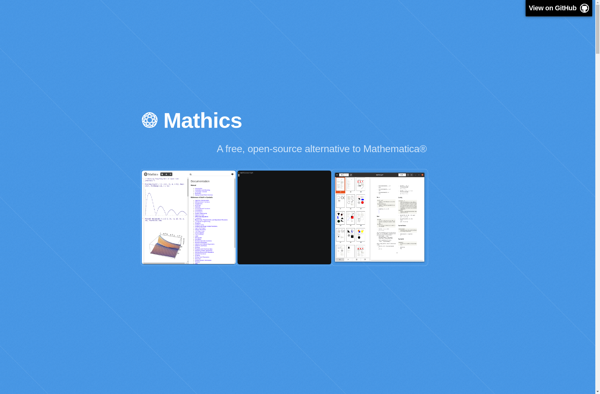
Mathics

Dynamic Math Solver

Yacas


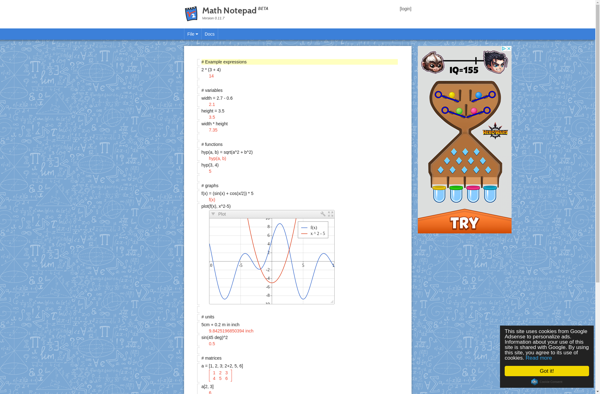
Math Notepad

FormulaDesk Math