Skip to content
Gtdagenda

Gtdagenda

Gtdagenda is a web-based task and project management software focused on implementing the Getting Things Done (GTD) methodology. It aims to help users organize tasks, projects, and goals in order to increase productivity.
Gtdagenda screenshot

Gtdagenda: Web-Based Task Management for GTD Methodology

Gtdagenda is a web-based task and project management software focused on implementing the Getting Things Done (GTD) methodology. It aims to help users organize tasks, projects, and goals in order to increase productivity.

What is Gtdagenda?

What Is GTD Agenda?

GTD Agenda is a web-based task and project management tool built specifically around David Allen's Getting Things Done (GTD) methodology. Unlike general-purpose task managers, every feature in GTD Agenda maps directly to a GTD concept — inboxes, next actions, projects, waiting-for lists, someday/maybe, and contexts.

Key Features

The app provides dedicated views for each GTD list: Inbox for capturing, Next Actions for immediate tasks, Projects for multi-step outcomes, Waiting For for delegated items, and Someday/Maybe for future ideas. Contexts (like @computer, @phone, @errands) let you filter tasks by where or how you can do them.

GTD Agenda includes a built-in weekly review workflow that guides you through processing your inbox, reviewing projects, and updating your lists — the critical habit that makes GTD work.

Who Uses GTD Agenda

GTD Agenda is for committed GTD practitioners who want a tool that enforces the methodology rather than a general task manager they have to configure themselves. It is particularly useful for people who have tried implementing GTD in Trello or Todoist and found the setup too manual.

Gtdagenda Features

Features

  1. Web-based task and project management
  2. GTD methodology implementation
  3. Task organization
  4. Project organization
  5. Goal setting
  6. Productivity tracking

Pricing

  • Freemium

Pros

Structured workflow based on proven GTD methodology

Web access allows use across devices

Customizable categories and contexts

Powerful search and filtering

Integrates with Google Calendar and Evernote

Cons

Can be complex for users new to GTD

Limited integrations with other software

Mobile apps lack some features of web app

Reviews & Ratings

Login to Review
No reviews yet

Be the first to share your experience with Gtdagenda!

Login to Review

The Best Gtdagenda Alternatives

View all Gtdagenda alternatives with detailed comparison →

Top Office & Productivity and Task Management and other similar apps like Gtdagenda


Monday.com icon

Monday.com

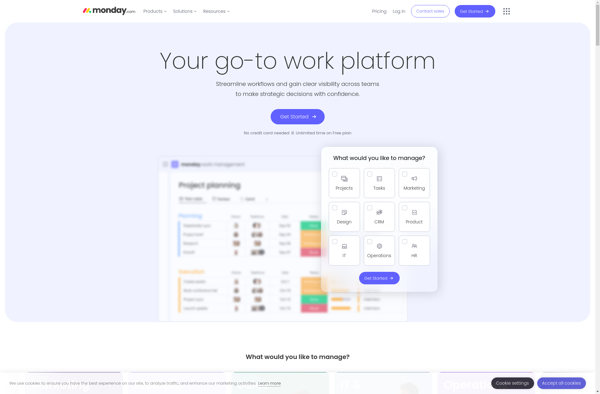
What Is monday.com?monday.com is a visual work management platform that helps teams plan, track, and deliver projects using customizable boards, automations, and integrations. It serves as a flexible alternative to traditional project management tools.Key Featuresmonday.com uses a board-based interface where columns represent different data types (status, date, person, number, formula,...
Monday.com image
Trello icon

Trello

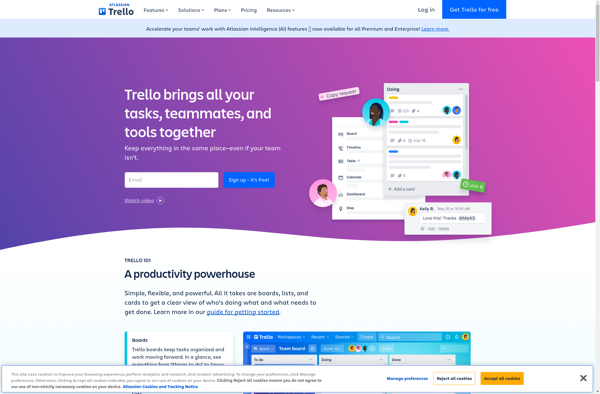
Trello is a flexible and intuitive web-based project management tool that helps teams organize and prioritize projects. It uses a system of boards, lists, and cards that allows users to break down projects in a visual way.Some key features of Trello include:Boards - Boards act as a high-level organizer for...
Trello image
Todoist icon

Todoist

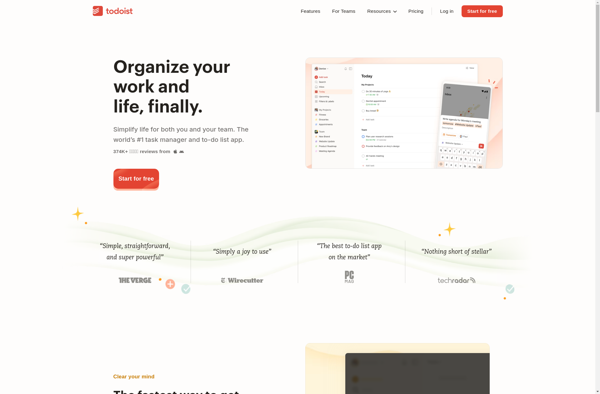
Todoist is a cloud-based task management application developed by Doist. It is used by over 30 million people worldwide to organize personal and team productivity. Todoist allows users to capture tasks from anywhere and set reminders, due dates, priorities, labels, filters and more to help keep projects on track.Some key...
Todoist image
Workflowy icon

Workflowy

Workflowy is a popular free online outlining and note-taking application. It allows users to create nested bullet point lists to organize notes, tasks, ideas, projects, and more. With its simple and flexible interface, Workflowy makes it easy to brainstorm concepts, structure information, and see connections between thoughts.One of the key...
Workflowy image
ClickUp icon

ClickUp

What Is ClickUp?ClickUp is an all-in-one project management and productivity platform that aims to replace multiple tools with a single workspace. It combines tasks, docs, goals, whiteboards, chat, and time tracking in one application.Key FeaturesClickUp offers multiple views for the same data: list, board (Kanban), Gantt chart, calendar, timeline, table,...
ClickUp image
Focalboard icon

Focalboard

Focalboard is an open-source, self-hosted project management tool similar to Trello. It allows teams to organize projects into boards with customizable lists and cards. Some key features of Focalboard include:Kanban boards for visualizing work and managing project workflowsCustom lists and cards to break down projects into smaller tasksDrag-and-drop functionality to...
Focalboard image
OmniFocus icon

OmniFocus

OmniFocus is a feature-rich task and project management application developed by The Omni Group for macOS and iOS. First released in 2007, OmniFocus utilizes the concepts of projects, contexts, and flexible perspectives to provide users with a system to organize tasks and responsibilities.Key features of OmniFocus include:Robust options for capturing...
OmniFocus image
Org mode icon

Org mode

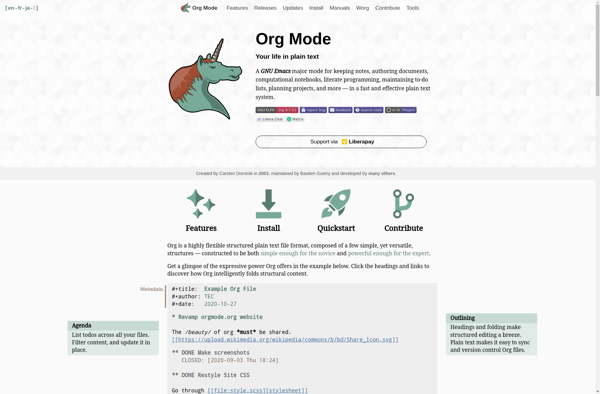
Org mode is a popular open-source note-taking and organization tool extension for the Emacs text editor. It was created by Carsten Dominik in 2003. Org mode uses plain text files to organize notes, tasks, to-do lists, planning details, and more into hierarchies and outlines. Key features of Org mode include:Plain...
Org mode image
Zenkit icon

Zenkit

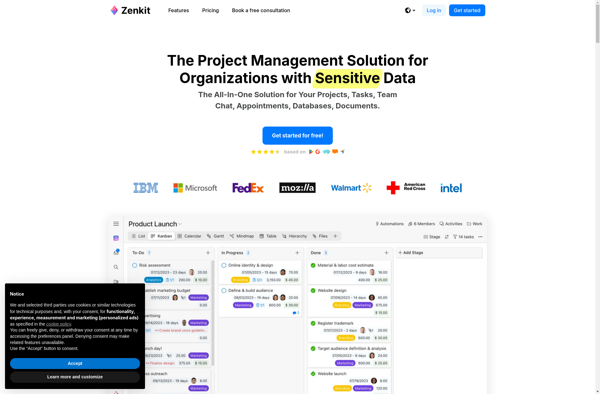
Zenkit is a versatile project management and team collaboration software designed for improved productivity. It consolidates task management, file sharing, messaging, and planning into a single intuitive platform that teams can mold to fit their exact needs.Key features of Zenkit include:Kanban boards for task visualization and agile project management Interactive...
Zenkit image
Wrike icon

Wrike

Wrike is a flexible project management software designed to help organizations manage workflows, collaborate on projects, and oversee tasks. With robust features for project planning, scheduling, resource allocation, status tracking, reporting, and more, Wrike provides visibility into projects and workloads so teams can achieve goals and executives can monitor progress.Some...
Wrike image
Remember The Milk icon

Remember The Milk

Remember The Milk is a widely-used online task management and to-do list application. Launched in 2004, it enables users to create tasks, set due dates, add notes and tags, set reminders, organize tasks in flexible lists and hierarchies, and collaborate with others by sharing lists.Key features of Remember The Milk...
Remember The Milk image
Sleek icon

Sleek

Sleek is an open source, developer-friendly content management system (CMS) built on top of the popular Laravel PHP framework. It aims to provide a powerful yet easy-to-use platform for building modern websites and web applications.Some key features of Sleek CMS include:Intuitive drag-and-drop page builder for quickly putting together pagesRole-based access...
Sleek image
Launchlist icon

Launchlist

Launchlist is an all-in-one marketing platform designed specifically to help businesses successfully launch and promote new products, services, content, or initiatives. It provides a suite of tools to plan, execute, and measure the impact of product launches and other marketing campaigns.With Launchlist, users can easily create landing pages to capture...
Launchlist image