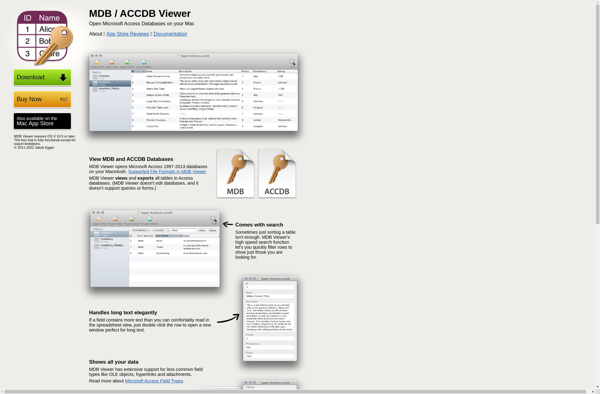

MDB Viewer Plus is an MS Access database reader and editor. It allows you to view, edit, and create MDB and ACCDB files without needing Microsoft Access installed. It's useful for opening Access databases when you don't have Access.
MDB Viewer Plus: MS Access Database Reader & Editor
MDB Viewer Plus allows you to view, edit, and create MDB and ACCDB files without needing Microsoft Access installed, perfect for opening Access databases when you don't have Access.
What is MDB Viewer Plus?
MDB Viewer Plus is software that allows you to view, edit, and create Microsoft Access (MDB/ACCDB) database files without having Microsoft Access installed. It can be used as a free alternative to Access for basic database operations.
Some key features of MDB Viewer Plus include:
Open, view, edit, and save MDB and ACCDB files
View and edit tables, queries, forms, reports, macros, modules, and more
Add, edit, and delete records in tables
Export table data to various formats like XLSX, CSV, HTML, JSON, etc.
Compact & Repair tool to optimize and fix errors in Access databases
Supports both MDB (Access 97-2003) and ACCDB (Access 2007+) formats
Free version available with full functionality but nags to upgrade to paid Pro version
MDB Viewer Plus is useful for anyone who needs to work with Access databases but doesn't have Microsoft Access installed or licensed. It provides basic editing and management capabilities for MDB/ACCDB files without the overhead of Access itself. The free version works well for simple tasks while the Pro version adds more advanced features.
MDB Viewer Plus Features
Features
View, edit, and create MDB and ACCDB files without needing Microsoft Access installed
Supports all data types including MEMO/Long Text fields and OLE objects
Edit table structure, add/delete/modify fields
Import/Export to multiple formats like CSV, XML, JSON, SQL
Filter, sort, find & replace data in tables
Print reports and data sheets
Password protection for MDB files
Supports Access 97 to 2019 file formats
Pricing
Freemium
One-time Purchase
Pros
No need to have Microsoft Access installed
Easy to use interface
Good performance with large databases
Can be used as free viewer
Cons
Lacks some advanced Access features like forms and macros
Paid license required for editing databases
Limited support for Access web apps and web databases
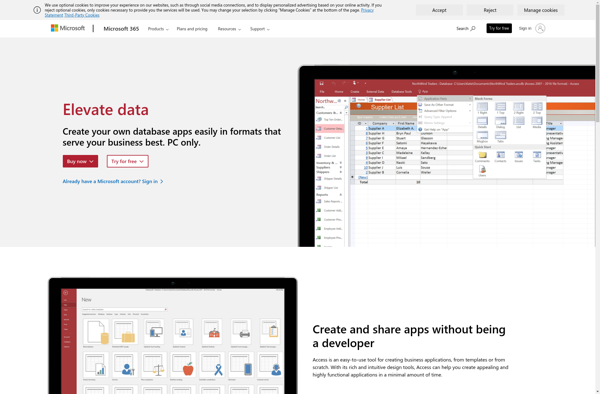
Microsoft Access is a database management system from Microsoft that is part of the Microsoft Office suite of productivity applications. It provides an easy-to-use graphical interface and tools for non-technical business users to create relational databases, tables, queries, forms, and reports to track and analyze data.Some key features of Access...
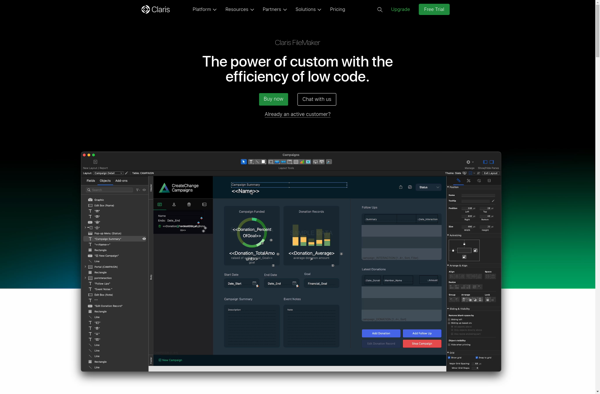
Claris FileMaker is a versatile database application platform that enables businesses and organizations to easily create custom database solutions tailored to their specific needs. Some key things to know about FileMaker:Works across Windows, Mac, iOS, Android, and web browsersFeatures an intuitive drag-and-drop interface for building database layouts and forms quickly...
LibreOffice Base is a free and open source database management application included as part of the LibreOffice software suite. It provides tools for creating, accessing, and managing SQL databases without the need for any additional database software.Some of the key features of LibreOffice Base include:Graphical database design tools for creating...
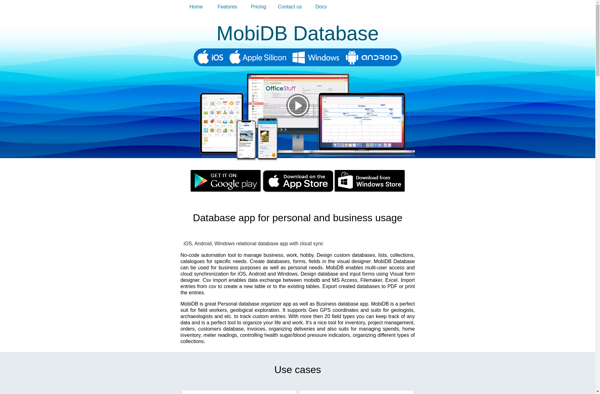
MobiDB Database is a relational database management system designed from the ground up for mobile applications and devices. Unlike traditional RDBMSs, MobiDB is optimized for offline usage, data synchronization, low resource utilization, and flexibility to evolve with changing application requirements.Some key features and benefits of MobiDB Database include:Offline data storage...
MDB Tool is a free, open-source program for working with Microsoft Access database files. It provides the ability to view, edit, and create MDB and ACCDB files without needing to have Microsoft Access installed.Some key features of MDB Tool include:Viewing and browsing tables, queries, forms, reports, modules and macros in...
MDB ACCDB Viewer is a free, open-source tool for viewing and extracting data from Microsoft Access databases (MDB/ACCDB files) without needing to have Microsoft Access installed.It provides a simple and intuitive interface to browse and explore Access database objects like tables, queries, forms, reports, macros and modules. You can view,...
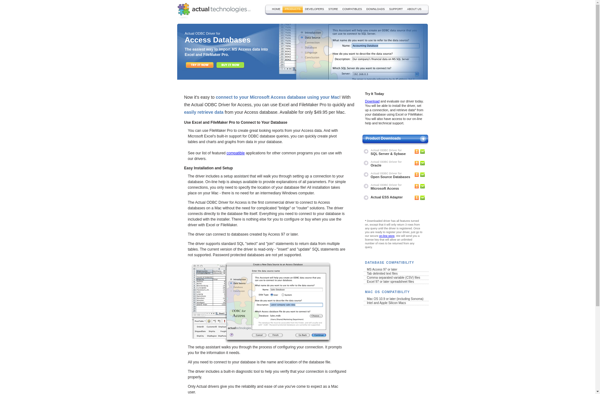
The Actual ODBC Driver for Access is a comprehensive connectivity solution that allows you to connect your Access databases to a wide range of applications and tools through the ODBC interface. It provides standardized, robust and secure access to Access data for business intelligence, analytics, reporting, migration, custom programming, and...
ACCDB MDB Explorer is a desktop software application designed specifically for working with Microsoft Access database files. It allows you to open, view, edit, and extract data from Access 2007-2019 ACCDB/MDB files without requiring Microsoft Access installed.Key features include:View and browse Access object structure including tables, queries, forms, reports, macros,...
Viewer for Access Database is a free, open-source tool that provides read-only access to Microsoft Access databases (mdb and accdb file formats) without requiring Microsoft Access to be installed. It allows you to open, view data and objects, print reports and forms, and search within Access databases on any Windows...
SysInfo MDB Viewer is a lightweight, cross-platform application for working with Microsoft Access database (MDB/ACCDB) files. As an open source tool, it is completely free to use and distribute.Some of the key features of SysInfo MDB Viewer include:Open, view, and browse MDB/ACCDB databasesView all database objects like tables, queries, forms,...
MDBLite is an open-source, lightweight, document-oriented database that retains many of the key features of MongoDB while being more resource-efficient. Like MongoDB, MDBLite stores data in flexible JSON-like documents rather than tables in rows and columns. This allows for heterogeneous data types to be stored together and for documents to...