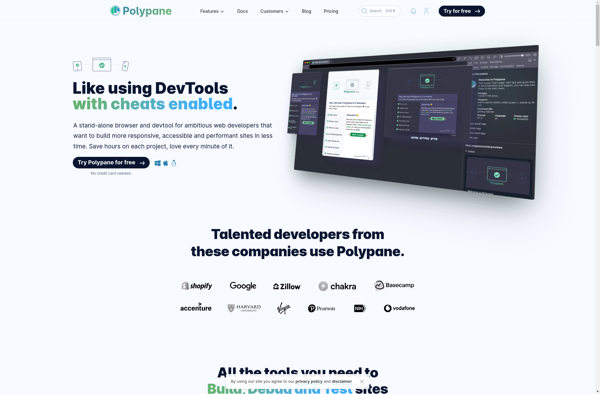
Polypane is a web browser designed specifically for web developers and designers. It allows you to view any website across multiple devices simultaneously, letting you ensure your responsive sites work well. It also has useful development and debugging features like CSS editing,
Polypane: Responsive Website Testing on Multiple Devices
Explore Polypane, a web browser for developers and designers, offering simultaneous device testing, CSS editing, network analysis, and element measurement.
What is Polypane?
Polypane is a web browser that is purpose-built for web developers and designers. It aims to streamline the testing and debugging process when building responsive websites and web apps.
One of the key features that sets Polypane apart from traditional browsers is its ability to show you a website rendered on multiple devices at the same time. You can add smartphone, tablet, laptop, and desktop viewports side-by-side to see how your site looks across screen sizes. This makes responsive design testing much faster.
Beyond responsive testing, Polypane includes a number of tools to improve workflow compared to using the web inspector in a typical browser:
Edit CSS live and see changes reflected instantly
Measure elements and spacing directly on the page
View network request waterfalls to analyze assets and performance
Integrates with Browserstack for remote device testing
Javascript and CSS error reporting
Works as Chrome extension or standalone app
With its emphasis on responsive testing and building sites for modern devices, Polypane is optimized for web designers, frontend developers, and UI/UX experts who want to streamline their testing and debugging process.
Polypane Features
Features
View website on multiple devices/screen sizes simultaneously
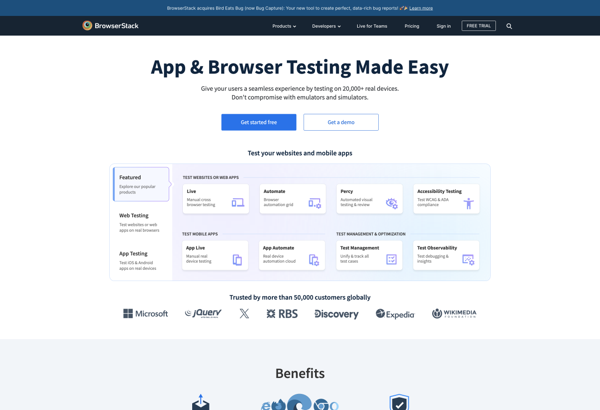
BrowserStack is a comprehensive cross-browser testing and debugging tool used for web and mobile application testing. It allows developers and testers to check their website or application across different browsers, operating systems, and real mobile devices, without needing to have all those environments set up locally.Some key features of BrowserStack...
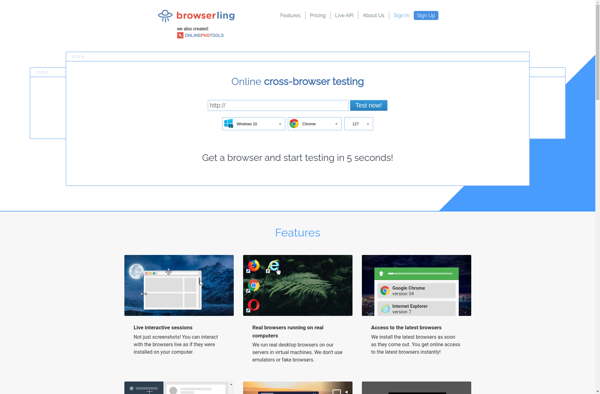
Browserling is an online cross-browser testing service that allows developers to test their websites across various browsers and operating systems without having to set up multiple devices and browsers locally. It launched in 2009 and aims to make web development and testing simpler.Some key features of Browserling include:Access to emulations...
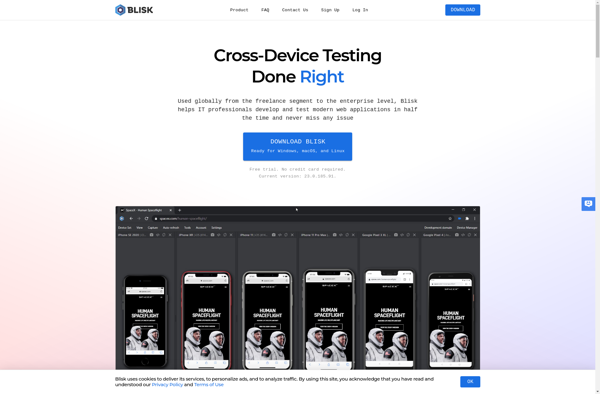
Blisk is a free and open-source web browser that is specifically designed for web developers and testers. It aims to improve productivity by providing a suite of tools for testing and debugging websites and web apps efficiently.Some of the key features of Blisk include:Device emulation - Allows viewing a website...
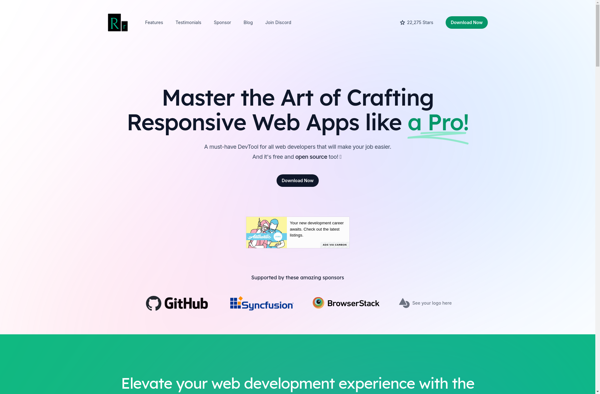
Responsively is a web development tool used to test the responsiveness of a website. It allows web designers and developers to see how their website will appear on various devices and screen sizes in real time.One of the main benefits of Responsively is that it displays your website across multiple...
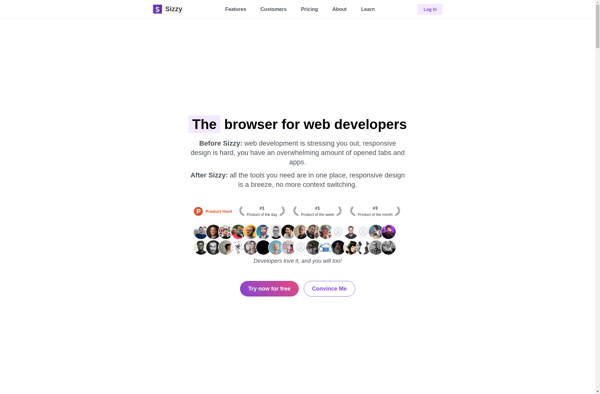
Sizzy is a lightweight browser extension tool for web developers and designers to preview and test responsive website designs across various device sizes and viewports. It displays rezisions of the website side-by-side on different simulated device screens like desktop, tablet, and mobile.This allows developers to visualize how their website will...
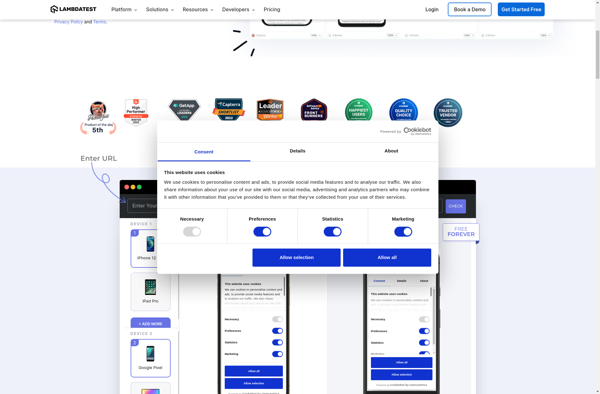
LambdaTest is a leading cloud-based cross browser testing platform that enables users to test their websites and web applications across 2000+ different browsers, browser versions, and operating systems. With LambdaTest, developers and testers can perform both manual and automated testing on a scalable, secure, and high-performance online grid.Key features of...
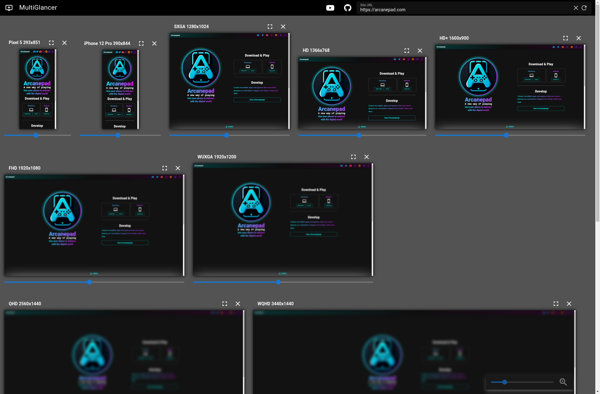
MultiGlancer is a unique desktop management software that revolutionizes multitasking and efficiency. It utilizes advanced window tiling algorithms to arrange all your open windows, applications, files and folders in a neat grid layout on your desktop.This grid-style interface allows you to see all your open items at a glance, without...
LT Browser is a fast, lightweight web browser designed for efficiency and ease-of-use. Some key features of LT Browser include:Minimalist interface - The simplified design provides a clean browsing experience without unnecessary menus or buttons.Low system resource usage - LT Browser uses less memory and CPU power than other major...
MultiBrowser is a free, open-source web browser developed by MultiCorp. It allows users to open multiple browsing windows and tabs within one application interface.Key features of MultiBrowser include:Tabbed browsing - Easily open, manage and switch between multiple tabsIncognito/private mode - Surf the web without saving browsing history or cookiesCross-platform sync...
Browshot is a cloud-based screenshot and web page capture service that allows you to take full-page screenshots of any website based on a URL. Some key features of Browshot include:Ability to take screenshots of any publicly accessible website by entering the URLCustomize screenshots by setting viewport size, delaying capture to...
CrossBrowserTesting is a cloud-based web application testing service that allows developers and quality assurance teams to test their websites and applications across a wide variety of browsers, operating systems, and real mobile and desktop devices. Its key capabilities and benefits include:Test across 1500+ browser and OS combinations including Chrome, Firefox,...