QuickShade is a digital painting and sketching program designed for concept artists, illustrators, matte painters, and art students. It features an intuitive user interface along with customizable brushes and powerful layer tools for quickly blocking in ideas and finishing polish
Digital painting and sketching program designed for concept artists, illustrators, matte painters, and art students, featuring intuitive user interface and customizable brushes.
What is QuickShade?
QuickShade is a versatile digital painting program tailored for entertainment artists and illustrators. It provides an intuitive, streamlined workflow that mimics traditional media through features like layer blending, wet paint effects, and specialty markers and brushes.
Some key features of QuickShade include:
Intuitive user interface and natural painting tools for quick idea generation
Customizable dual-brush system allowing for the creation of unique brushes and markers
Flexible layers system with over 15 blend modes for non-destructive editing and composition building
Wet paint engine that realistically simulates blending physical paints and solvents
Perspective guides, symmetry rulers, and other specialized tools
Built-in content library with mattes, textures, concept art templates, and more
With its balance of usability and advanced artistic options, QuickShade appeals to a range of creators from students to seasoned professionals. Concept artists, illustrators, matte painters, comic artists, and animators often use it for ideation sketches, color and mood studies, illustration, asset production, and polishing portfolio-ready pieces.
QuickShade Features
Features
Intuitive user interface
Customizable brushes
Powerful layer tools
Digital painting and sketching
Designed for concept artists, illustrators, matte painters and art students
Pricing
One-time Purchase
Pros
Easy to learn and use
Lots of brush customization options
Good for quickly blocking in ideas
Powerful layer management tools
Affordable compared to other similar software
Cons
Limited selection of built-in brushes
No animation or 3D tools
Fewer features than full professional software like Photoshop
BetterDisplay is a free and open-source display calibration software application for Windows, Mac, and Linux. It allows users to accurately calibrate the colors, brightness, contrast and other settings of their computer monitor or external display.BetterDisplay provides an easy-to-use workflow for guiding users through the calibration process step-by-step. It first has...
Monitorian is an open-source monitoring and observability platform for infrastructure and applications. It is designed to provide comprehensive visibility into system and application metrics, logs, and traces to help optimize performance and quickly troubleshoot issues.Key features of Monitorian include:Metrics collection - Supports gathering system (CPU, memory, disk, network) and application...
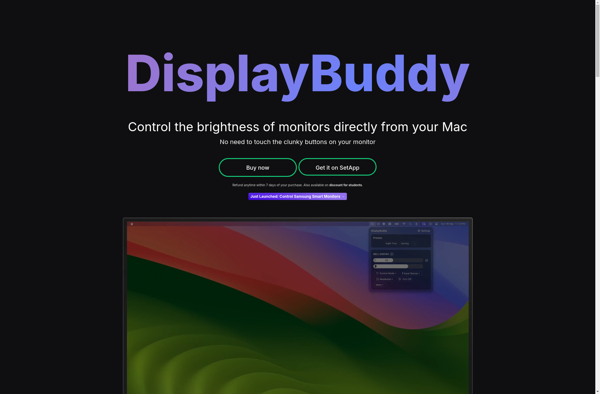
DisplayBuddy is a free, open-source utility for Windows that makes configuring multi-monitor setups easy and intuitive. It provides a streamlined interface to manage display arrangements, resolutions, refresh rates, rotations, and more with just a few clicks.Setting up multiple displays in Windows can be complex and confusing with the default options....
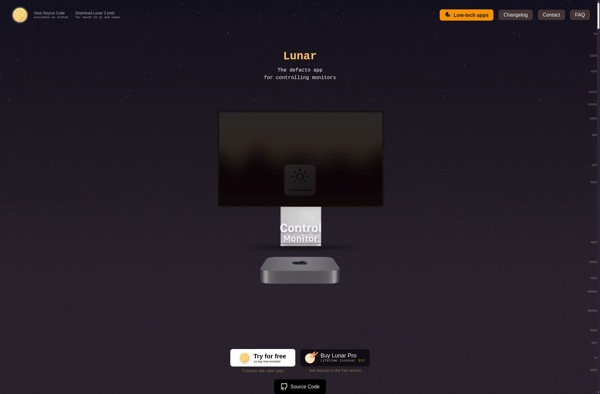
Lunar is a new open-source web browser focused on privacy protection and giving users more control over their browsing experience. It blocks online trackers and ads by default to prevent companies from collecting data on users' browsing habits and targeting them with ads.Some key features of Lunar include:Built-in tracking protection...
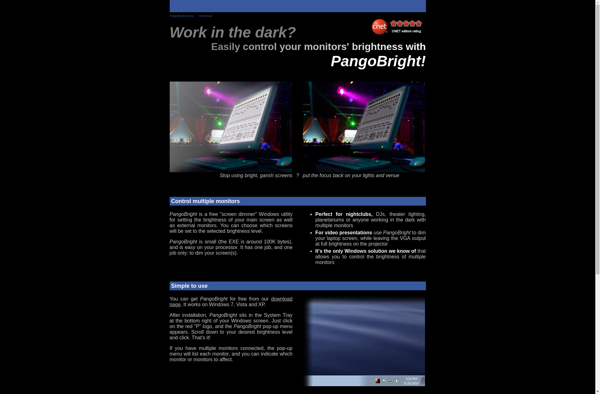
PangoBright is a feature-rich diagramming and vector graphics software used for creating a wide variety of visual graphics. With an easy-to-use interface and powerful editing tools, PangoBright enables users to craft high-quality diagrams like flowcharts, organizational charts, mind maps, wireframes, and more.Some key features of PangoBright include:Intuitive drag-and-drop interface to...
DimScreen is a lightweight, open source program that gives users more control over how dim they can make their display, for increased eye comfort when working in darker environments. It allows adjusting brightness lower than what is normally allowed by default system settings.By dimming the screen further, DimScreen helps reduce...
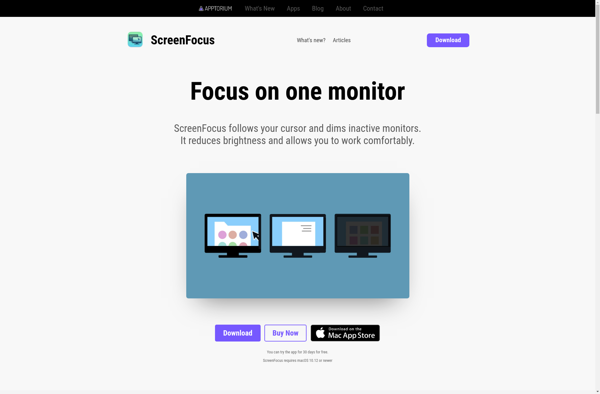
ScreenFocus is a productivity application designed to help users stay focused while working on devices by limiting access to distracting websites and apps. It works across Windows, Mac, iOS, and Android devices.Some key features of ScreenFocus include:Customizable focus sessions - Set timed sessions from 5 to 120 minutes to stay...
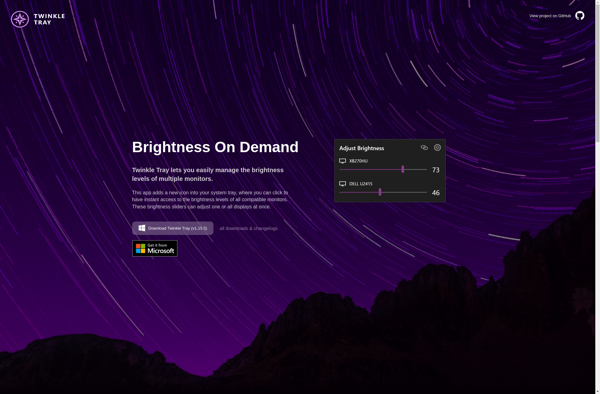
Twinkle Tray is a free, open source system tray application for Windows that provides easy access to common configuration settings and tasks. It runs minimized in the system tray and features an intuitive icon-based menu.With Twinkle Tray, you can quickly adjust screen brightness, speaker volume, and microphone volume using sliders....
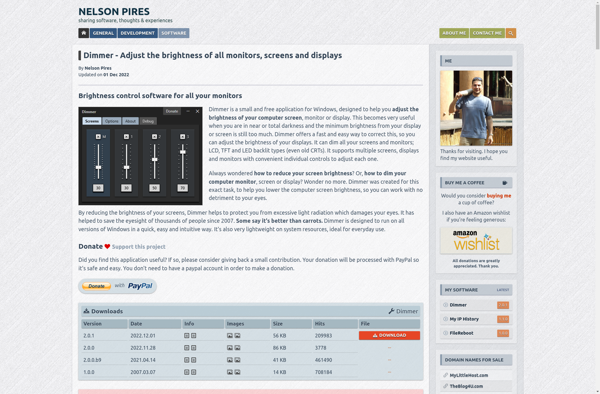
Dimmer is a free and open-source application for Windows that gives you extensive control over the brightness levels of your computer monitors and screens. It allows you to manually set brightness, create presets for different lighting conditions, set schedules to automatically adjust brightness at certain times of day, and more.Some...
iBrightness Tray is a lightweight, open source software application for Windows that gives you quick access to screen brightness controls right from the system tray.With iBrightness Tray installed, you can easily adjust your screen's brightness by simply clicking on the app's icon in the system tray and moving the brightness...
Monitor Bright is a free and open source software that gives you more control over your monitor's brightness settings. The default brightness controls in Windows often don't allow you to go bright enough, or make the screen too dark. Monitor Bright removes these limits so you can set the brightness...
Free Monitor Manager is an open-source multi monitor management software for Windows. It lets you easily configure multiple displays connected to your computer.Some key features of Free Monitor Manager:Set positions and layouts for your displays, including extended, mirrored, external only modesSave and load display configurations for quick switching between setupsSet...