Replace Text in Many Files is a text finding and replacing tool that can search for text across multiple files and folders and replace it with new text. It allows batch finding and replacing text rapidly across many documents.
A text finding and replacing tool that can search for text across multiple files and folders and replace it with new text, allowing batch finding and replacing text rapidly across many documents.
What is Replace Text in Many Files?
Replace Text in Many Files is a versatile text finding and replacing software that enables users to quickly find and replace text across multiple files and folders. It provides an easy way to make text replacements in batches across many documents with just a few clicks.
Some key features include:
Search through multiple files and folders at once for text to replace
Use advanced search options like regular expressions
Preview changes before applying them
Undo recent replace actions easily
Handle files of any format including code, XML, HTML, and more
Save and re-apply find/replace sets for batch operations
Lightweight and easy to use interface
Replace Text in Many Files delivers immense time savings compared to manually opening and editing individual files. It's invaluable for developers, writers, or anyone needing to make text replacements across many documents quickly and accurately.
Replace Text in Many Files Features
Features
Batch find and replace text across multiple files and folders
Supports various file types including text, office documents, and more
Provides a preview of changes before applying them
Allows creating and saving custom search and replace rules
Supports regular expressions for advanced text matching
Includes a built-in file explorer for easy navigation
Provides options to backup files before making changes
Pricing
Free
One-time Purchase
Subscription-Based
Pros
Efficient and time-saving for bulk text replacements
Supports a wide range of file formats
Customizable search and replace rules
Provides a safety net with backup options
User-friendly interface for easy navigation
Cons
Limited to text-based file types, may not work well with binary files
Potential for accidental data loss if not used carefully
May not have advanced features for complex text manipulation
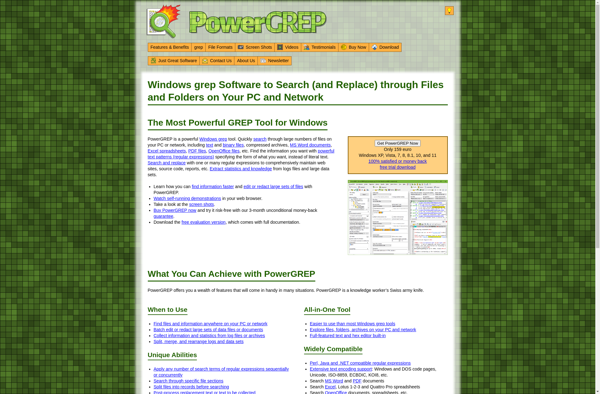
PowerGREP is a powerful text processing and search utility for Windows. It provides advanced functionality for searching, editing, converting, and manipulating text and code files of any size.Some of the key features of PowerGREP include:Versatile text search using regular expressions, wildcards, and other optionsBatch find and replace across multiple files...
AstroGrep is a versatile text and file search tool for Windows. It enables users to quickly find text, code, and other content across multiple files and folders on their computer or network drives.Some key features of AstroGrep include:Powerful regular expression support for advanced search capabilitiesSearch across unlimited files and foldersFilter...
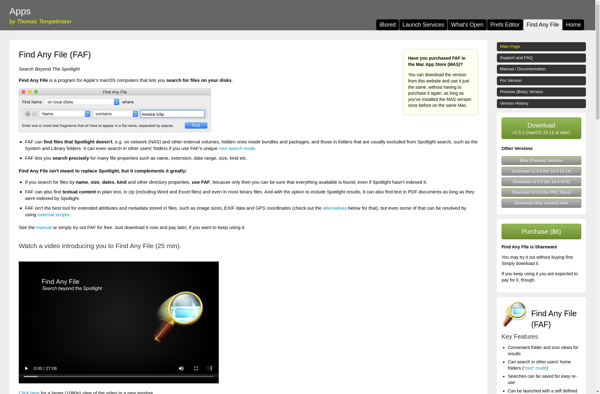
Find Any File is a powerful file search application for Windows. It enables you to easily search for files, folders, and other content across local, network, and external drives.Key features include:Intuitive search interface for quick searches by file name, type, date modified, size, and other attributesAdvanced search options like regular...
grepWin is a free, open-source search tool for Windows that provides powerful text search and replace functionality for files and folders. It works similarly to the grep command on Linux/Unix systems and allows you to search for text patterns, regular expressions, and other advanced search options across multiple files and...
Search Monkey is a free alternative to paid feed readers and search engines like Feedly and Google Search. It enables users to search multiple websites, blogs, news feeds, and more from a single interface and save frequent searches for quick access later.Some key features of Search Monkey include:Search through thousands...
Text Replacer is a powerful text utility software used to find and replace text across multiple files and folders. It provides an easy way to create rules that will automatically find and replace text in documents, source code, filenames, and more.Some key features of Text Replacer:Supports batch find and replace...
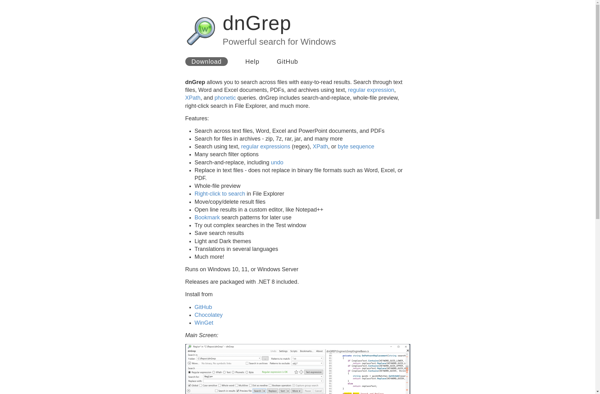
dnGREP is a powerful grep tool for Windows that provides advanced text searching and manipulation capabilities. Some key features of dnGREP include:Supports regular expressions for complex search queriesSearch across multiple files and directoriesReplace text across files with batch find/replaceFilter search results with inclusions/exclusionsGenerate reports from search resultsPlugin architecture for extensibilityPortable...
UltraFinder is a feature-rich file search and productivity tool for Windows. It aims to provide a faster, easier way to locate your files and get more done.Key features of UltraFinder include:Powerful search - Search your entire system almost instantly with many options like file name, content, date modified, type, size...
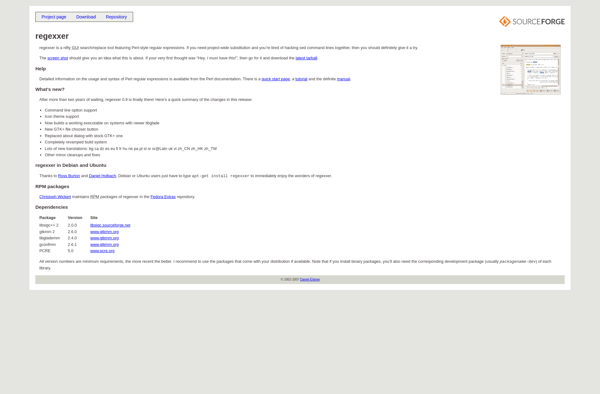
Regexxer is a feature-rich regular expression editor and tester that provides a suite of tools for efficiently building, testing and debugging regex patterns. It has an easy-to-use interface allowing you to focus on crafting regular expressions rather than getting bogged down in application complexity.Key features include:Intuitive editing interface with handy...
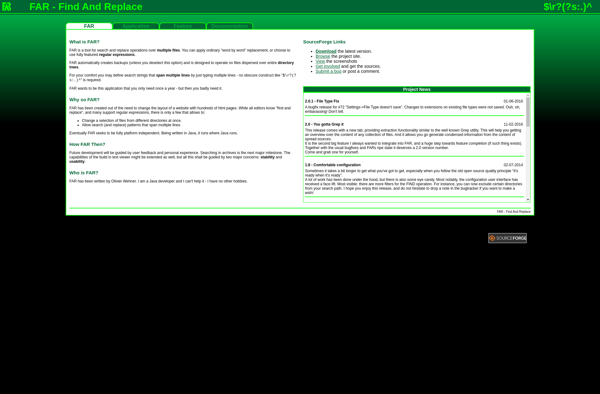
FAR - Find And Replace is a lightweight yet powerful find and replace tool for Windows. It allows you to search for text across multiple files and folders, and replace the found text with new text easily. Some key features of FAR include:Support for regular expressions for advanced search and...
fnr.exe is a Windows command line utility that can batch rename multiple files in a folder by appending an incrementing number or custom text to the start or end of the filename. This makes it easy to organize large groups of unsorted files and prevent filename conflicts.Some key features of...