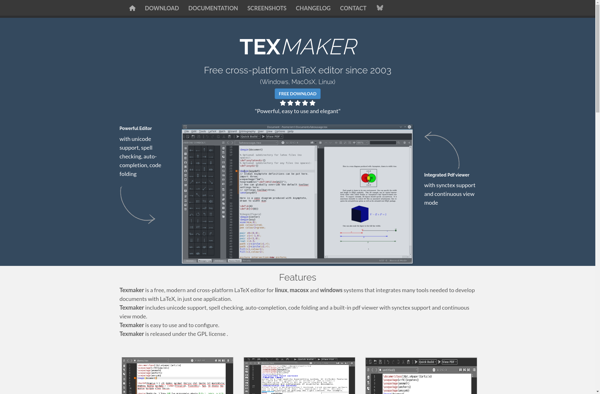
Texmaker is a free, open-source LaTeX editor for Windows, Linux, and macOS. It integrates many tools needed to develop documents with LaTeX, including built-in PDF viewer, syntax highlighting, reference checking, and wizard for documenting tables and figures. It has a clean inter
A free, open-source LaTeX editor for Windows, Linux, and macOS, integrating tools like PDF viewer, syntax highlighting, and reference checking.
What is Texmaker?
Texmaker is a feature-rich, open-source LaTeX editor that allows users to efficiently write and compile LaTeX documents. As an integrated writing environment, Texmaker includes many useful tools for authoring with LaTeX, such as:
Built-in PDF viewer to see compiled document alongside the source code
Syntax highlighting for error detection
Reference checker to easily find multiple or unused labels and bibliography keys
Indexing helper to generate list of indexed words
Wizards to quickly document tables, figures, images, and mathematical formulas
Project explorer to navigate multi-file projects
Structure viewer to see document structure at a glance
Despite its many features, Texmaker maintains a clean, simple graphical interface. The editor window has an unintimidating appearance with clear menu organization, appealing icon images, and helpful tooltips throughout. This makes Texmaker easy for LaTeX beginners to understand while still providing efficiency for advanced LaTeX writers.
Texmaker aims for broad platform support across Windows, Linux, and macOS. The software is free and open-source, licensed under GPL v2. It is under active development from creator Pascal Brachet and is translated into over 30 languages by worldwide contributors.
As a student writing my thesis, Texmaker has been a perfect fit. The clean interface made it easy to pick up, and having the PDF viewer right next to my code is incredibly convenient. It has all the essential tools …
As a student trying to write my thesis, I found Texmaker's built-in PDF viewer constantly lagging and freezing when scrolling through complex documents. The auto-completion and reference checking often crash mid-session, forcing me to restart and lose work. For a …
Solid Free LaTeX Editor, But Could Use Some Polish
As a student using LaTeX for reports and theses, Texmaker has been a great free tool to get started with. The integrated PDF viewer and reference checking save me a ton of time flipping between windows, and the interface is …
Texmaker got me started with LaTeX thanks to its clean interface and built-in PDF viewer, which made checking my work easy. However, I found some of the auto-completion and reference checking features a bit slow and unintuitive compared to other …
As a graduate student writing my thesis, Texmaker has been a lifesaver. The clean interface made it easy to pick up LaTeX without being overwhelming. Having the PDF viewer right next to my code and the helpful wizards for tables …
Fidus Writer is a free and open source web-based collaborative document editor for academics and researchers. It is designed for collaboratively writing long documents like research papers, theses, books and reports.Key features of Fidus Writer:Real-time collaboration - Multiple authors can edit the same document at the same time with changes...
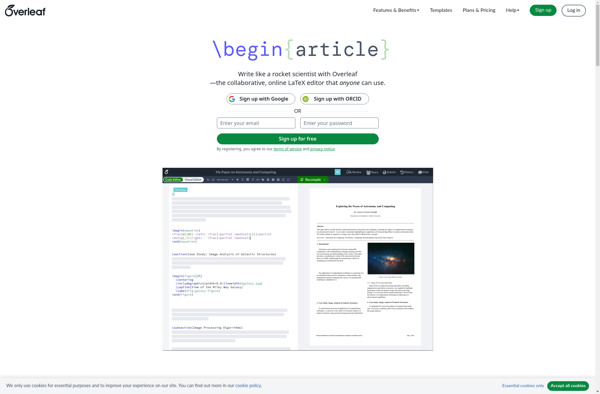
Overleaf is an online collaborative LaTeX editor and publishing platform that makes the process of writing, editing and publishing scientific documents much quicker for both beginners and advanced users. Overleaf supports real-time editing and previewing of LaTeX documents, allowing multiple authors to edit a document simultaneously while seeing changes appear...
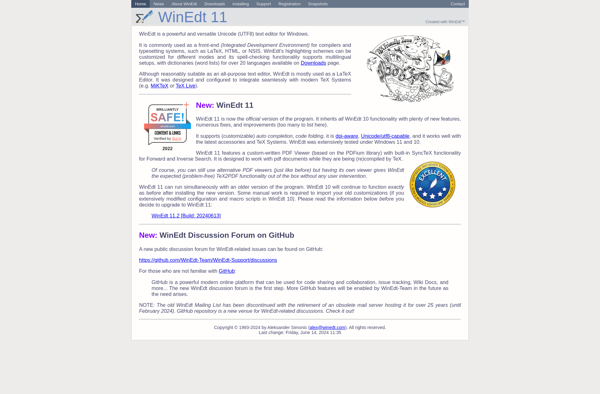
WinEdt is a feature-rich text editor and integrated development environment specifically designed for Windows. It excels at editing LaTeX documents and has strong TeX/LaTeX support.Key features of WinEdt include:Syntax highlighting and code folding for easy editing of TeX/LaTeX filesReference checking and index generation for catching errorsBuilt-in LaTeX compiler and viewer...
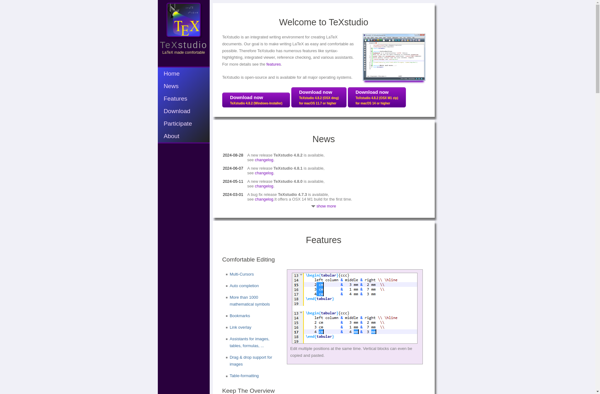
TeXstudio is a feature-rich, open-source LaTeX editor that runs on Windows, Linux, and macOS. It provides an intuitive interface and advanced editing capabilities for working with LaTeX documents.Some of the key features of TeXstudio include:Syntax highlighting and code completion for LaTeX commands and environmentsConfigurable build tools for compiling LaTeX to...
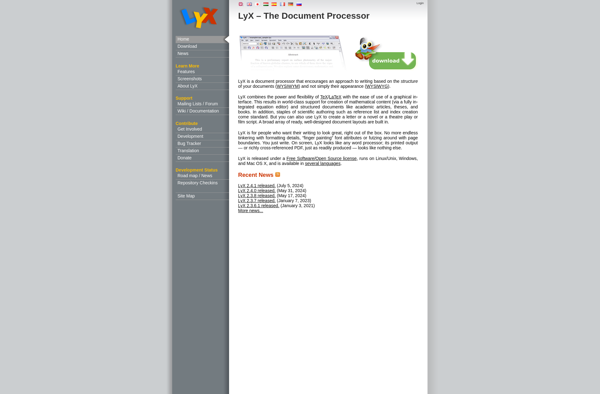
LyX is an open source document processor that emphasizes the visual layout and structure of documents rather than stylistic markup. It uses LaTeX, an advanced document preparation system, behind the scenes to render documents to PDF or other formats while insulating authors from the LaTeX code.Some key features of LyX...
Gummi is a graphical LaTeX editor designed specifically for the GNU/Linux operating system. It is developed using the GTK+ toolkit and aims to provide a comfortable and usable editing environment for working with LaTeX documents.Some of the key features of Gummi include:Live preview - Gummi can display a live rendering...
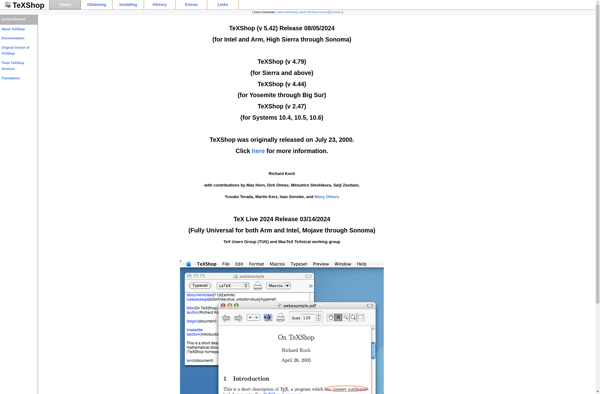
TeXShop is a popular TeX and LaTeX integrated development environment (IDE) designed specifically for macOS. It provides a user-friendly interface and several useful features for authoring TeX documents:- Syntax highlighting for TeX sources makes documents more readable and easier to edit.- Integrated LaTeX compilers (TeX, PdfTeX, XeTeX, LuaTeX) automatically turn...
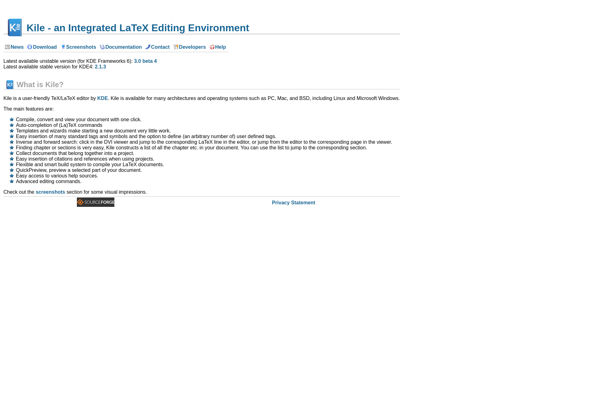
Kile is a feature-rich LaTeX editor for Linux, Windows, and macOS operating systems. As an open-source application, Kile is free to download and use.Some of the key features that Kile provides include:Syntax highlighting and code folding for LaTeX filesSupport for compiling documents and viewing output directly within the editorProject management...
TexitEasy is a free and open source cross-platform text editor designed to be user-friendly while still providing robust text editing capabilities. Some key features of TexitEasy include:Lightweight and fast, with low memory usageSupport for syntax highlighting of multiple programming languages like Python, JavaScript, CSS, etcCustomizable interface with different color schemes...
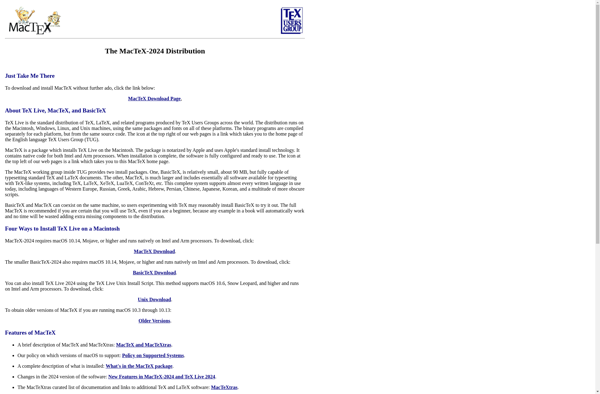
MacTeX is a comprehensive TeX/LaTeX distribution for macOS that is based on TeX Live. It includes the major TeX engines (pdfTeX, XeTeX, LuaTeX), an extensive collection of macro packages, reference works, documentation, and fonts. MacTeX also bundles useful graphical applications like TeXShop, TeXworks, BibDesk, LaTeXiT, and Excalibur.Some of the key...
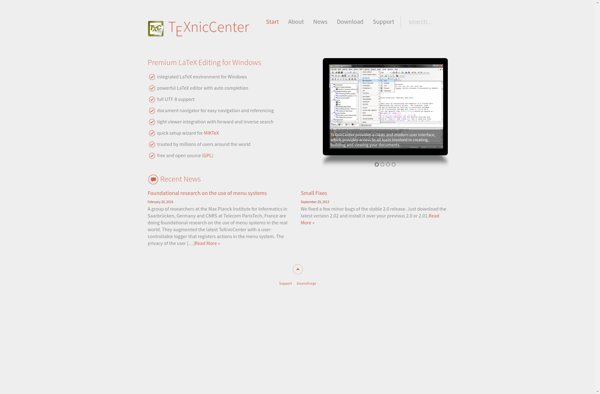
TeXnicCenter is a free and open-source integrated development environment (IDE) for creating LaTeX documents on Windows. Some key features include:Project management tools to organize LaTeX documents and filesSyntax highlighting and code completion to write LaTeX code more efficientlyCustomizable build configurations for compiling LaTeX projectsInline spell checking and code validationVisual LaTeX...
Typeset is a cloud-based platform that aims to make research writing and publishing easier for academics and researchers. It utilizes artificial intelligence to provide a suite of tools for writing, formatting, collaborating on, and submitting research documents like journal articles, conference papers, theses, grant proposals, and more.Some key features of...
Bakoma Tex is a specialized TeX and LaTeX formatting program developed by Bakoma Software. It is designed specifically for writing complex mathematical and scientific documents easily and intuitively.Unlike regular TeX distributions which require manually typing TeX code, Bakoma Tex provides a graphical user interface with a WYSIWYG editor. This allows...
Adobe FrameMaker is a desktop publishing and word processing software application used by technical writers and documentation professionals to author technical documentation. It has a range of features that make it well-suited for creating long, structured documents like software manuals, reference guides, technical textbooks, etc.Some of the key features of...
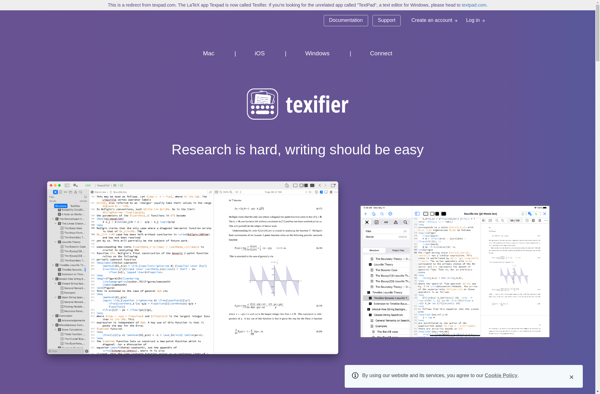
Texpad is a feature-rich LaTeX editor designed specifically for working with LaTeX documents. Some key features of Texpad include:Beautiful and clean user interface optimized for writing LaTeXLive preview that renders equations and diagrams for rapid document creationPowerful auto-completion of LaTeX commands, citations, cross-references, etc.Robust syntax highlighting and error detectionSupports major...
TeXpert is a feature-rich LaTeX editor and productivity suite aimed at students, academics, scientists, and other technical writers who use LaTeX. It was created to make writing documents, research papers, theses, and books in LaTeX more efficient.Key features of TeXpert include:Intelligent auto-completion of LaTeX commands, references, citations, images, and moreExtensive...
VerbTeX is a feature-rich LaTeX editor optimized for efficient writing and publishing of scientific papers, reports, theses and books. It has an intuitive and customizable user interface designed specifically for LaTeX.Key features of VerbTeX include:Auto-completion of LaTeX commands, environments, references and citations as you typeCustomizable templates and wizard for quick...
SwiftLaTeX is an open-source LaTeX editor developed specifically for macOS. It aims to provide a fast, stable and easy to use editing experience for working with LaTeX documents.Some key features of SwiftLaTeX include:Clean and intuitive user interface following macOS design conventionsLive preview that updates in real-time as you typeSyntax highlighting...
TexMaths is a handy Windows application for typing and inserting mathematical equations into documents. As an open-source LaTeX equation editor, it allows anyone to access a robust tool for math typesetting without expensive proprietary software.At its core, TexMaths utilizes the powerful LaTeX typesetting system for rendering professional-quality mathematical notation. However,...
Latexian is an open-source document preparation system aimed at making it easier to create professional documents with LaTeX typesetting. It features a user-friendly graphical interface that allows you to write and edit LaTeX code visually without having to remember complicated syntax.Key features include:Intuitive WYSIWYG-style LaTeX editor with live previewSyntax highlighting,...
Authorea is an online collaborative editor and publishing platform designed specifically for academic writing and research publications. It aims to make the process of writing, editing, discussing, sharing, and publishing academic papers much easier and more efficient.Some key features of Authorea include:Real-time collaborative editing - Authors can invite collaborators to...
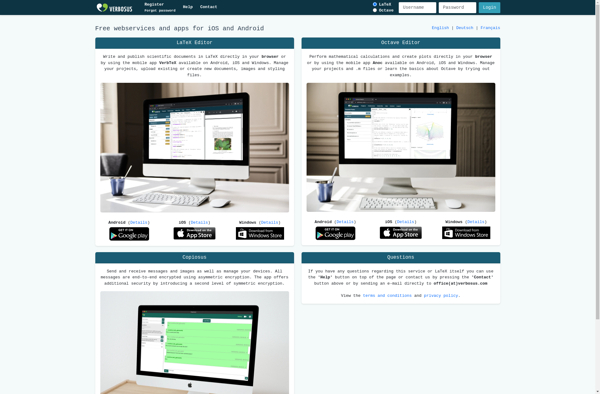
Verbosus is an innovative online LaTeX editor aimed at making creating professional documents easy. It offers a user-friendly web interface for writing, editing, and exporting LaTeX projects without needing to install any software locally.Key features of Verbosus include:Intuitive visual editor with live preview - See changes rendered in real-time as...
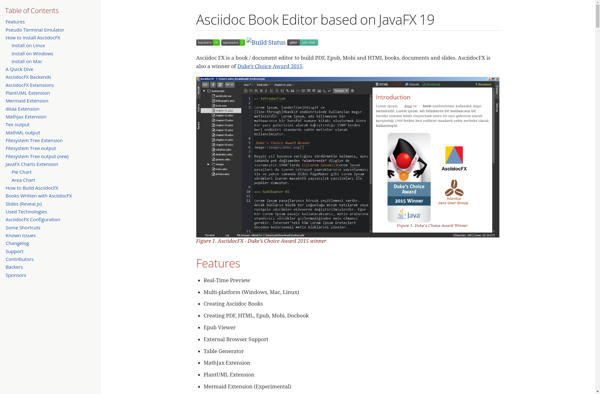
AsciidocFX is a feature-rich text editor specifically designed for writing and previewing AsciiDoc and Markdown markup languages. With its intuitive user interface, live content preview, and extensive format conversion abilities, AsciidocFX aims to provide an efficient single-source publishing workflow for technical writers, software documentation authors, students, engineers, and anyone producing...
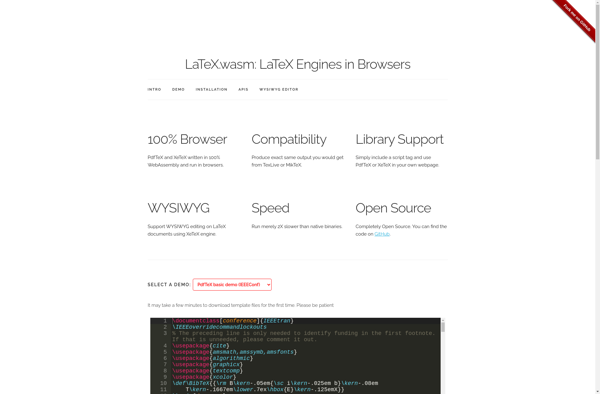
TeXPortal is an open-source, cross-platform LaTeX editor and PDF viewer designed specifically to meet the needs of academics and researchers. It features a user-friendly WYSIWYG editor that allows you to write professional documents in LaTeX without having to learn LaTeX code.Some of the standout features of TeXPortal include:Intuitive WYSIWYG LaTeX...
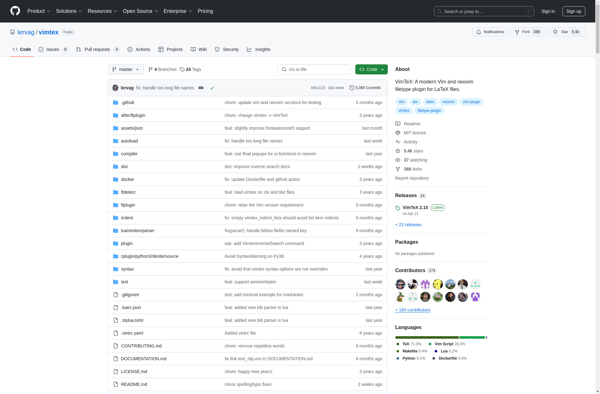
VimTeX is a powerful Vim plugin that brings extensive LaTeX support and capabilities to Vim, the popular text editor. It helps LaTeX authors and editors work more efficiently when writing or editing LaTeX documents in Vim.VimTeX provides syntax highlighting specifically for LaTeX files, which visually distinguishes LaTeX commands, environments, sections,...
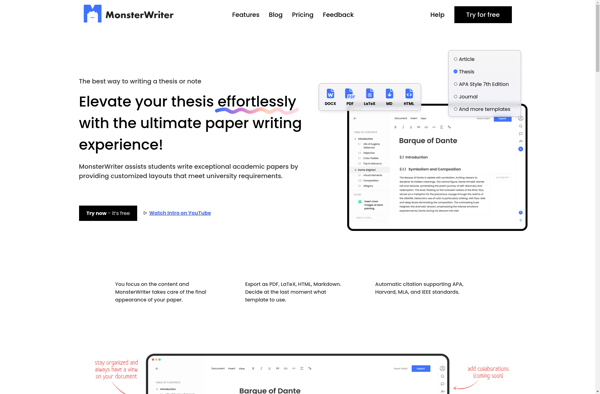
MonsterWriter is a distraction-free word processor and text editor designed specifically for creative writers. It has a clean, minimalist interface that eliminates distractions so you can stay focused on your writing.Some key features of MonsterWriter include:Distraction-free writing environment - No bells and whistles, just a simple, clutter-free interfaceAdvanced export options...
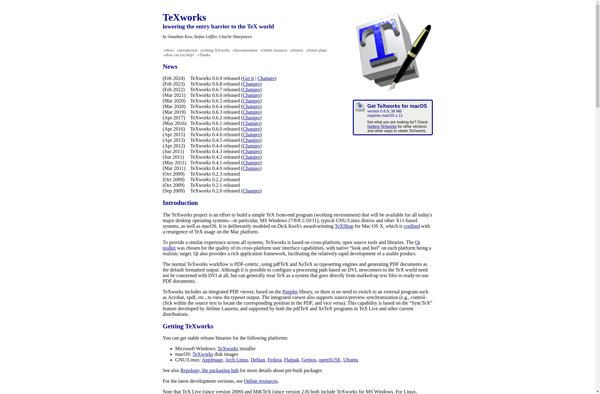
TeXworks is a free, open source LaTeX editor and PDF viewer that runs on Windows, MacOS, and Linux. It aims to provide an easy-to-use interface for working with LaTeX documents.Some key features of TeXworks include:Syntax highlighting and auto-completion for LaTeX documentsBuilt-in PDF viewer to preview documentsSupport for compiling LaTeX files...
ShareLaTeX is a free online LaTeX editor and compiler that allows real-time collaboration for writing and editing LaTeX documents. Some key features of ShareLaTeX include:Real-time collaborative editing - Multiple authors can edit a document at the same time while seeing each other's changes instantly.LaTeX compiler - Documents are compiled in...
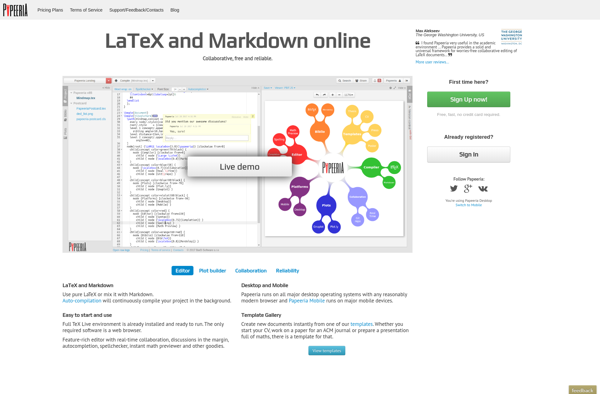
Papeeria is a free online document editor and collaboration platform aimed at academic and scientific writing. It allows multiple users to edit a document at the same time with real-time co-editing, making it easy to collaborate on research papers, reports, theses and more.Some key features of Papeeria include:Built-in LaTeX support...
ScribTeX is a free and open source reference management software designed specifically for use with LaTeX. It helps writers organize, manage, and insert citations and bibliographies in LaTeX documents.Some key features of ScribTeX include:Store reference metadata like title, author, year, etc. for books, articles, websites, and moreOrganize references with tags...
LaTexLab is a free, open-source LaTeX editor that makes writing LaTeX documents easier and more efficient. It was created by James Yu as an Electron-based alternative to offline LaTeX editors like TeXworks or TeXmaker. Some key features of LaTexLab include:Real-time preview - See your formatted LaTeX document update live as...
LaTeXing is a free, open-source document preparation system designed specifically for advanced typesetting needs, especially in technical and scientific writing. Unlike typical word processors like Microsoft Word, LaTeXing uses a markup language to structure documents, separating content from design.Some key features and benefits of LaTeXing include:Professional typesetting quality - LaTeX...
Vim-LaTeX is a powerful Vim plugin that greatly enhances the experience of editing LaTeX files in Vim. It provides a wide range of features that make working with LaTeX extremely efficient, including:Compiling LaTeX files with a single shortcut and showing compilation errorsForward and inverse search - jump between source code...
Latexila is a lightweight yet full-featured LaTeX editor for Linux systems. Developed in C and GTK+, Latexila aims to provide an easy-to-use editor for working with LaTeX documents.Key features of Latexila include:Syntax highlighting for LaTeX filesCode completion for LaTeX commands, environments, references etc.Document structure tree view showing sections, subsections etc.Integrated...
JLatexEditor is a free, open-source LaTeX editor written in Java. It provides an easy-to-use graphical interface for writing, editing, and compiling LaTeX documents.Key features of JLatexEditor include:Syntax highlighting for LaTeX filesAuto-completion of LaTeX commands and environmentsIntegrated PDF viewer to see compiled document in real-timeCustomizable editor themes and layoutsProject explorer to...
Inlage is an open-source, cross-platform note taking and knowledge management application. It is designed to be highly flexible and customizable to suit a variety of workflows.Some key features of Inlage include:Support for rich text documents with formatting, images, tables, etc.Hierarchical note organization using notebooks and tagsBi-directional links between notes for...
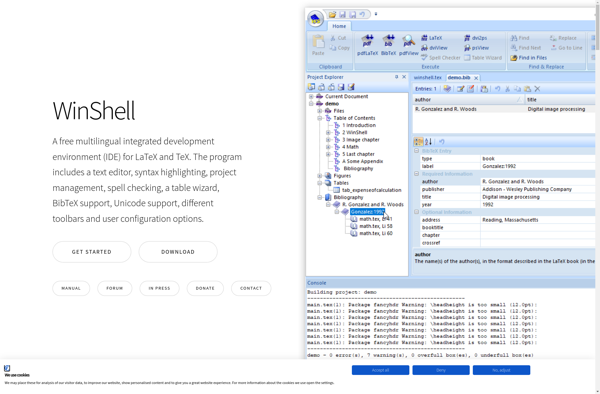
WinShell is a free and open source tool that enhances the Windows command line interface and file management capabilities. It adds many useful features on top of the default Windows command prompt and Windows Explorer.Some of the key features of WinShell include:Commonly used commands like copy, move, delete, etc. with...