Windows Event Viewer Plus is an event log monitoring and management tool for Windows. It enhances the built-in Windows Event Viewer with advanced filtering, alerts, reporting, and other features to help analyze log data and troubleshoot issues.
Windows Event Viewer Plus: Advanced Log Monitoring & Managements
Windows Event Viewer Plus is an event log monitoring and management tool for Windows. It enhances the built-in Windows Event Viewer with advanced filtering, alerts, reporting, and other features to help analyze log data and troubleshoot issues.
What is Windows Event Viewer Plus?
Windows Event Viewer Plus is a third-party software that builds on the basic event logging and monitoring capabilities in Windows. It provides IT professionals, system administrators, and power users with an enhanced toolset to work with event logs more efficiently.
Key features of Windows Event Viewer Plus include:
Advanced filtering of log data based on various criteria like event source, ID, keywords, etc.
Custom views to focus on events from specific sources or with high severity
Alerting and notification options (email, SMS) for critical events in real-time
Automated reporting for log analysis and compliance audits
Remote monitoring and management of event logs across multiple Windows servers
Log forwarding to central SIEM or log management solutions
Role-based access control for managing user permissions
By improving upon the native Windows Event Viewer, Windows Event Viewer Plus provides added visibility into system, security, and application events on Windows machines. It is useful for tasks like troubleshooting problems, performing forensic analysis, and adhering to regulatory compliance standards.
Windows Event Viewer Plus Features
Features
Advanced filtering of event logs
Real-time event monitoring and alerts
Scheduled reporting on event log data
Event log archiving and backup
Remote event log access
Event log analytics and visualization
Pricing
One-time Purchase
Pros
More powerful filtering than standard Event Viewer
Customizable alerts for critical events
Scheduled reports help spot trends
Archiving protects against log deletion
Access logs remotely to troubleshoot issues
Visualizations provide quick overview of log data
Cons
Requires purchase unlike free Event Viewer
Can take time to set up alerts and reports
Advanced features like analytics require learning curve
Event Viewer is a built-in Windows tool that enables users to view event logs and alerts generated in the Windows operating system. It tracks system events, security events, and custom application events across Windows computers.Event Viewer provides a centralized location for IT professionals, support technicians, and advanced users to monitor...
Nagios Log Server is an open-source solution for log monitoring, analysis and alerting. It is designed to address the growing need for centralized log data and event monitoring in IT environments.Key features and capabilities include:Real-time log data aggregation from multiple sources like files, databases, network devices and morePowerful searching and...
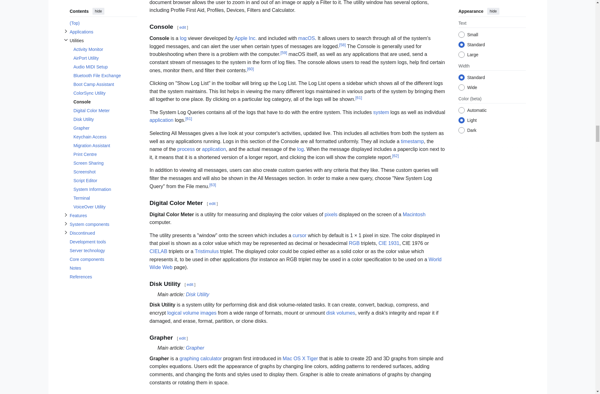
The macOS Console, formerly known as Terminal, is a built-in command line interface application on Macintosh operating systems. It provides users access to the Unix shell and Berkeley Software Distribution (BSD) commands for administration of the operating system.Some key features and capabilities of the macOS Console include:File system navigation and...
Event Log Explorer is a feature-rich Windows event log viewer, analyzer and management tool. It provides powerful capabilities for gathering and analyzing log data from domain controllers, servers, workstations, applications and devices across a Windows network.Key features include:Real-time and historical log data collection from multiple Windows machinesAdvanced filtering to quickly...
FullEventLogView is a free advanced log viewer for Windows that displays log entries from important Windows event logs like Application, Security, System, DNS Server, File Replication Service, Directory Service etc. in a single table. This allows easier analysis and filtering of event log data compared to using the built-in Windows...
EventReader is an open-source event logging and analytics software designed to help organizations collect, store, search and visualize event log data from various systems and applications. It provides a centralized platform to aggregate event logs in order to identify trends, patterns and obtain valuable insights.Key capabilities and benefits include:Collect and...
MyEventViewer is a free and open source event log viewer application for Windows. It provides an easy way to view, monitor, and analyze event logs on your Windows computer or server, including critical logs like Application, Security, Setup, and System.Key features of MyEventViewer:Intuitive and customizable UI to filter, search, highlight,...
GFI EventsManager is a comprehensive log and event management solution designed to help organizations monitor IT infrastructure activity, achieve compliance objectives, and detect threats. Some key features include:Centralized logging - Collect and store logs from across your network including Windows, Linux, network devices and more in one secure location.Real-time monitoring...
AdvancedEventViewer is an open-source Windows event log viewer and analysis tool. It is an alternative to the built-in Windows Event Viewer, providing several improvements and enhanced capabilities.Key features of AdvancedEventViewer include:Modern and intuitive user interface with customizable color themesPowerful filtering to quickly find relevant eventsBookmark events for later referenceHighlight, annotate,...
Lepide Event Log Manager is a comprehensive Windows event log management solution designed to help organizations effectively collect, monitor, report on, and archive event logs generated across the IT infrastructure. Some key capabilities include:Centralized event log collection from Windows servers, workstations, and other systems across the networkReal-time and historical analysis...
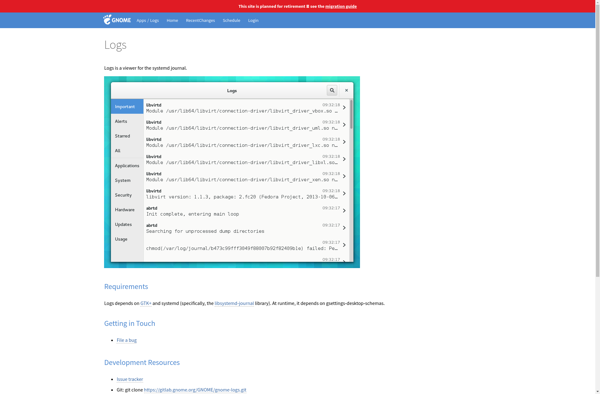
gnome-logs is a log viewer application designed for the GNOME desktop environment on Linux. It provides a simple graphical interface to view, monitor, and analyze log files generated by various applications and services running on a system.Some key features of gnome-logs include:Easy browsing and searching of log files, with filtering...