Day One
Day One — Journal App with End-to-End Encryption (2026 Review)
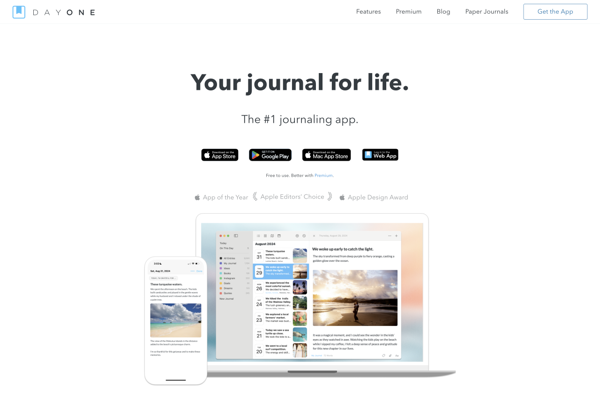
Day One is a journaling app for iOS, macOS, Android and web. Features photo journals, automatic location and weather tagging, Markdown support, and end-to-end encryption.
What is Day One?
What Is Day One?
Day One is a dedicated journaling app for iOS, macOS, Android, and the web. Since launching in 2011, it has become the most popular digital journal for people who want a clean, focused writing experience with automatic metadata like location, weather, and music tagging.
Key Features
The editor is distraction-free and supports Markdown formatting. Each entry is automatically tagged with your location, current weather, step count, and what you were listening to on Spotify — details that make reading old entries surprisingly vivid.
You can attach up to 30 photos per entry, and Day One displays them in a clean gallery format. The On This Day feature surfaces old entries with their photos, creating a personal time capsule effect that keeps users coming back.
End-to-end encryption means even Day One cannot read your entries. For a journaling app where people write their most private thoughts, this level of privacy is essential.
Sync across all devices is fast and reliable, with automatic backups ensuring entries are never lost.
Pricing
Day One offers a free tier limited to one journal and one photo per entry. The Premium subscription costs approximately 4 dollars per month (billed annually at around 50 per year) and unlocks unlimited journals, 30 photos per entry, audio and video attachments, and end-to-end encryption.
Who Day One Is For
Day One is ideal for daily journalers who want a dedicated app that does one thing exceptionally well. It is particularly strong for photo journaling, Apple ecosystem users, and anyone who values privacy with end-to-end encryption. The automatic metadata tagging sets it apart from general note-taking apps.
Limitations
There is no native Windows app — Windows users must use the web version. The subscription price feels steep compared to free alternatives. Templates exist but are less flexible than what Notion or Apple Notes offer.
Day One Features
Features
- Intuitive interface for quick journaling
- Photo, audio, video, and location tagging
- Password protection and encryption
- iCloud sync between devices
- Customizable templates and fonts
- Automatic backups to prevent data loss
- Calendar view and timeline
- Reminders and notifications
- Hashtag support to organize entries
- Dark mode support
Pricing
- Subscription-Based
Pros
Cons
Official Links
Reviews & Ratings
Login to ReviewThe Best Day One Alternatives
View all Day One alternatives with detailed comparison →
Top Home & Family and Journaling and other similar apps like Day One
Here are some alternatives to Day One:
Suggest an alternative ❐
Life Diary

Trailmix

Daylio

Pencil Journal
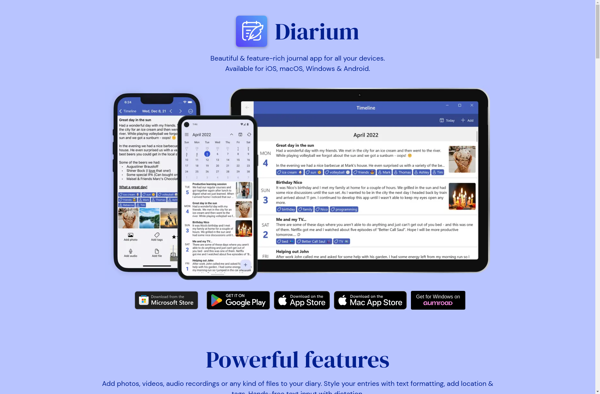
Diarium

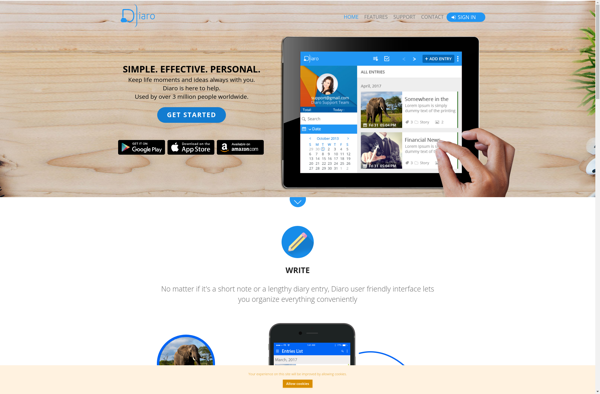
Diaro

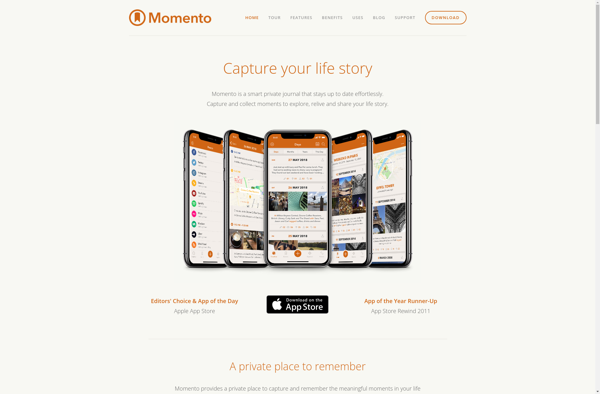
Momento

Journaley

IDailyDiary

Introspekt

Stoic.
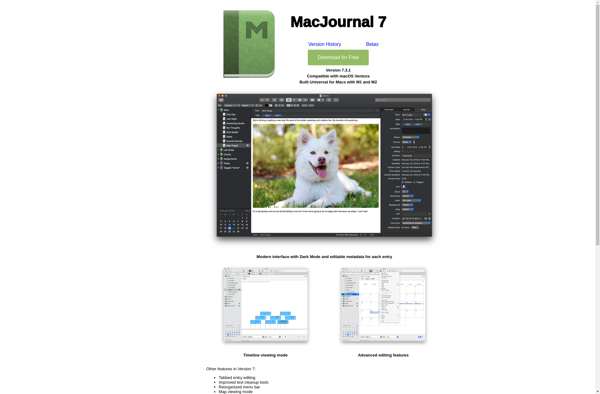
MacJournal

Penzu
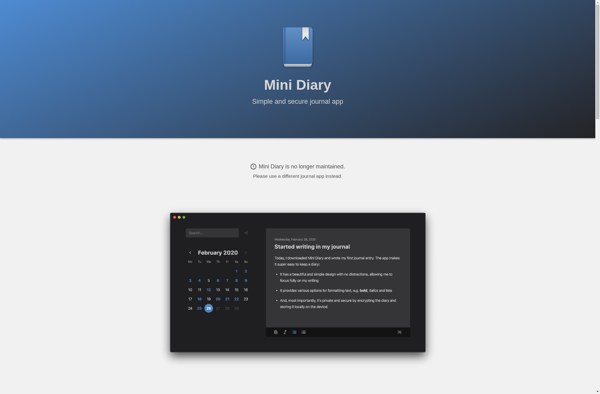
Mini Diary
Writeaday

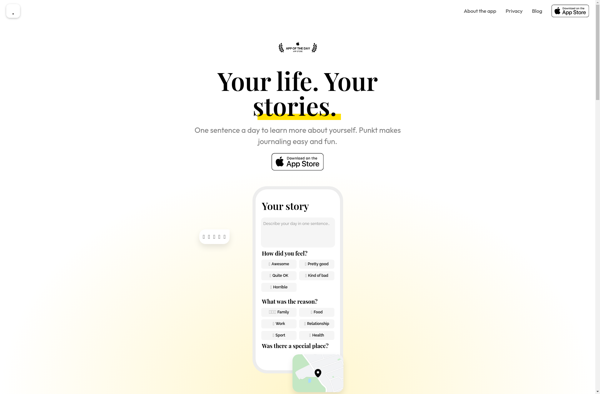
Punkt

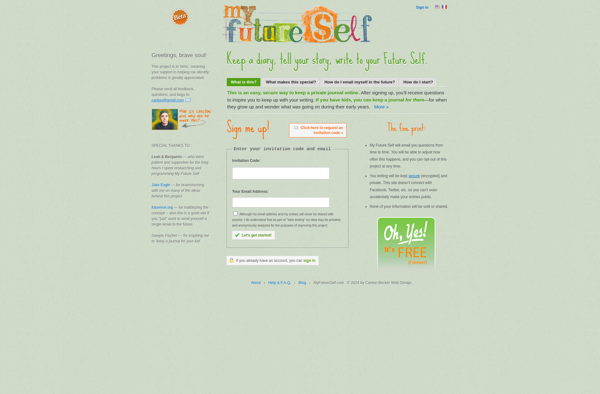
My Future Self

Elisi: Digital Bullet Journal


Journal it

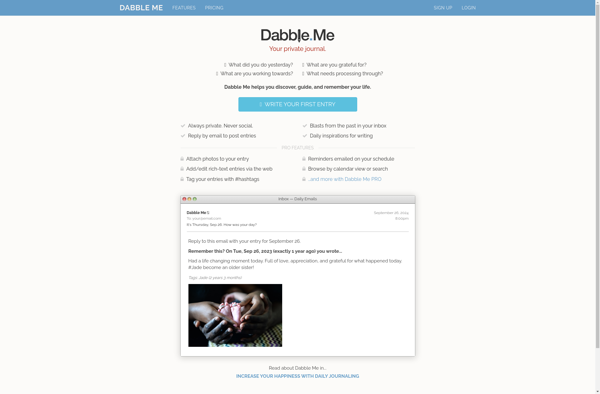
Dabble Me
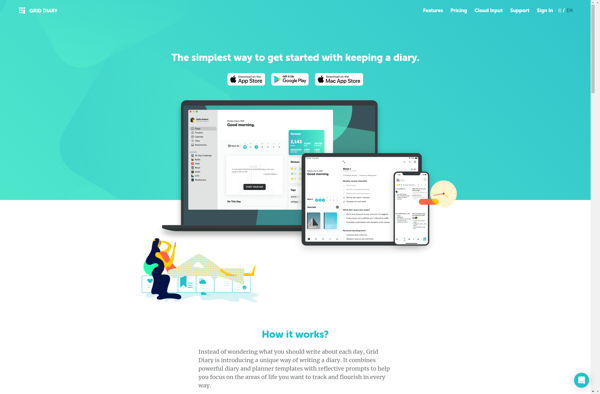
Grid Diary

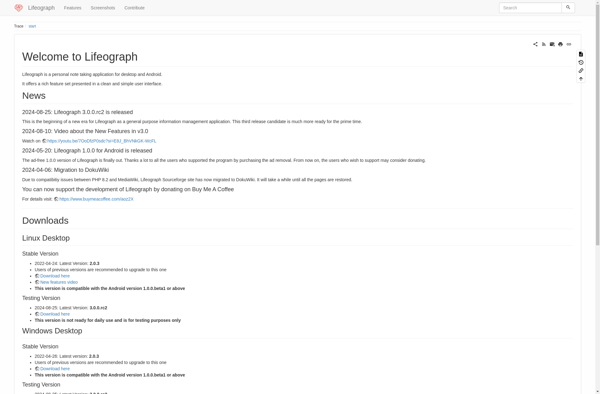
Lifeograph

OhLife

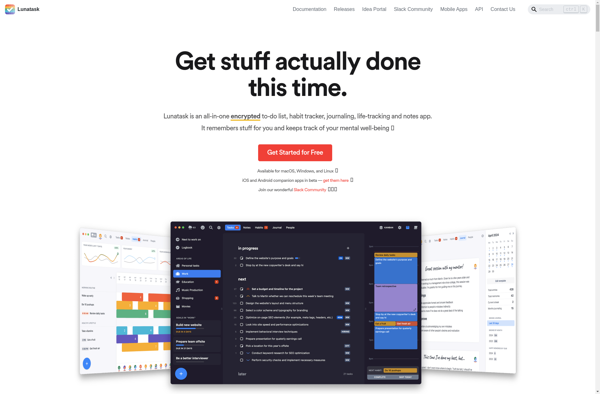
Lunatask

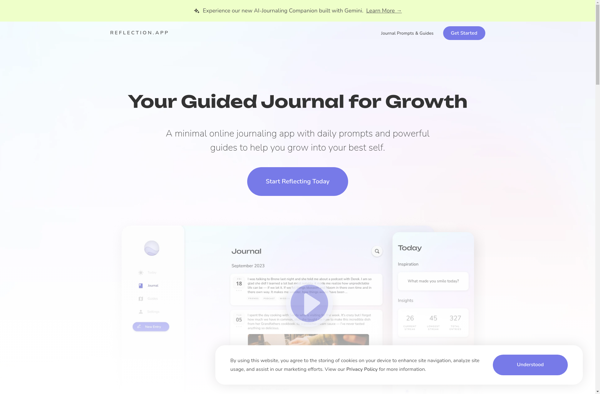
Reflection.app

Smart Diary Suite

Tangerine.app

Dyrii
My Wonderful Days
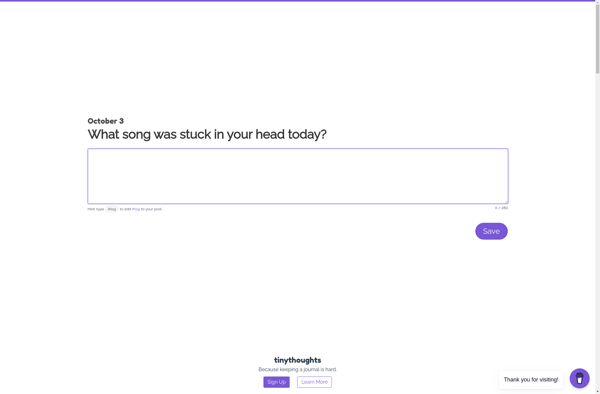
Tinythoughts

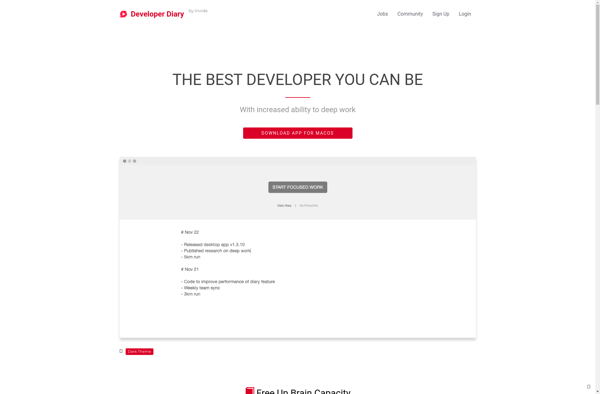
Developer Diary

Card Diary
Mental Walk

Five Minute Journal
Journler

Jarme

Flava

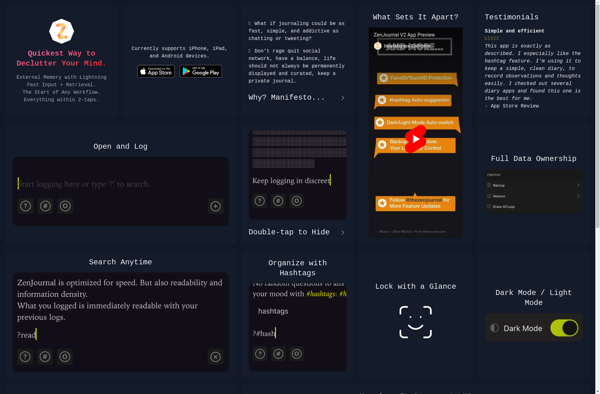
ZenJournal

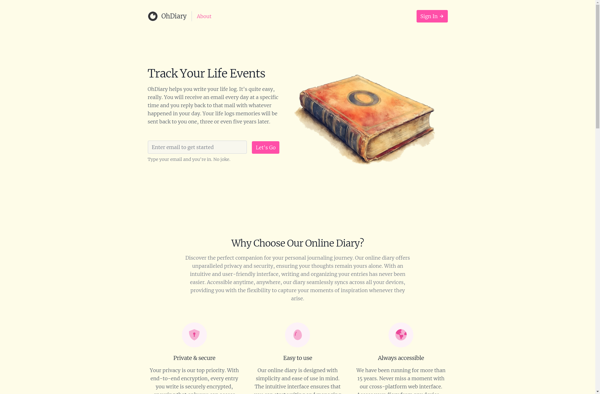
OhDiary

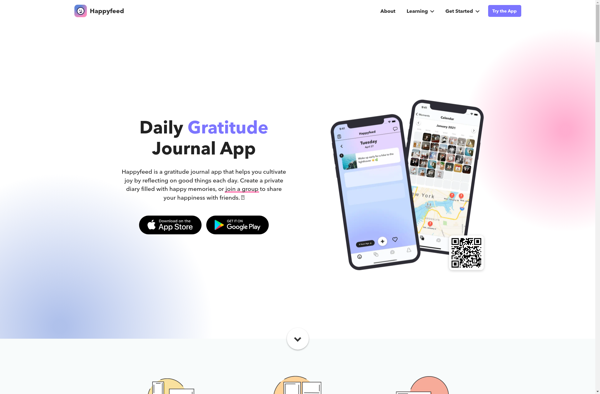
Happyfeed

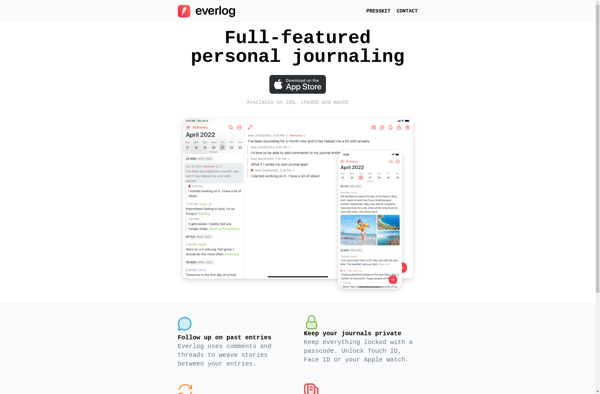
Everlog

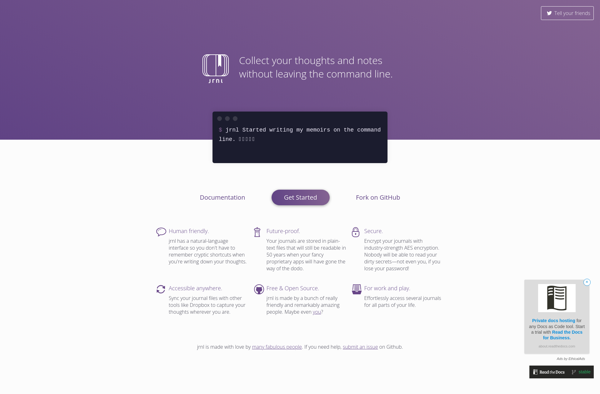
Jrnl
Better Diary

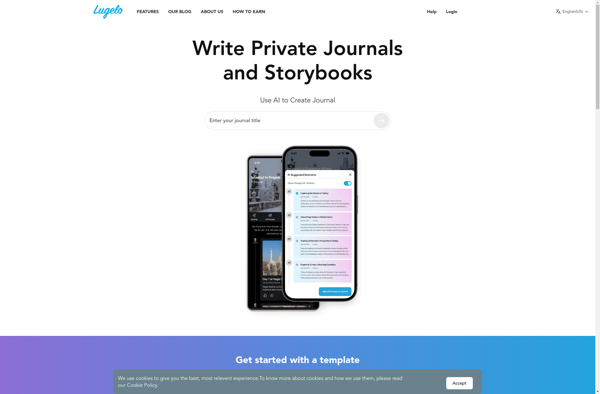
Lugelo Storybook

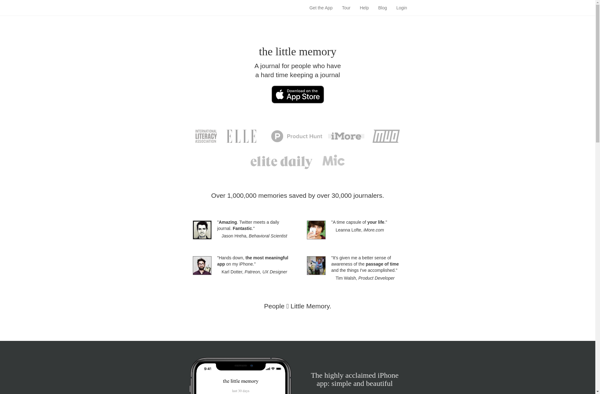
Little Memory
Life Journal
Visits Journal

Journal-cli
Mooditude

Sunset Micro Journal

Moodie: Change you Mood

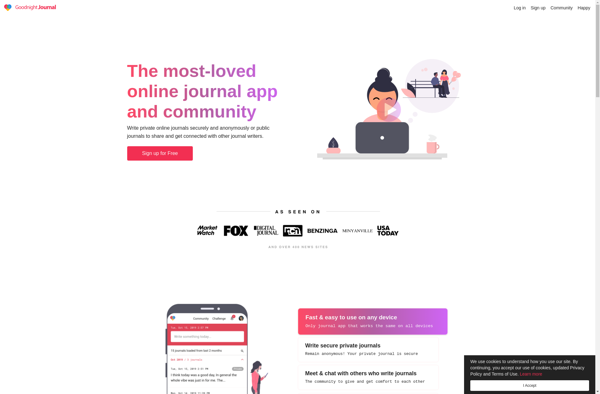
Goodnight Journal

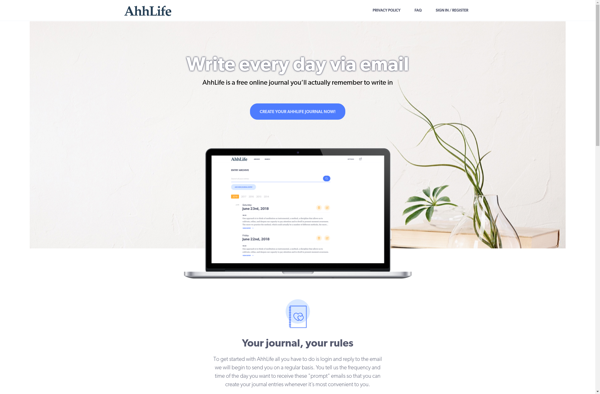
AhhLife
DO Journal

Matilde

JournalCat
NoteSuite

Jottar

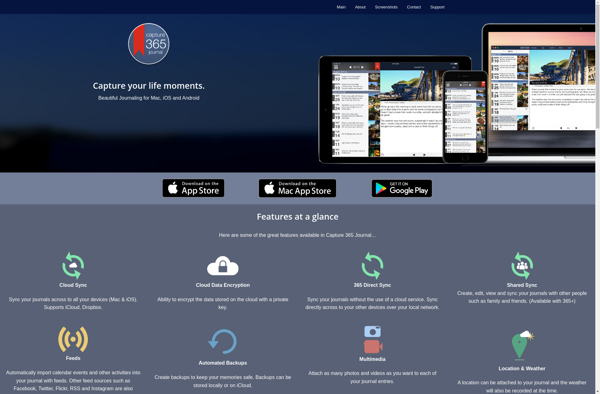
Capture 365 Journal

Spines

BloomUp

ViJournal

Journalisitic
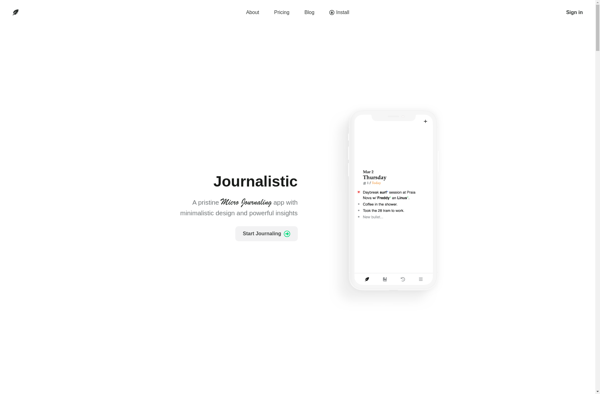

Journaly
Handy diary

Remembary Connected Diary

My Travel Stories
DayJot

Daily Minded

OurDays

MailDiary

Quabel

Monoline

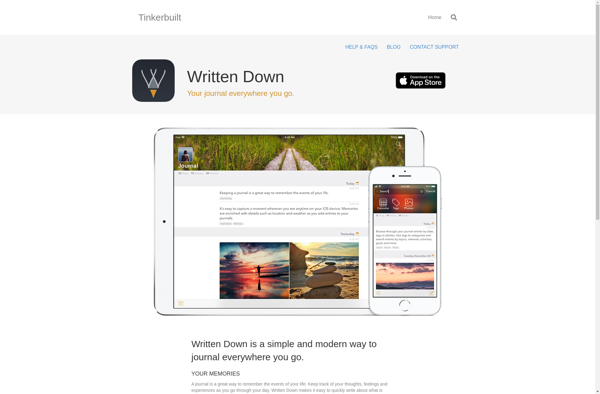
Written Down

DailyState

MusePeach

Journalite


JournalFlow