Writeaday
Writeaday: Minimalist Writing App
A simple, distraction-free writing app for Mac, Windows, and Linux, ideal for journaling, draft writing, and daily reflection.
What is Writeaday?
Writeaday is a minimalist writing application designed specifically for the purpose of daily freeform writing and journaling. Unlike heavyweight word processors like Microsoft Word or Google Docs, Writeaday strips away all extraneous formatting tools, menus, and interface elements, providing instead a simple, distraction-free writing environment.
At its core, Writeaday is built around the concept of creating daily documents for stream-of-consciousness writing, personal reflection, dream journals, growth logs, and more. To facilitate this, it provides users with an automatically generated writing page for each day, stored chronologically. This allows writers to simply open the app and begin writing without worrying about save locations, file names, or document organization.
Additional features catered to the purpose of writing include focus mode to hide interface elements, daily word count tracking, cross-platform syncing via Dropbox, and statistics for analyzing writing habits over time. The app also allows for writing future scheduled documents ahead of time and supports tagging for basic organization.
With its emphasis on simplicity, ease-of-use, and removing distractions, Writeaday aims to make daily writing as frictionless as possible. It removes the complexity often associated with word processors so the writer can focus their energy into the words themselves rather than formatting tools or document settings. If you’re looking for an application dedicated specifically to making writing a daily habit, Writeaday is a leading choice.
Writeaday Features
Features
- Minimalist interface
- Distraction-free writing environment
- Daily writing prompts and reminders
- Available on Mac, Windows, and Linux
- Saves all writing in plain text files
- Syncs between devices
- Customizable themes
- Statistics and graphs for daily writing
Pricing
- Free
- One-time Purchase
Pros
Cons
Reviews & Ratings
Login to ReviewThe Best Writeaday Alternatives
View all Writeaday alternatives with detailed comparison →
Top Office & Productivity and Writing and other similar apps like Writeaday
Here are some alternatives to Writeaday:
Suggest an alternative ❐
Trailmix

Day One


CherryTree

Milanote


Daylio


Trilium Notes

The Journal

NvALT

RedNotebook

Cryptee

My Future Self


Journal it

Monkkee


Plain Text Journal

Developer Diary

Almanah Diary
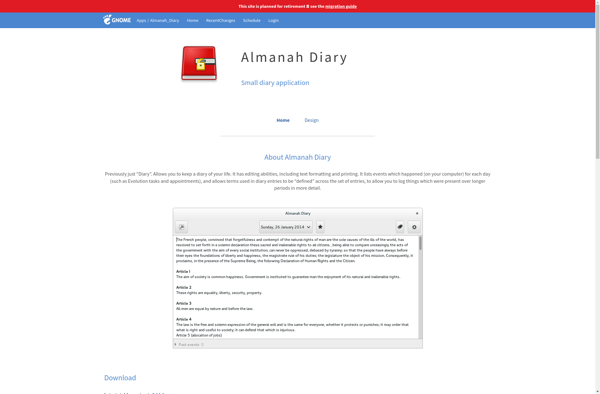

Better Diary

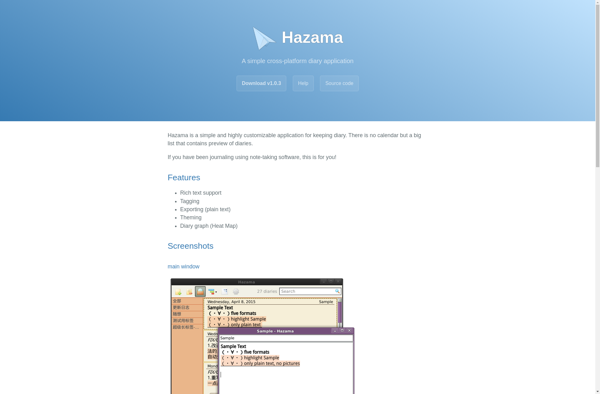
Hazama

Daypage

DO Journal


CuoLuoDiary

MailDiary

280daily