Easy Context Menu
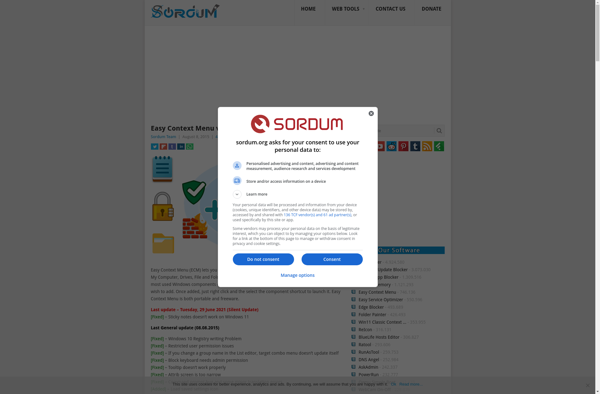
Easy Context Menu: Customize Windows Right-Click Context Menu
Free program to add, remove, and edit menu items for a streamlined workflow in Windows
What is Easy Context Menu?
Easy Context Menu is a free and open-source program for Windows that allows users to customize the right-click context menu. It provides an intuitive interface to add, remove, and edit menu items, giving you more control over the context menu.
With Easy Context Menu, you can add various time-saving shortcuts like open command prompts, explore folders, run scripts, and more. You can also remove unused default menu items to declutter the context menu. Some key features include:
- Add unlimited custom menu items and submenus
- Edit or remove default context menu items
- Create context menus for specific file types
- Export and import context menu customizations
- Portable app with no installation required
If you find the default Windows context menu lacking, Easy Context Menu is a great way to customize it to match your workflow. Its simple drag-and-drop interface makes it easy for anyone to tweak the right-click menu and boost productivity.
Easy Context Menu Features
Features
- Add custom menu items
- Edit existing menu items
- Remove unwanted menu items
- Organize menu items into submenus
- Set menu items to run commands/scripts
- Support for shell extensions
- Per-folder customization
- Portable mode
Pricing
- Free
- Open Source
Pros
Cons
Reviews & Ratings
Login to ReviewThe Best Easy Context Menu Alternatives
View all Easy Context Menu alternatives with detailed comparison →
Top Os & Utilities and System Customization and other similar apps like Easy Context Menu

ShellExView

Ultimate Windows Context Menu Customizer

Right Click Context Menu Adder

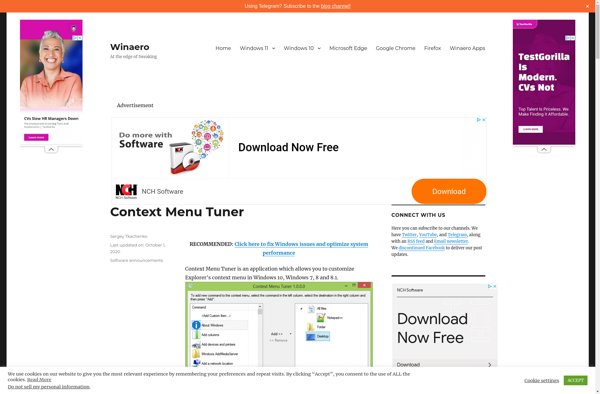
Winaero Context Menu Tuner

FileMenu Tools

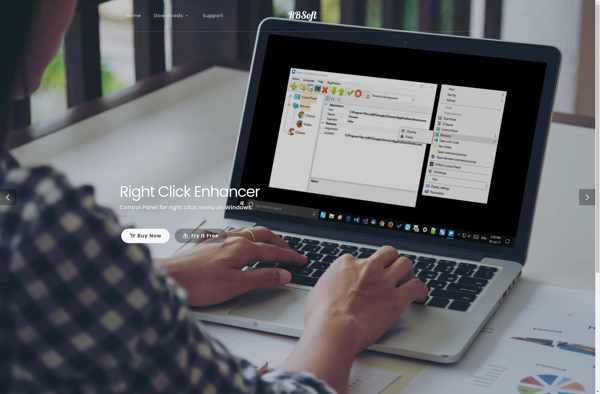
Right Click Enhancer

ContextEdit


MenuMaid

Context Menu Editor

Right-Click Extender

Lammer Context Menu

ShellMenuView