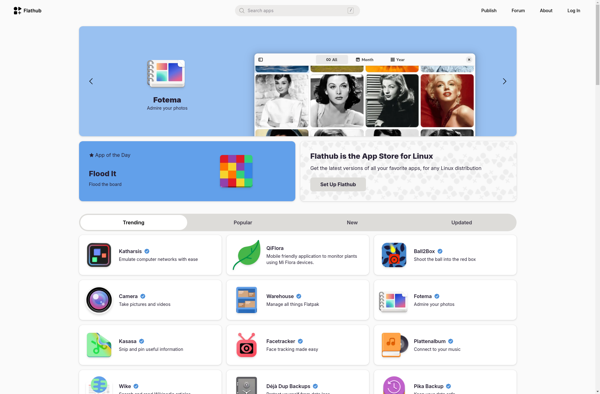
Flathub is an app store and build service for Linux distributions that use Flatpak. It allows users to easily install desktop applications and receive automatic updates. Flathub contains over 9000 apps across a range of categories.
Flathub is an app store and build service for Linux distributions that use Flatpak, allowing users to easily install desktop applications and receive automatic updates, with over 9000 apps across various categories.
What is Flathub?
Flathub is an open source community-driven app repository and build service for desktop applications on Linux. It serves as a centralized location for users to discover, install, and receive updates for Flatpak applications across various Linux distributions.
Some key things to know about Flathub:
Over 9000 desktop applications across categories like Education, Games, Graphics, Internet, Multimedia, Office, Utilities, and more.
Apps on Flathub can be installed with one click or command using the Flatpak package manager, and users receive automatic updates.
The build process for apps on Flathub is standardized and secure using sandboxing.
Flathub is community-driven with open source build manifests, allowing anyone to contribute apps.
Works across major Linux distributions like Fedora, Ubuntu, Arch Linux, Debian and more that support Flatpak.
Simplifies app distribution for developers with a centralized platform and large ready userbase.
In summary, Flathub serves as the de facto centralized app store for the Flatpak ecosystem, making it easy for Linux users to discover, install and update a vast catalog of desktop applications across distributions.
Flathub Features
Features
Centralized app store for Flatpak apps
Over 9000 apps across many categories
Automatic updates for apps
Sandboxed apps for security
Works across many Linux distributions
Open source and community driven
Pricing
Free
Open Source
Pros
Easy installation of Flatpak apps
No need to manually add repos or install dependencies
Apps work across distributions
Automatic updates keep apps secure
Sandboxing improves security
Cons
Not all apps are available as Flatpaks
Limited customization compared to native distro packages
Homebrew is a powerful and user-friendly package manager designed specifically for macOS, offering a convenient and efficient way to install, manage, and update software on your Mac. By providing a command-line interface, Homebrew simplifies the process of handling a wide range of software packages, making it a valuable tool for...
Chocolatey is an open source software management solution for Windows that allows administrators and power users to automate the process of installing, upgrading, configuring, and removing software packages. It works natively with existing tools and infrastructure.Some key features of Chocolatey include:Simple command-line interface to manage softwareUse scripts to automate software...
Snap Store is an app store and software distribution platform for the Linux desktop operating system. It provides users access to applications called snaps that work natively across most common Linux distributions like Ubuntu, Fedora, Debian, Arch Linux, and more without system modifications.Key features of Snap Store and snaps include:Ease...
The Mac App Store is a digital distribution platform developed by Apple Inc. for macOS applications. It was launched in January 2011 as part of Mac OS X Snow Leopard version 10.6.6. The Mac App Store allows users to easily browse, purchase, download, and install applications for their Mac computers,...
Flatpak is a utility for software deployment and package management on Linux. It provides a framework for building, distributing, installing and running applications in isolated environments called sandboxes.Some key features of Flatpak include:Sandboxing - Each Flatpak app runs in its own sandbox, isolated from the rest of the system. This...
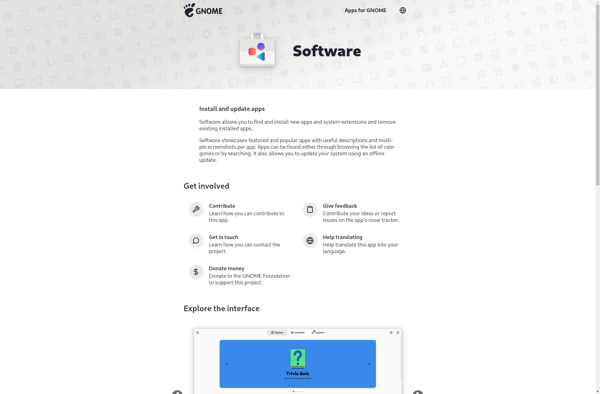
GNOME Software is the default application installer and software center for the GNOME desktop environment. It aims to provide a simple and user-friendly interface to discover, install, and keep applications up-to-date on a GNOME-based Linux distribution.Some key features of GNOME Software include:Browse and search for free and paid applications from...
Snapcraft is an open source tool developed by Canonical for building and distributing software packages called snaps for Linux systems. It provides an easier way for developers to package desktop, server and IoT applications and deliver them across multiple Linux distributions.Some key features of Snapcraft include:All-in-one packaging - It bundles...
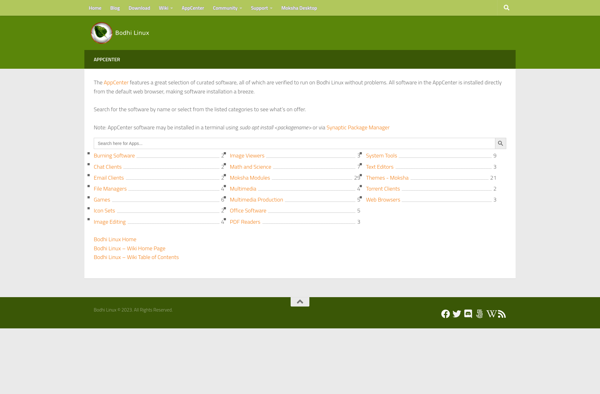
Bodhi Linux AppCenter is a software application manager designed specifically for the Bodhi Linux distribution. It provides Bodhi Linux users with a simple and intuitive way to find, install, update, and remove applications on their systems.The AppCenter features a clean and modern graphical user interface. Application categories on the left...
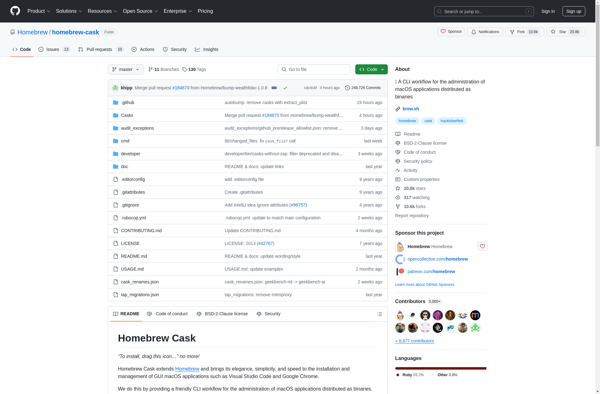
Homebrew Cask is a command-line utility for macOS that allows users to easily install GUI applications and other binaries. It builds on the popular Homebrew package manager and extends it to support installing full macOS applications, fonts, plugins and other non-command line tools into their own Caskroom.Some key features and...
AppImageKit is an open source tool that allows developers to package Linux applications as AppImages - self-contained software bundles that run on most major Linux distributions without needing installation or admin rights. AppImages are portable across distributions and versions, easy to build and deploy, and sandboxed from the rest of...
Nix is a powerful package manager for Linux and other Unix systems that makes package management reliable and reproducible. Some key features of Nix include:Allows you to install multiple versions of a package side-by-side without conflictAtomic upgrades and rollbacks - if an upgrade fails, you can easily roll back to...
AppImageHub is an open source web application that serves as a directory and repository hosting AppImages, which are self-contained software packages for Linux. AppImages allow apps to run on virtually any Linux distribution without needing to be installed through a package manager. The key benefit of AppImageHub is it brings...