MEmu
MEmu is an Android emulator that allows you to run Android apps and games on your PC. It provides good performance and compatibility with many apps and games. MEmu is easy to set up and configure.
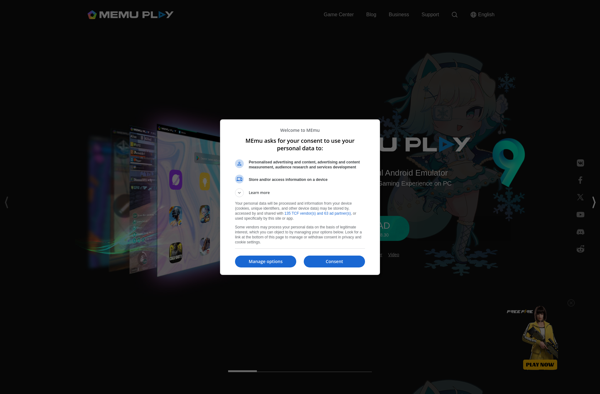
MEmu: Run Android Apps on PCs
MEmu is an Android emulator that allows you to run Android apps and games on your PC. It provides good performance and compatibility with many apps and games. MEmu is easy to set up and configure.
What is MEmu?
MEmu is a popular Android emulator that allows you to run Android apps and games on your Windows PC. Some key features of MEmu include:
- Fast performance - MEmu utilizes advanced virtualization technology for faster app performance than native Android devices.
- Good compatibility - It runs most apps and games without issues. Popular games like PUBG and Call of Duty work flawlessly.
- User-friendly interface - The intuitive GUI makes MEmu easy to set up and use even for tech novices.
- Customizable controls - Keyboard mapping, gamepad/joystick support for convenient control options.
- Macros and scripting - Automate tedious tasks in games and apps with preset macros or custom scripts.
- Supports Android Jelly Bean, KitKat, and Lollipop - You can emulate a variety of Android versions.
Overall, MEmu is one of the most popular and full-featured Android emulators for Windows PCs. It strikes a good balance of speed, compatibility, and ease-of-use. Ideal for mobile gaming, app testing, and running Android on your computer.
MEmu Features
Features
- Android emulator for Windows PCs
- Supports Android Jelly Bean, KitKat, Lollipop and Marshmallow versions
- Good performance and compatibility with many Android apps and games
- Keyboard mapping support
- Macro recorder and editor
- Supports OpenGL accelerated graphics
- Multiple instances so you can run multiple Android emulators at the same time
Pricing
- Free
- Freemium
Pros
Free and easy to set up
Good performance
Wide app and game compatibility
Useful features like macro support and keyboard mapping
Cons
Limited customization options compared to some other emulators
Contains ads unless you upgrade to the paid version
Some apps and games may not be fully compatible
Official Links
Reviews & Ratings
Login to ReviewThe Best MEmu Alternatives
View all MEmu alternatives with detailed comparison →
Top Gaming Software and Android Emulator and other similar apps like MEmu
Here are some alternatives to MEmu:
Suggest an alternative ❐
BlueStacks
BlueStacks is a popular Android emulator for Windows and Mac that allows users to run Android apps on their computers. It provides a complete virtual Android environment, including the ability to install apps from the Google Play store directly within BlueStacks.Some key features of BlueStacks include:Full access to the Google...
Nox App Player
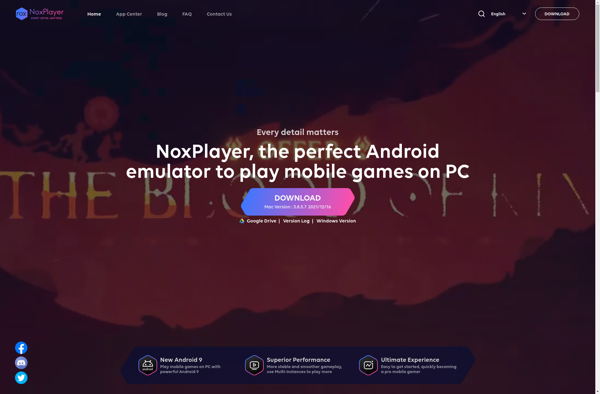
Nox App Player is a free Android emulator designed for Windows and Mac. It allows users to run Android apps and games on their computers by providing a virtual Android device and environment.Some key features of Nox App Player include:Ability to customize the virtual device configuration (CPU cores, RAM, resolution,...

VMOS
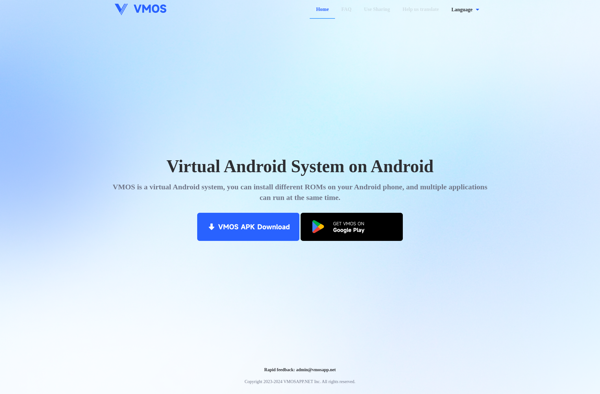
VMOS is an advanced Android emulator for Windows that allows users to run multiple instances of Android on their computers. It creates a virtual machine-like environment on the Windows device to provide a seamless Android experience.Some key features of VMOS include:Ability to run multiple Android instances simultaneouslySupport for running most...

LDPlayer
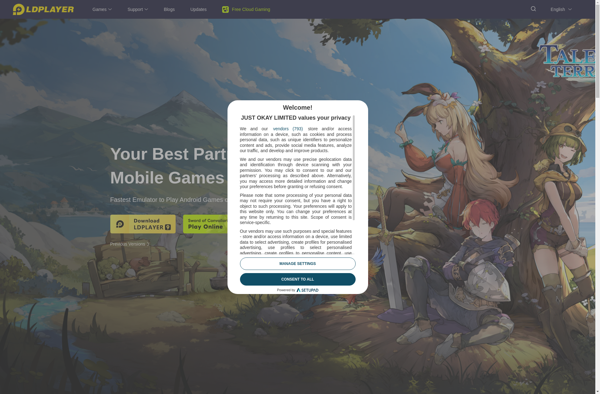
LDPlayer is a popular and free Android emulator for Windows and Mac OS. It allows users to run Android apps and games on their computers by virtually emulating an Android device environment and operating system.Some key features and highlights of LDPlayer:Optimized for mobile gaming with features like keyboard mapping, script...
Android-x86
Android-x86 is an open source project that ports the Android operating system to run on devices with x86 processors, allowing Android to be installed on regular PCs and laptops. It provides key functionality for supporting standard hardware like USB ports, networking, storage, graphics, touchscreens, and more.By porting Android to the...

Genymotion
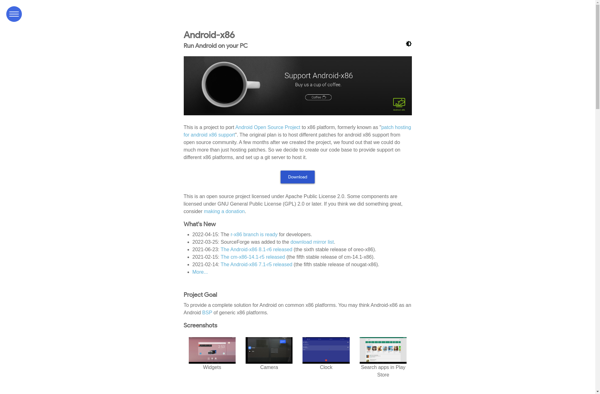
Genymotion is a fast third-party Android emulator that is an alternative to the default Android emulator. Some key features and benefits of Genymotion include:Speed - Genymotion is much faster than the default Android emulator, with boot times of under 10 seconds in many cases. This improves testing efficiency.Hardware Configuration -...

WayDroid
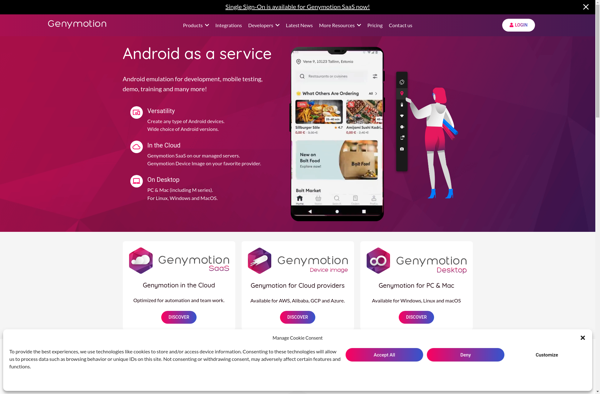
WayDroid is an open source Android emulator for Linux that allows users to run Android apps on their Linux desktop without having to reboot or use virtualization. It integrates the Android runtime environment into a Wayland compositor and leverages Linux technologies like namespaces, cgroups, and seccomp to contain Android within...
Anbox
Anbox is an open source project that allows Android apps to run on regular Linux distributions. It uses Linux containers (LXC) to bootstrap a full Android system on a GNU/Linux operating system such as Ubuntu.The key advantages of Anbox over traditional Android emulators like Bluestacks are:It has minimal resource overhead...
Remix OS Player
Remix OS Player is an Android emulator that allows you to run Android apps and games on your Windows or Mac computer. It provides a complete Android experience right on the desktop.Some key features of Remix OS Player:Desktop-style interface with taskbar for multitasking across multiple Android appsMap Android apps to...


Windows Subsystem for Android
The Windows Subsystem for Android is a feature introduced in Windows 11 that allows users to run Android apps natively on Windows. It provides an entire Android environment that runs inside Windows, bridging the gap between the Windows and Android ecosystems.Some key things to know about the Windows Subsystem for...
PlayCover
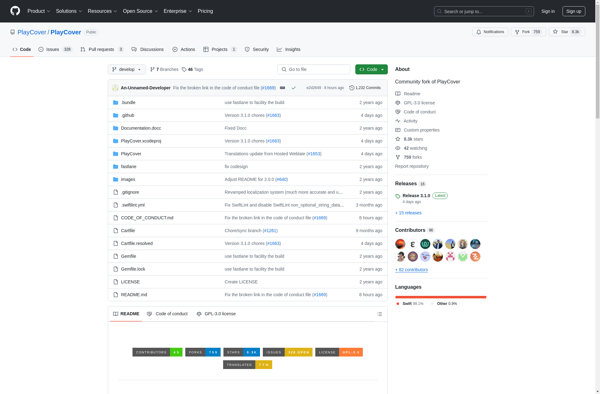
PlayCover is a free and open-source video editing application for Windows. It provides a simple and intuitive interface that allows users to perform basic video editing tasks like trimming clips, splitting, stitching multiple clips, adding transitions, titles, effects, background music, and more.Some of the key features of PlayCover include:Support for...

Appetize.io
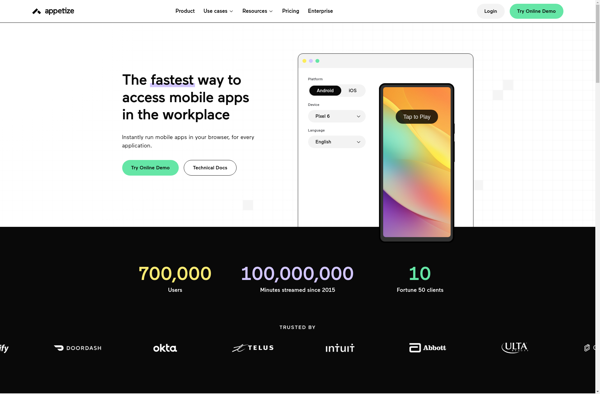
Appetize.io is a cloud-based mobile app testing platform that allows developers to test their iOS and Android apps on real devices without having to set up complex device labs. Here are some key things to know about Appetize.io:Provides access to a library of over 400 live iOS and Android devices...

Mumu App player
Mumu App Player is a popular Android emulator for Windows that allows users to run Android apps and games on their PCs. Some key features of Mumu App Player include:Fast performance - Uses CPU and GPU acceleration to provide a smooth experience running mobile apps and games.Good compatibility - Supports...

LeapDroid
LeapDroid is a fast and user-friendly Android emulator for Windows. It allows you to install and run Android apps and games on your Windows computer as if you were running them on an Android device.Some key features of LeapDroid include:Good performance and speed - It utilizes virtualization technology for faster...

Windroy
Windroy is an open-source, lightweight Linux-based operating system developed by a non-profit organization focused on user privacy and security. Unlike mainstream operating systems like Windows and macOS, Windroy does not collect user data or contain any type of tracking or telemetry.Some of the key features of Windroy include:Full disk encryption...

YouWave
YouWave is an Android emulator designed specifically for Windows that allows you to run Android apps on your PC. Some key features of YouWave include:Provides a virtual Android device on your Windows PC to test Android apps during development or simply use Android apps on your computer.Emulates both Android smartphones...

SmartGaga
SmartGaga is an all-in-one business software that allows companies to handle key functions like customer relationship management (CRM), customer support, marketing automation, and ecommerce in one seamless platform. It brings together tools like:CRM - Manage contacts, track deals in pipeline, capture customer communicationHelp desk - Offer customer support via email,...

KOPLAYER
KOPlayer is a popular Android emulator for Windows and Mac that allows users to run Android apps and games on their desktop computers. Some key things to know about KOPlayer:It is based on Android 5.1.1 Lollipop, so it provides good compatibility with most Android apps and games currently available.It uses...

IPadian
iPadian is an iOS emulator that allows users to run iOS apps on their Windows or Mac computer. It provides a desktop environment that imitates the look and feel of an iPad, allowing you to access Apple's app ecosystem without needing an actual iOS device.Some key features of iPadian include:Mimics...

Droid4X
Droid4X is a popular Android emulator for Windows that provides a full Android experience on a desktop computer. Some key features of Droid4X include:Fast and smooth performance - It utilizes Windows Hypervisor Virtualization technology for better speed and stability.Full Google Play Store access - Download and install apps from the...

Shashlik
Shashlik is an open-source software project that enables users to run Android applications and games on regular Linux distributions and other desktop operating systems like Windows and macOS. It works by providing a compatibility layer and runtime environment that emulates the Android frameworks and APIs that Android apps rely on.Here...

AndroVM
AndroVM is an Android emulator that allows you to run the Android operating system as a virtual machine on your current desktop or laptop OS such as Windows, Mac OS X, and Linux. It provides a full Android environment that can be launched quickly without requiring dual booting or hardware...

XePlayer
XePlayer is a popular Android emulator for Windows that allows users to run Android apps and games on their PC. It aims to provide a smooth experience and good compatibility with many different apps and games available on the Google Play Store.Some key features of XePlayer include:Uses virtualization technology for...
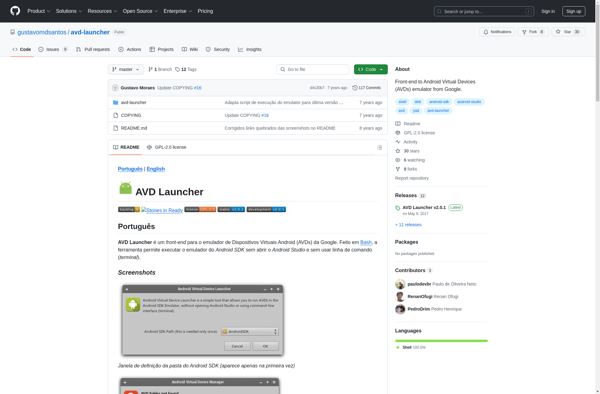
AVD Launcher
AVD Launcher is an open source Android emulator launcher and manager developed by Netopia. It provides a streamlined interface to create, manage and launch Android Virtual Devices (AVDs) for the Android emulator that comes bundled with Android Studio and the Android SDK.Some of the key features and capabilities of AVD...
Xamarin Android Player
Xamarin Android Player is an emulator designed specifically for building and testing Xamarin.Android apps. It allows developers to test their Android applications right on their Windows machines without needing to set up an actual Android device.Some key features of Xamarin Android Player include:Fast boot times and optimized performance for app...

HarmonyOS
HarmonyOS is an open-source, microkernel-based operating system first unveiled in 2019 by Chinese technology company Huawei Technologies. It was developed to address limitations in existing mobile operating systems and provide more seamless integration across devices.The key goals of HarmonyOS are to support a broad range of devices and provide a...


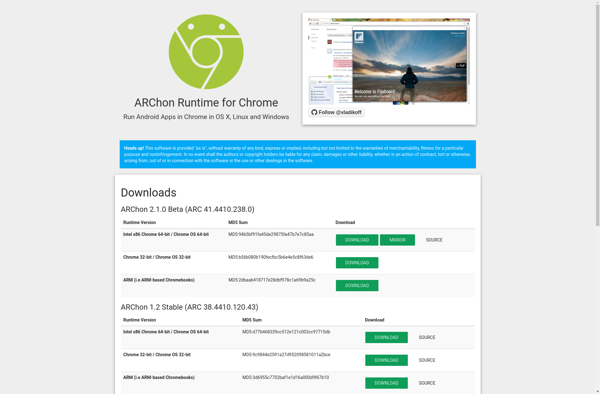
ARChon Runtime for Chrome
ARChon Runtime is a Chrome extension that enables Android apps to run on Chrome OS. It works by converting Dalvik bytecode, which is used to run Android apps, into JavaScript. This allows the Android app to then execute as a Chrome Packaged App inside the Chrome browser.Some key capabilities and...
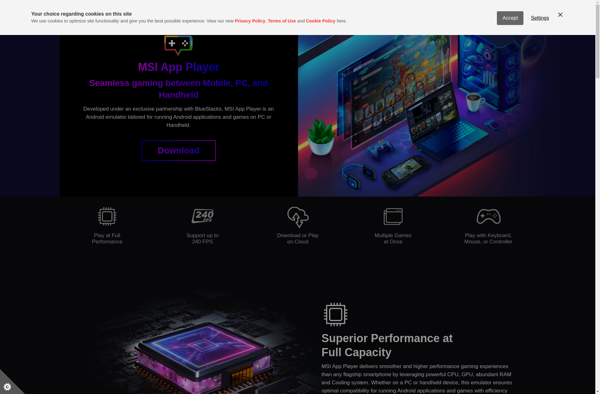
MSI App Player
MSI App Player is an Android emulator designed and optimized for gaming performance. Developed by Micro-Star International (MSI), App Player aims to provide a smooth experience for running Android apps and games on Windows.Some key features of MSI App Player include:Good hardware support - Makes use of virtualization technologies like...

Maru
Maru is an open-source personal information manager and knowledge base software. It is designed to help users organize information like notes, tasks, documents, contacts, and more in a flexible hierarchy of user-created categories and tags.Some key features of Maru include:Flexible organization using categories and tagsBasic note taking and document management...