Kitty terminal
Kitty: Fast GPU-Based Terminal Emulator
A fast terminal emulator with features like ligatures, tabs, smooth scrolling and Unicode support, available for Linux/macOS/Windows
What is Kitty terminal?
What Is Kitty Terminal?
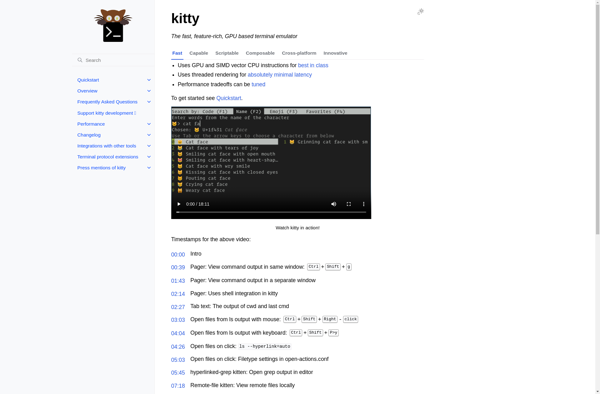
Kitty is a fast, feature-rich, GPU-accelerated terminal emulator for Linux and macOS. It uses the GPU for rendering, which makes it significantly faster than traditional CPU-rendered terminals, especially when displaying large amounts of text or running programs with heavy terminal output.
Key Features
GPU rendering via OpenGL provides smooth scrolling and fast text display even with thousands of lines of output. Kitty supports ligatures, emoji, true color, and all modern Unicode features. It includes built-in tiling (splits and tabs), image display directly in the terminal (using the kitty graphics protocol), and remote control via a socket API.
The configuration is file-based (kitty.conf) with extensive customization options for fonts, colors, keybindings, and behavior. Kitty also supports SSH integration with automatic shell integration on remote hosts.
Kitty vs Alacritty
Both are GPU-accelerated terminals. Kitty offers more built-in features (tabs, splits, image display, remote control). Alacritty is more minimal and relies on tmux for multiplexing. Kitty uses OpenGL; Alacritty uses cross-platform graphics APIs.
Kitty terminal Features
Features
- GPU-accelerated text rendering
- Support for ligatures and glyphs
- Tabbed interface
- Keyboard-driven interface
- Smooth scrolling
- Unicode support
- Background transparency
- Configurable keyboard shortcuts
Pricing
- Open Source
Pros
Cons
Official Links
Reviews & Ratings
Login to Review52 reviews
Rating Breakdown
Recent Reviews
Anna Taylor
May 27, 2026Fast but Frustratingly Fragile
Kitty's speed and GPU rendering are genuinely impressive; text flies onto the screen, and the font ligatures look beautiful. However, I've run into several stability issues, especially with tabbed sessions crashing unexpectedly, and some keybindings feel inconsistent across platforms. It's …
Dakota White
May 27, 2026Powerful but Frustratingly Unreliable
While Kitty's GPU rendering and smooth scrolling are impressive when they work, I've experienced frequent crashes and graphical glitches that disrupt my workflow. The configuration is overly complex compared to other terminals, and the promised Unicode support occasionally breaks with …
Avery Taylor
May 25, 2026Blazing fast graphics, but quirky configuration
Kitty's GPU rendering is incredibly smooth, and the built-in features like ligatures and Unicode support work perfectly out of the box. However, I find its configuration system using a single, complex config file to be unintuitive and a real pain …
Elena Wilson
May 23, 2026A powerful but sometimes cantankerous terminal
Kitty's speed and GPU acceleration are phenomenal; scrolling through logs is buttery smooth and it renders complex fonts with ligatures beautifully. However, the configuration via its own kitty.conf file has a steep learning curve and feels unintuitive compared to simpler …
Avery Miller
May 22, 2026GPU speed isn't everything
I really wanted to like Kitty for its promised speed, but I've found it deeply frustrating for daily use. The configuration is a nightmare compared to something like Alacritty; even simple changes require editing a cryptic config file. It also …
Rating Distribution
The Best Kitty terminal Alternatives
View all Kitty terminal alternatives with detailed comparison →
Top Os & Utilities and Terminal Emulators and other similar apps like Kitty terminal
Here are some alternatives to Kitty terminal:
Suggest an alternative ❐
Terminator

Alacritty

ITerm2

Termux

Windows Terminal

PowerShell

Tabby Terminal
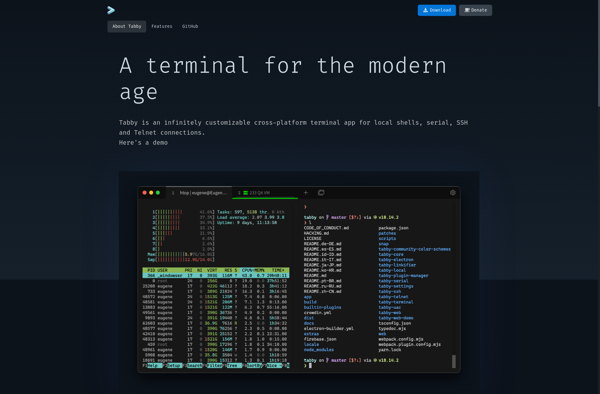

ConEmu

KiTTY
GNOME Terminal

Fig Terminal
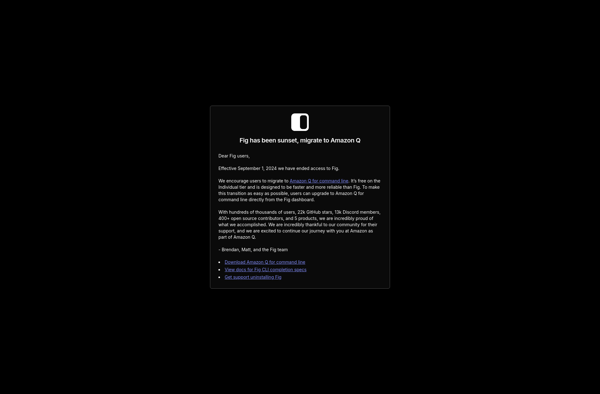

Yakuake

ZOC

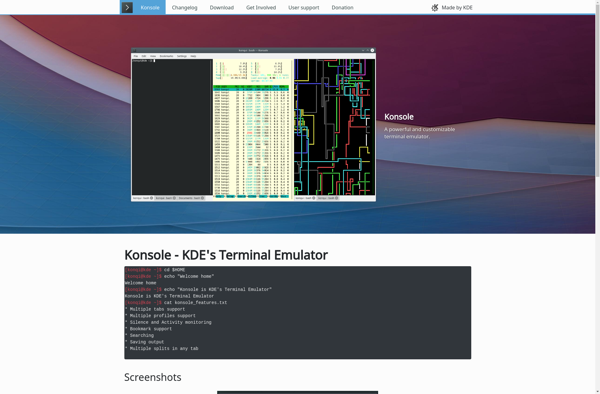
Konsole

LXTerminal


Blink Shell

Putty for Mac

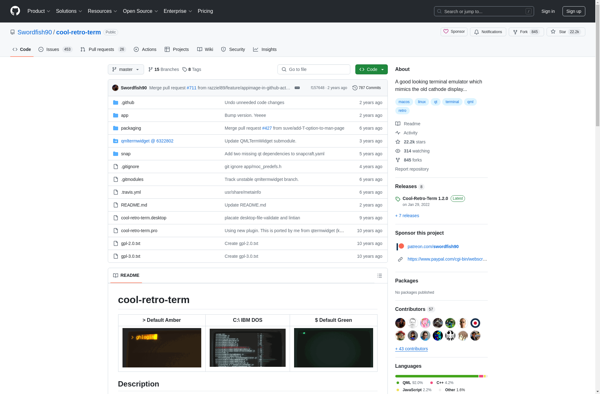
Cool Retro Term

Tilda
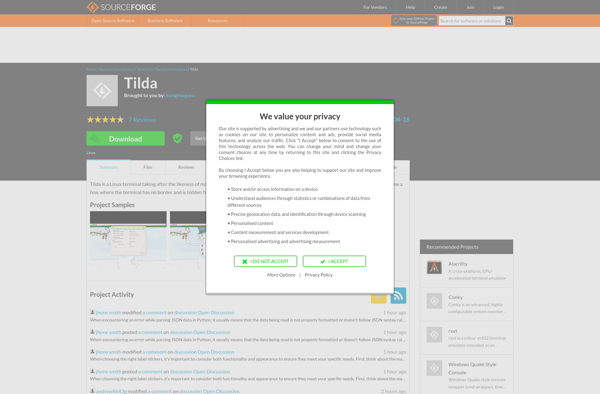

Wave Terminal
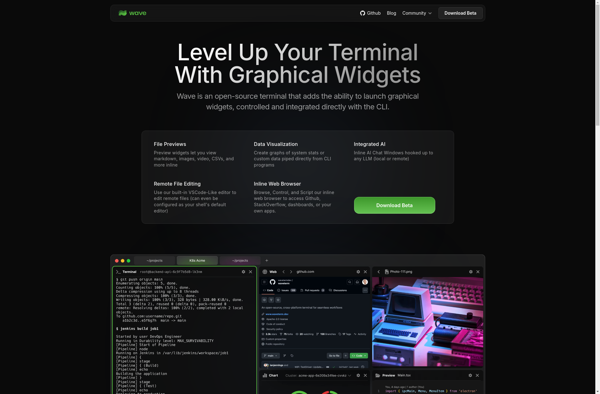
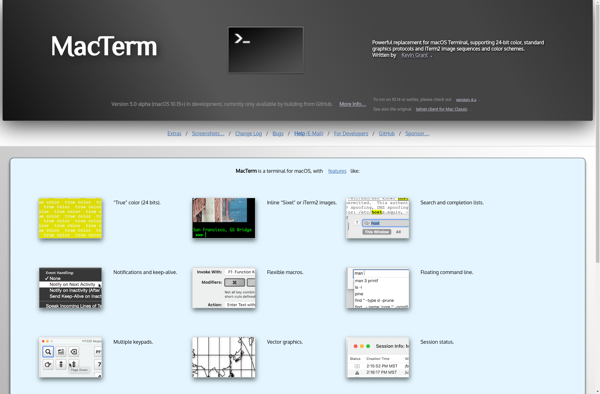
MacTerm

RXVT

TTYEmulator
Cathode

Windows Quake Style Console

Black Box

ShellCraft

Sakura

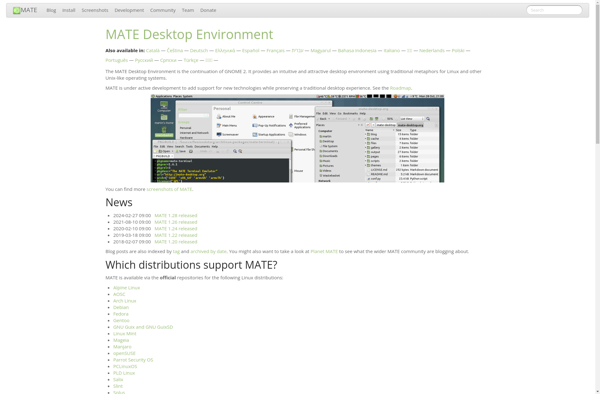
MATE Terminal

SSH Explorer


Deepin Terminal

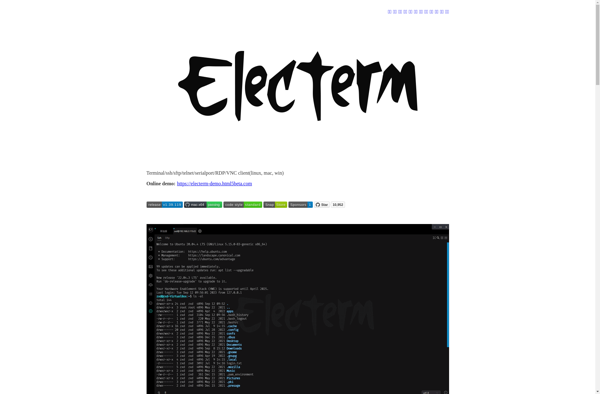
Electerm

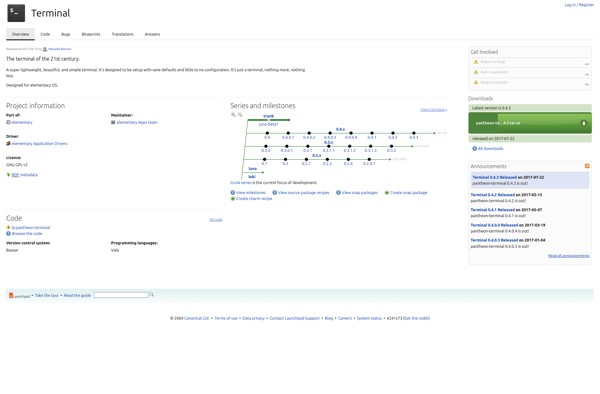
Pantheon Terminal

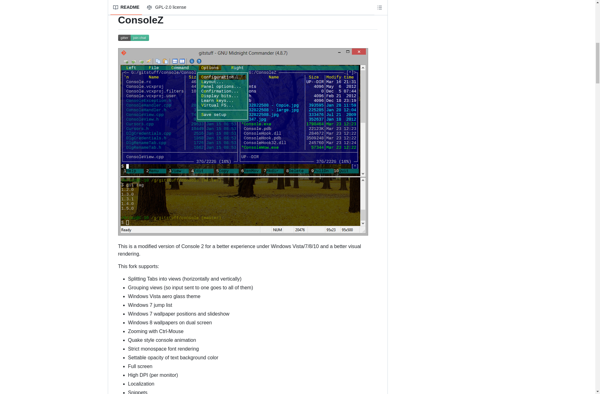
ConsoleZ

Z/Scope

ROXTerm

QuTTY

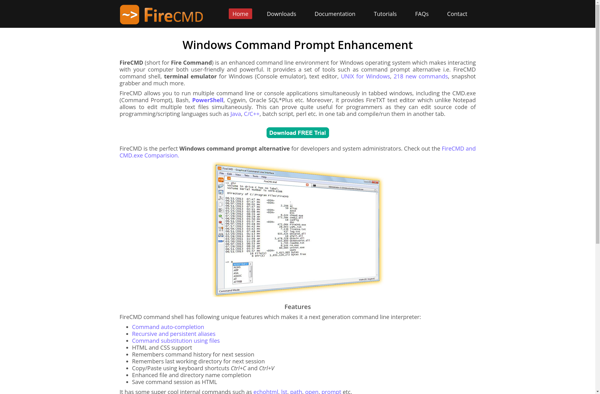
FireCMD

RapidSSH

XCute

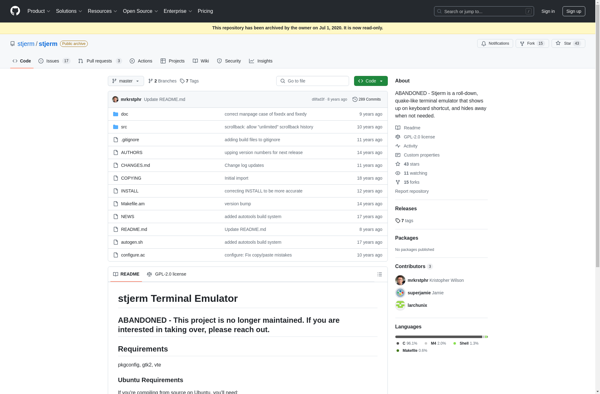
Stjerm

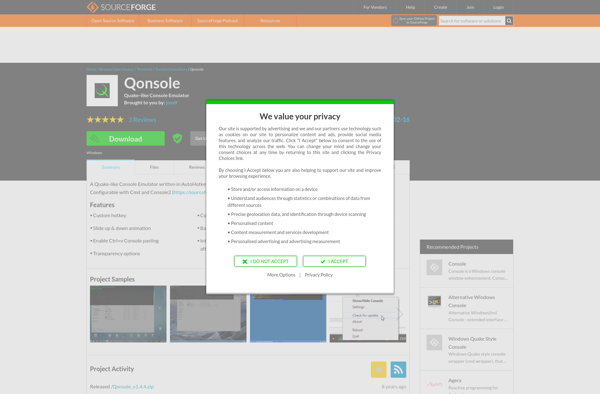
Qonsole

Evilvte

Yeahconsole

TermBar

Terminology

Mintty-quake-console