
Scoop
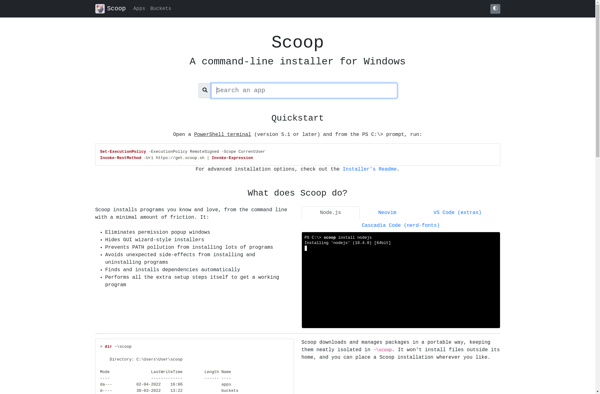
Scoop: A Command-Line Installer for Open Source Applications on Windows
A command-line installer for Windows that makes it easy to install and manage open source applications, fetching binaries from GitHub repositories.
What is Scoop?
Scoop is a command-line installer for Windows that makes it easy to install and manage open source applications. It works by fetching binaries from GitHub repositories and installing them into isolated directories rather than in the default Program Files folder.
Some key features of Scoop:
- Simple command-line interface to find, install, upgrade and remove apps
- Apps run isolated from each other so there are no DLL conflicts
- Apps install fast and lightweight since they don't need installers
- Easy to keep apps up-to-date since updating is built-in
- Works well with command-line apps and developer tools
Scoop can be seen as an open source alternative to something like Chocolatey for installing apps, but with a simpler and more developer-friendly approach. It shines for command-line programs where you don't want or need a full GUI installer.
Scoop Features
Features
- Command-line interface for installing apps
- Fetches apps from GitHub repositories
- Installs apps in isolated directories
- Simplifies open source app installation on Windows
Pricing
- Open Source
Pros
Cons
Official Links
Reviews & Ratings
Login to Review57 reviews
Rating Breakdown
Recent Reviews
Morgan Allen
Jun 01, 2026Powerful but sometimes finicky package manager
Scoop is fantastic for quickly installing developer tools without dealing with installers. The concept of isolated app directories is brilliant and prevents system clutter. However, I've run into issues where some packages are outdated or fail to install due to …
Elena Miller
Jun 01, 2026Great when it works, frustrating when it doesn't
Scoop is fantastic for quickly installing developer tools without admin rights, and I love the isolated installations. However, some packages fail to update properly, and the error messages can be cryptic. The community-maintained buckets mean quality varies wildly, which is …
Ava Garcia
May 24, 2026Frustrating and Fragile
While the concept is great, Scoop has been a headache in practice. Commands frequently fail with cryptic Git errors, and managing existing installations often corrupts them. For a tool meant to simplify Windows software management, it feels anything but reliable.
Jordan Walker
May 24, 2026Scoop transformed how I manage apps on Windows
As a developer tired of manually downloading and updating tools, Scoop has been a lifesaver. Installing tools like Git, Node.js, or Python is now just a single command away, and updates are handled automatically. The isolated installs prevent conflicts between …
Cameron Harris
May 23, 2026Great concept, but has some rough edges
I love the idea of scoop for managing CLI tools without admin rights, and installing packages like git and python was a breeze. However, some community-maintained 'buckets' can be outdated or broken, leading to frustrating installation failures. When it works, …
Rating Distribution
The Best Scoop Alternatives
View all scoop alternatives with detailed comparison →
Top Os & Utilities and Package Managers and other similar apps like Scoop
Here are some alternatives to Scoop:
Suggest an alternative ❐
Feedly


Inoreader


NetNewsWire


RSS Guard


Liferea


QuiteRSS


Netvibes


The Old Reader


Tiny Tiny RSS


NewsBlur


Homebrew


Ninite

Chocolatey


Patch My PC

SUMo


Silent Install Builder


Reeder


Windows Package Manager CLI


WingetUI


OneGet


Winstall.app

UpdateHub


Ubuntu Sources List Generator


AppGet


Ubuntu After Install


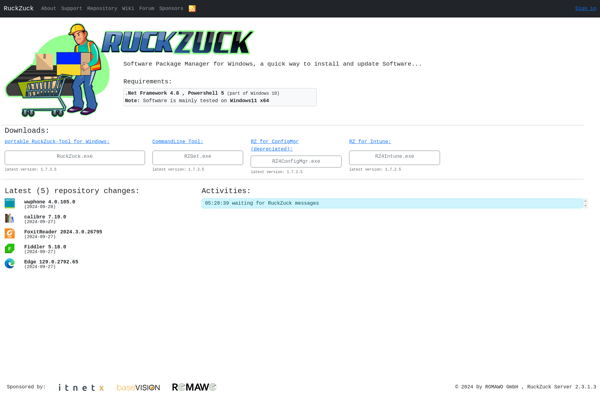
RuckZuck

Protopage


Oduso

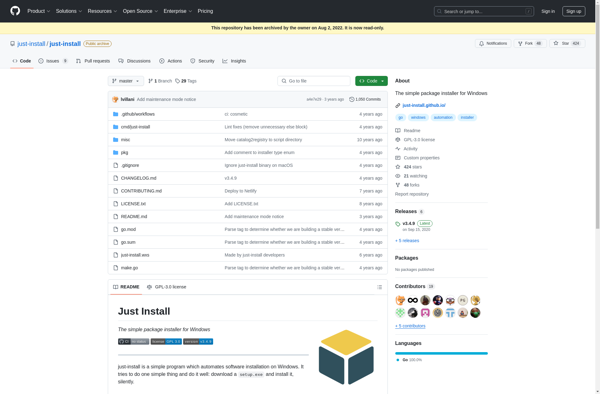
Just Install

Ketarin


Debian Sources List Generator


RepackagerExpress Multi Installer

Roboget


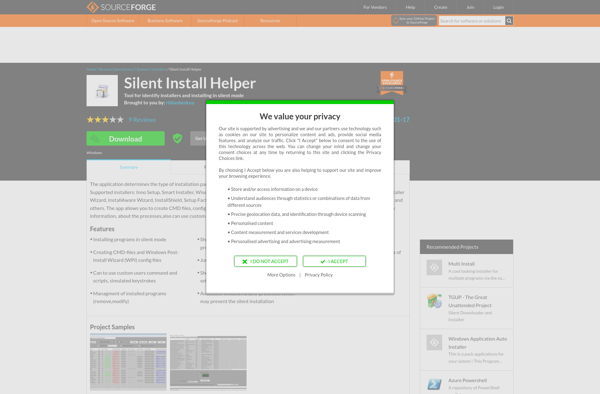
Silent Install Helper

App Grid


App Explorer from SweetLabs


PostInstallerF


Acer Collection