
Qalculate!
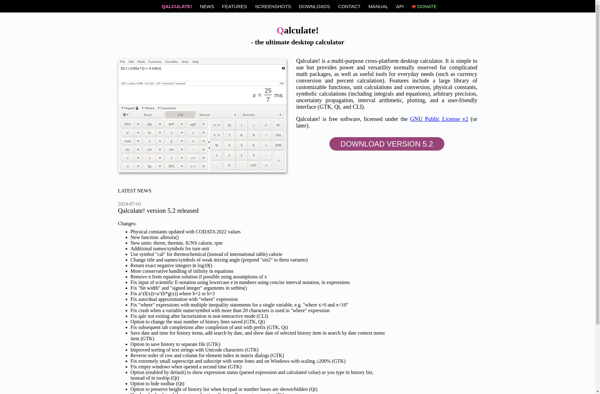
Qalculate!: Open-Source Multi-Purpose Calculator Application
Qalculate! is an open-source multi-purpose calculator application for Linux, Windows, and macOS. It includes functions for algebra, calculus, statistics, physics, engineering, finances, and more. With its customizable interface and built-in unit converter, Qalculate! is a powerful tool for students, scientists, and engineers.
What is Qalculate!?
Qalculate! is a powerful and versatile desktop calculator application suitable for high school and college students, scientists, engineers, programmers, financial analysts and anyone who needs to make technical calculations. It is available for Linux, Windows and macOS.
With Qalculate! you can calculate algebra, calculus, statistics, physics, chemistry, biology, electronics, programming and finance problems. It has a customizable user interface and includes thousands of customizable variables, units and functions. It also has a built-in multi-category unit converter that supports hundreds of units.
Some of the key features of Qalculate include:
- Algebraic expressions with complex numbers
- Differentiation and integration with symbolic and numerical modes
- Limit calculation with left and right limits
- Solving systems of equations
- Polynomial, matrix and vector functions
- Statistical analysis including data fitting and distributions
- Uncertainty propagation
- Plotting graphs
- Support for additional programming languages such as Python, C, Fortran, and more using external interpretors
Qalculate! is completely open-source and free to download from the official website (qalculate.github.io). With active development and a helpful user community on web forums, Qalculate! is recommended for anyone looking for a fully-featured multi-purpose calculator.
Qalculate! Features
Features
- Supports various calculation modes like logical, programming, statistical, date calculation, physical constants and conversions
- Graphing calculator functionality
- Supports variables, functions, vectors and matrices
- Customizable interface and keyboard layout
- Large library of customizable functions and units
- Supports multiple notations like standard, scientific, engineering, and more
- Can export results to CSV files
- Plugins allow extending functionality
- Available on Linux, Windows, macOS, BSD, Android, and online
Pricing
- Free
- Open Source
Pros
Cons
Official Links
Reviews & Ratings
Login to ReviewThe Best Qalculate! Alternatives
View all Qalculate! alternatives with detailed comparison →
Top Office & Productivity and Scientific Calculators and other similar apps like Qalculate!
Here are some alternatives to Qalculate!:
Suggest an alternative ❐
Windows Calculator


Google Calculator


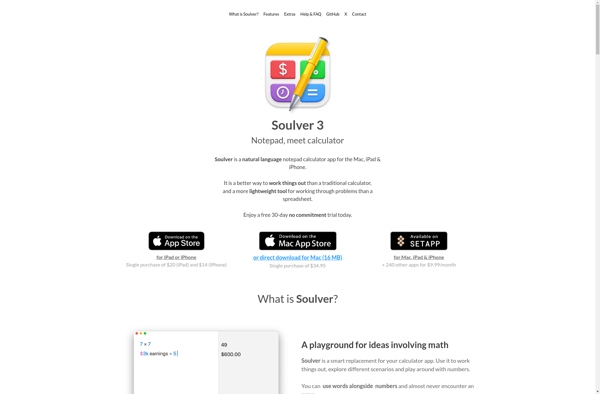
Soulver
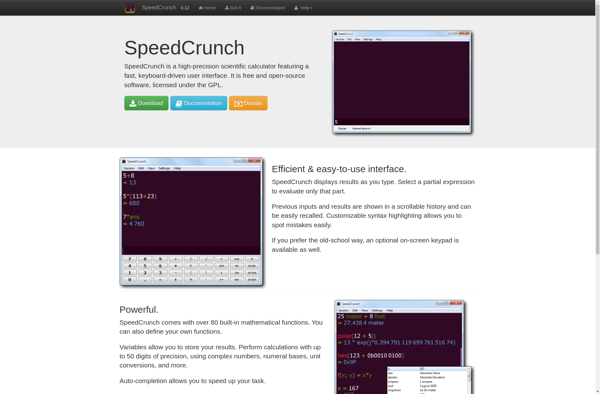
SpeedCrunch

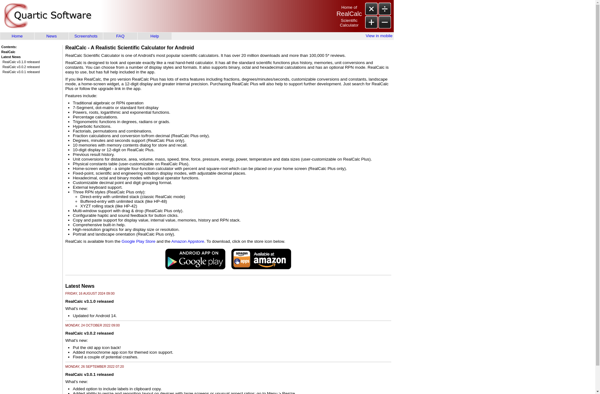
RealCalc Scientific Calculator

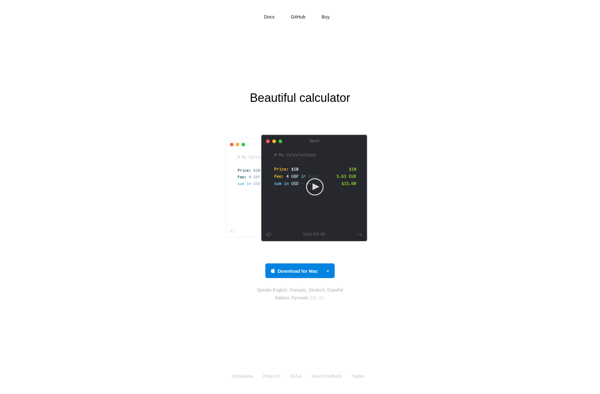
Numi

Microsoft Mathematics


NoteCalc

PCalc


Microsoft Calculator Plus

Precise Calculator


HandyCalc

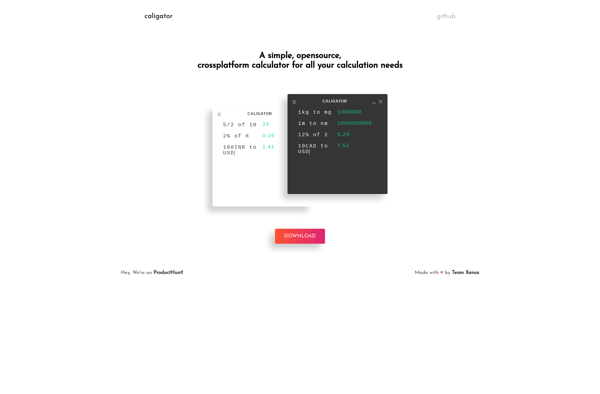
Caligator

Calculator N+


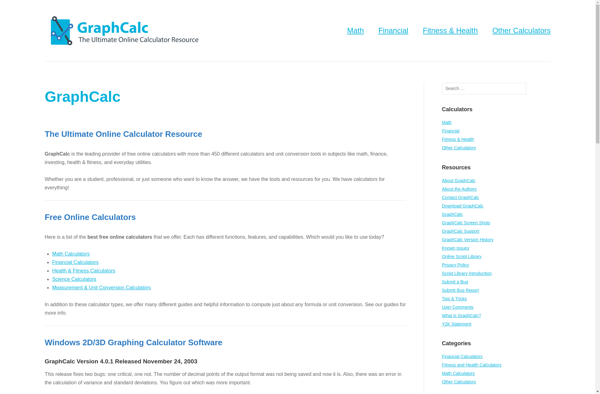
GraphCalc

Galculator


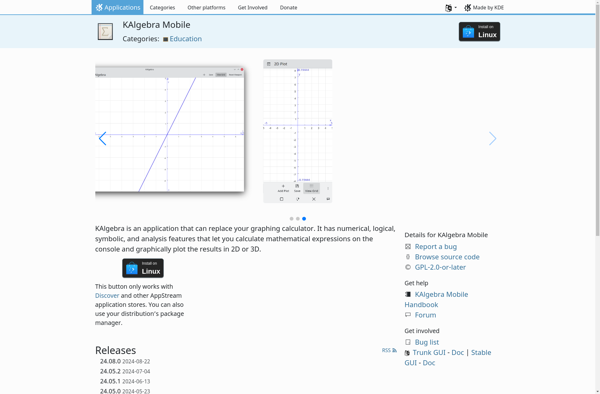
KAlgebra

Calcbot


FxSolver


SpeQ Mathematics

Engineering Calculator

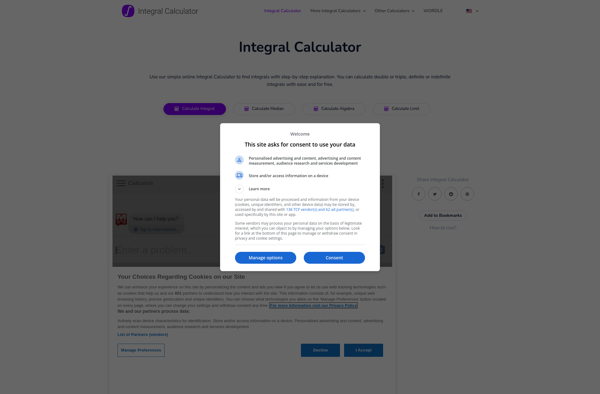
Integral Calculator

NumWorks Graphing Calculator


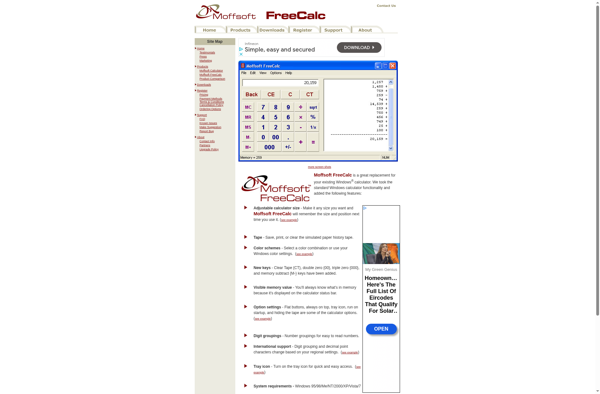
Moffsoft FreeCalc

Microsoft PowerToy Calc


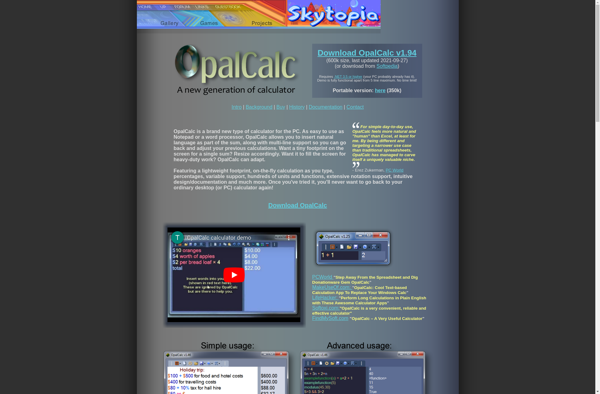
OpalCalc

Omni Calculator

Giac/Xcas


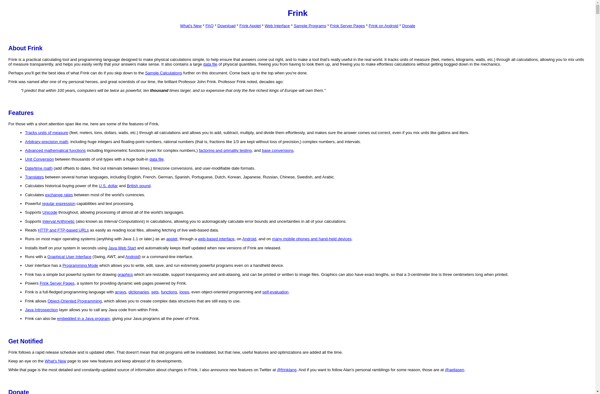
Frink

Math42


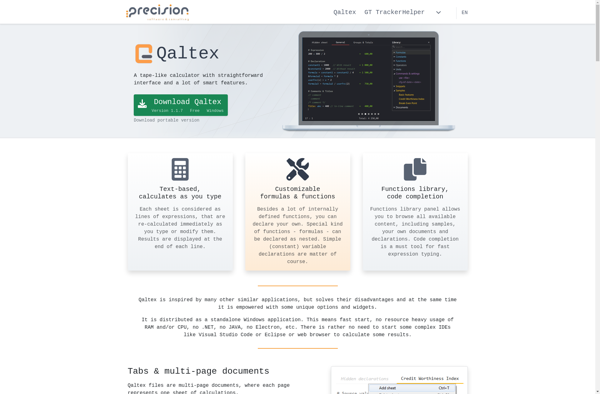
Qaltex

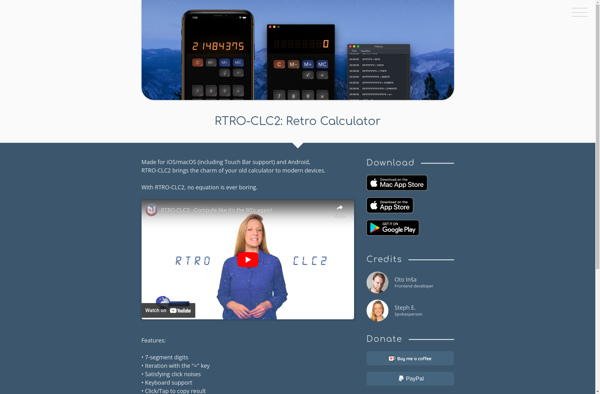
RTRO-CLC2

Abacus


Calculator by Xlythe

Ruvenss Calculator


Standard Deviation Calculator

Algebra Calculator

Online Terminal Calculator

Limit Calculator

GNOME Calculator


VAT Calculators

Makina

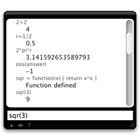
Calculate


HEXelon MAX
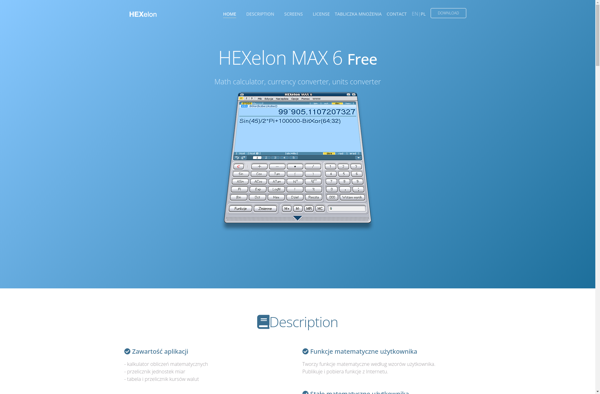

Calcuverter


ECW Expression Calculator


CalcBuddy Calculator
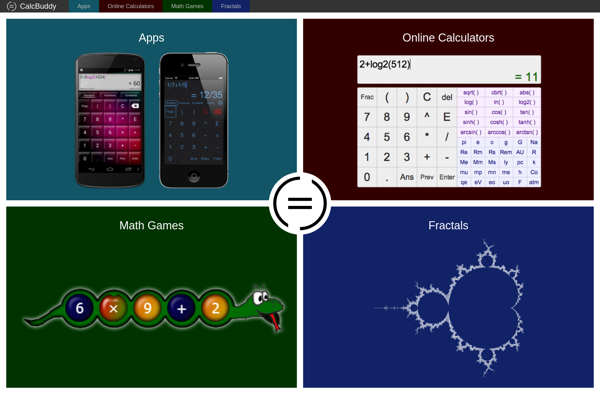

Kanakku


Real Time Calculator

JustBrowsing Calculator
EdenMath


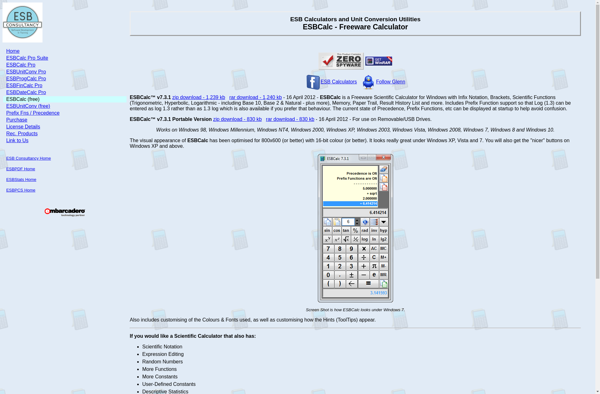
ESBCalc
Mathdroid

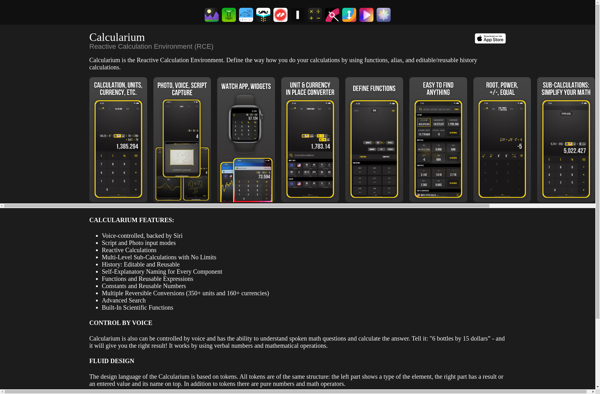
Calculairum

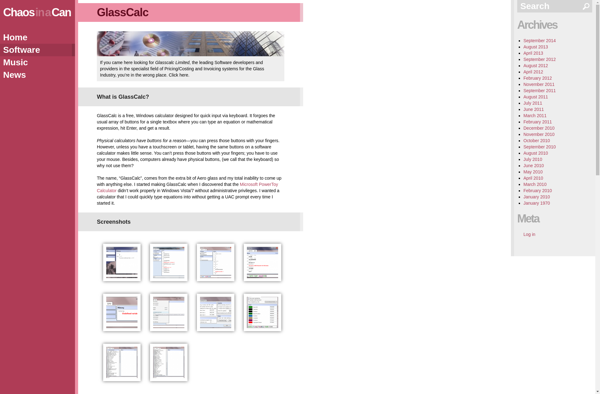
GlassCalc

CrossCalc

MyCalc2


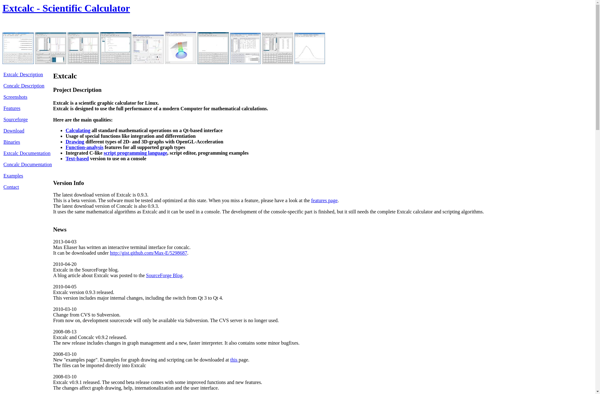
Linux Extcalc

ThinkCalculator


Getcalc

MochiMicho Calculator


Calc98


FinKit


Rule of 3 Calculator

Numeric Notes

TTCalc


Arithmate Pro Calculator