Adobe Illustrator

Adobe Illustrator: Vector Graphics Editor
Adobe Illustrator is a vector graphics editor used for illustrations, web/app designs, logos, packaging, posters and more. It's part of Adobe's Creative Cloud and integrates with other Adobe apps.
What is Adobe Illustrator?
Adobe Illustrator is a popular vector graphics editor developed and published by Adobe Inc. as part of its Creative Cloud suite of design and media applications. Illustrator allows users to create vector-based illustrations, logos, packaging designs, icons, posters, banners and more.
As a vector graphics program, Illustrator works differently than raster graphic editors like Photoshop. Instead of editing images pixel by pixel, Illustrator uses mathematical formulas and vectors to represent images, allowing for increased scalability and precision when resized. Vectors can also be manipulated and modified more easily compared to raster images.
Key features include:
- Tools for drawing shapes, curves, fonts and gradients
- Typography tools for working with fonts and text
- Advanced brushes for detailed illustrations and designs
- Graph and chart creation tools
- A robust selections system
- Transformation tools like rotation, scale, shear and perspective
- Layers for managing complex designs
- Color palette management and color libraries
- Powerful path editing capabilities
- File exporting to various formats like SVG, PDF, JPEG and PNG
As part of Adobe's ecosystem, Illustrator works seamlessly with other Creative Cloud apps like Photoshop, InDesign, XD and more. It also supports importing CAD files, working with data-driven graphics for dynamic illustrations, and single page web export to convert designs into web pages.
Adobe Illustrator Features
Features
- Vector graphics creation
- Typography tools
- Artboards
- Brushes
- Actions
- Live shapes
- Perspective drawing tools
- Gradient tools
- Mesh tool
- Puppet warp tool
- Image tracing
- Patterns
- Graphs and charts
Pricing
- Subscription-Based
Pros
Cons
Reviews & Ratings
Login to ReviewThe Best Adobe Illustrator Alternatives
View all Adobe Illustrator alternatives with detailed comparison →
Top Photos & Graphics and Vector Graphics Editors and other similar apps like Adobe Illustrator
Here are some alternatives to Adobe Illustrator:
Suggest an alternative ❐
Inkscape

Figma

Clip Studio Paint

CorelDRAW Graphics Suite

Affinity Designer

Linearity Curve

Framer

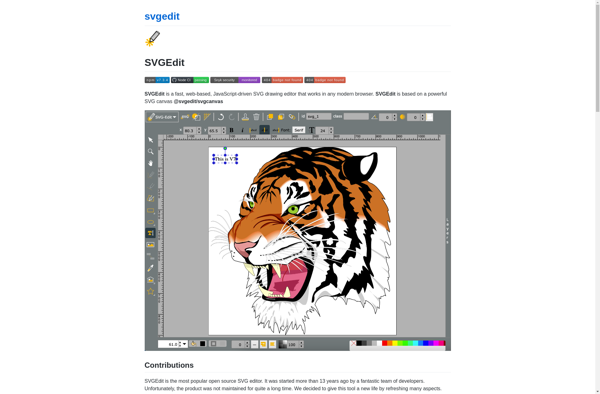
SVG-Edit

MyPaint

Serif Drawplus


Vecteezy Editor

Corel Vector

Sketsa SVG Editor

Xfig

Xara Designer Pro

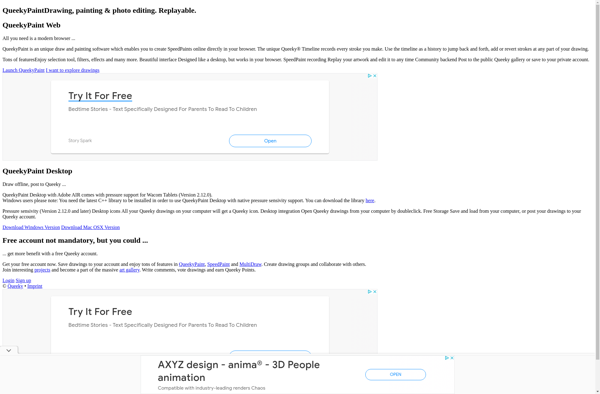
QueekyPaint

InsightPoint


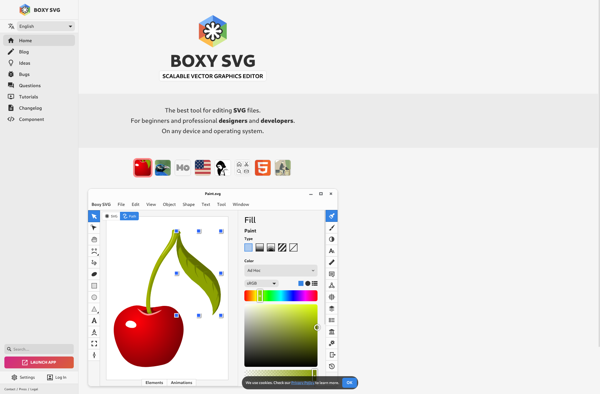
Boxy SVG

Paintbrush


DrawBerry

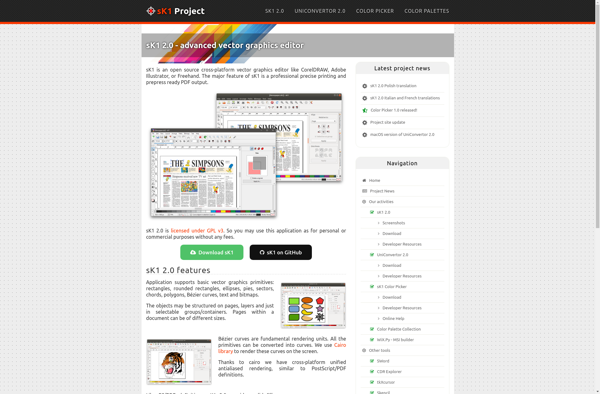
SK1

Super Vectorizer

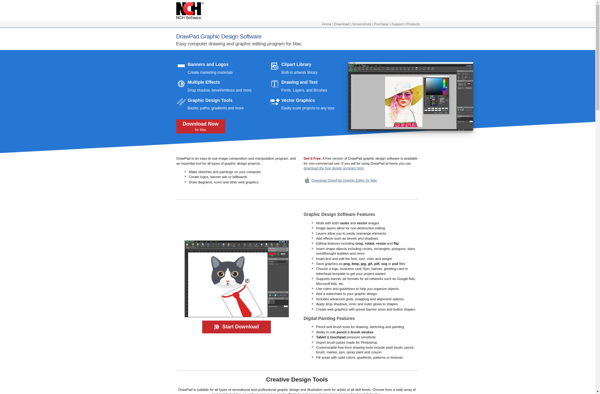
DrawPad

LazPaint

DragPotrace

KolourPaint
Logo Maker Free


EvolveUI

Aphalina Designer


VectorStyler

ProtoSketch

AutoDraw

Sumo Paint


Autodesk SketchBook Designer


Vector Paint

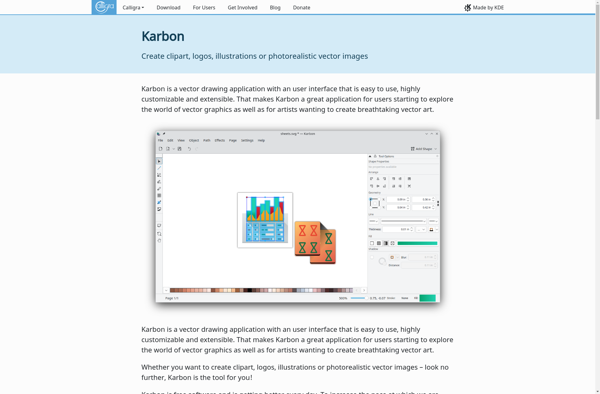
Karbon

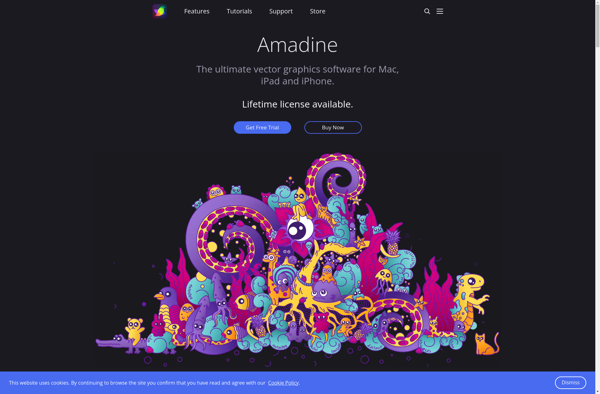
Amadine

YouiDraw

Bez

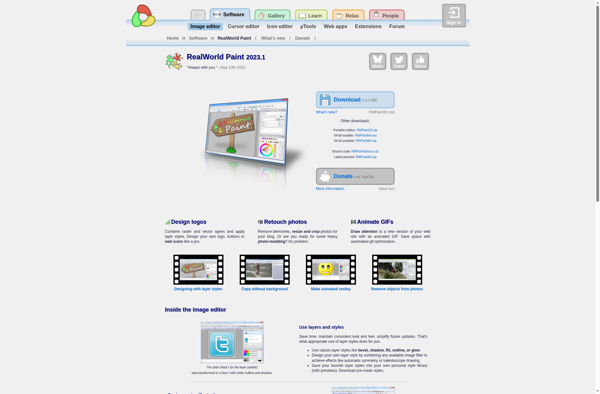
RealWorld Paint

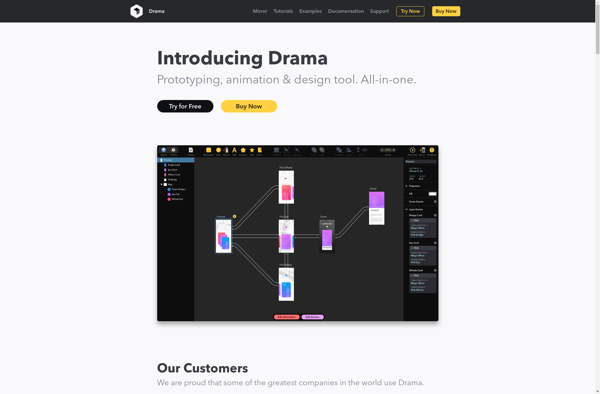
Drama

Vector Artist

Vector Ink
MyBrushes
IDesign


Microsoft Expression Design

Scrshots.best
IVinci


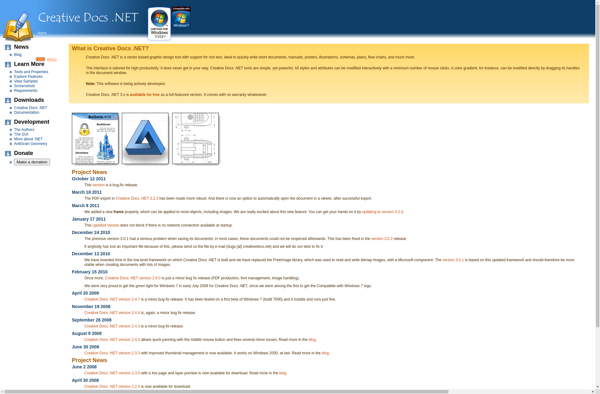
Creative Docs .Net
Ludigraphix
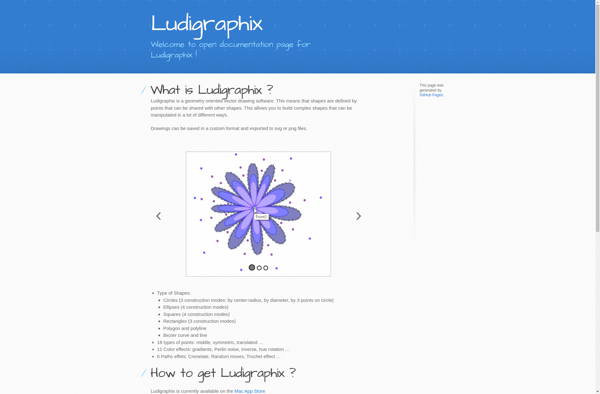

VectorNow

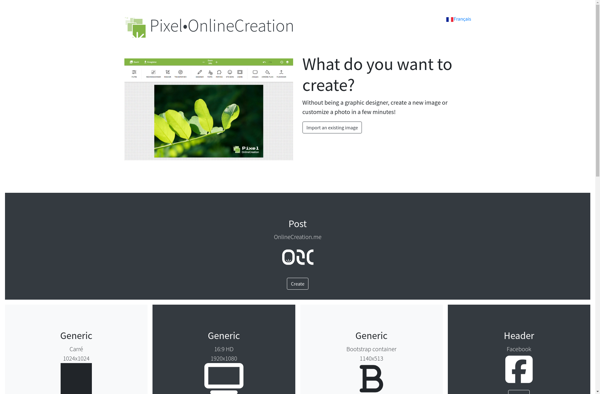
Pixel•OnlineCreation

Adobe Spark Post


Torapp guilloche designer

Realdraw
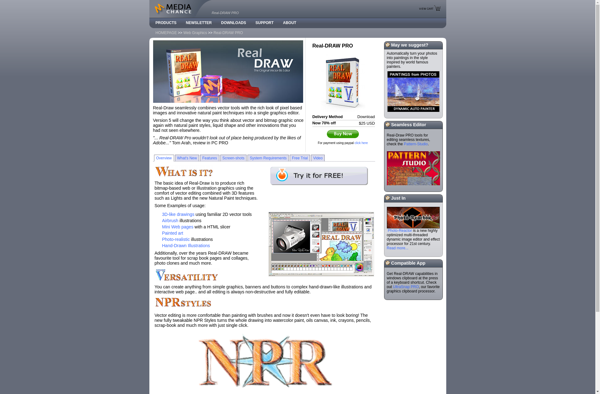

Adobe Ideas

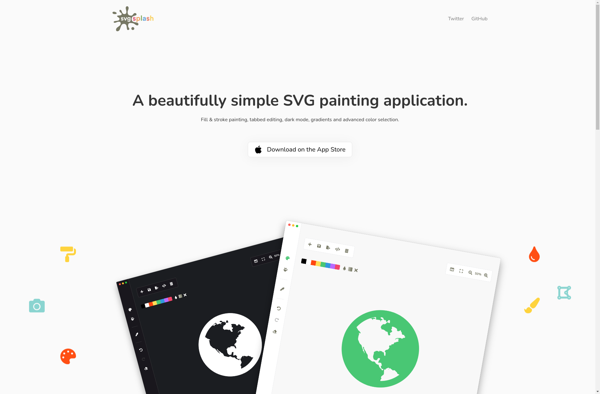
SVG Splash

Mayura Draw

Lineform

VectorDesigner
Ivinci code

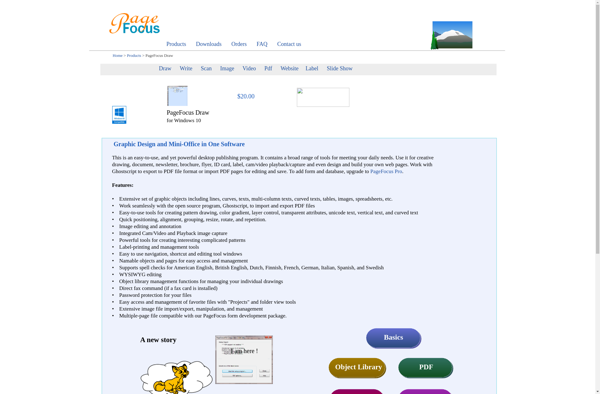
PageFocus Draw

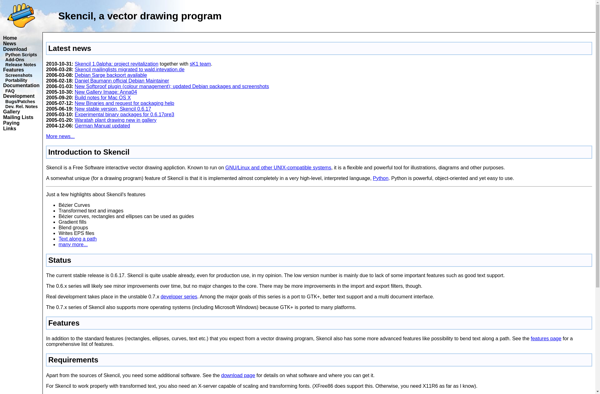
Skencil

ACD Systems Canvas Draw 6

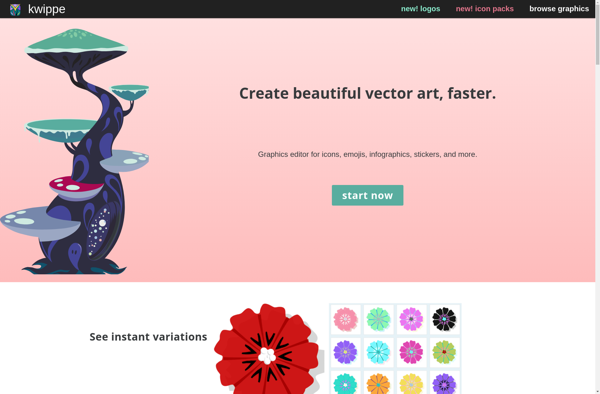
Kwippe

Biff

Beziercode

Image to Vector