Inkscape
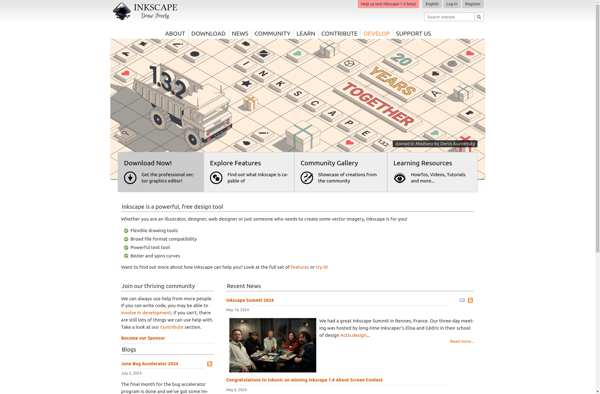
Inkscape: Free and Open-Source Vector Graphics Editor
Inkscape is a free and open-source vector graphics editor designed for creating and editing vector graphics such as illustrations, icons, logos, diagrams, and more. It supports a wide range of file formats and is known for its powerful set of drawing tools and features.
What is Inkscape?
Inkscape is a popular vector graphics editor that provides a free and open-source alternative to commercial software like Adobe Illustrator. Developed by the Inkscape Project, it is available for multiple operating systems, including Windows, macOS, and Linux. Key Features: Vector Graphics Editing: Inkscape is specifically designed for working with vector graphics, allowing users to create and edit scalable images with precision. Vector graphics are composed of paths defined by mathematical equations, ensuring that images can be resized without loss of quality. Drawing Tools: The software offers a diverse set of drawing tools, including pen, pencil, calligraphy, and shape tools. Users can create intricate designs and illustrations using these tools. Node Editing: Inkscape allows users to manipulate paths and shapes at a granular level by editing individual nodes. This provides fine control over the structure of vector objects. Object Manipulation: Users can easily move, scale, rotate, and manipulate objects within the workspace. Inkscape supports layers, enabling the organization of complex designs. Text Support: Inkscape supports the inclusion and manipulation of text within designs. Users can apply various text formatting options, and text objects remain editable. File Formats: The software supports a variety of file formats, including its native SVG (Scalable Vector Graphics) format, as well as other common vector and raster formats. Extensions and Plugins: Inkscape is extensible through a system of extensions and plugins. This allows users to enhance the functionality of the software and add custom features. Gradient and Pattern Fills: Users can apply gradient fills and patterns to objects, enhancing the visual richness of designs. Clone and Tile: Inkscape allows users to create clones of objects, facilitating the creation of repeating patterns and designs. The Tiled Clones feature offers advanced options for creating complex patterns. Live Path Effects: Live Path Effects (LPE) are dynamic effects that can be applied to paths, providing a non-destructive way to modify shapes and paths. Community and Documentation: Inkscape has an active and supportive community. Extensive documentation, tutorials, and forums are available to assist users in learning and mastering the software. Inkscape is widely used by graphic designers, illustrators, and artists for a variety of applications, from creating icons and logos to designing complex illustrations and artworks.
Inkscape Features
Features
- Vector graphics editor
- Support for various vector and raster graphic formats
- Drawing tools
- Node editing
- Clipping and masking objects
- Alpha transparency support
- Gradient and pattern fills
- Text support
- Flexible snapping system
- Layers
- SVG integration
Pricing
- Free
- Open Source
Pros
Cons
Official Links
Reviews & Ratings
Login to ReviewThe Best Inkscape Alternatives
View all Inkscape alternatives with detailed comparison →
Top Photos & Graphics and Vector Graphics Editors and other similar apps like Inkscape
Here are some alternatives to Inkscape:
Suggest an alternative ❐
BioRender

Krita
Adobe Illustrator


Vectorizer.io

Procreate


CorelDRAW Graphics Suite

Clip Studio Paint

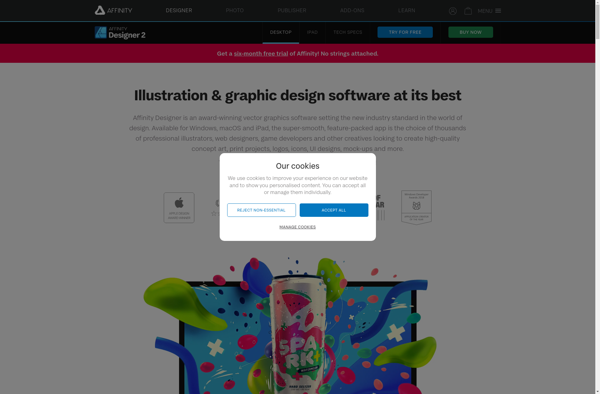
Affinity Designer

Concepts


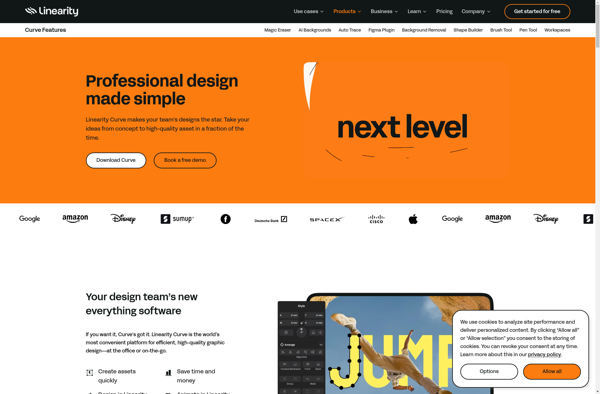
Linearity Curve

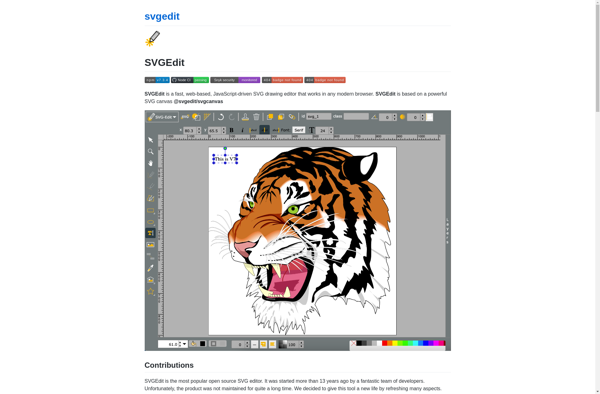
SVG-Edit

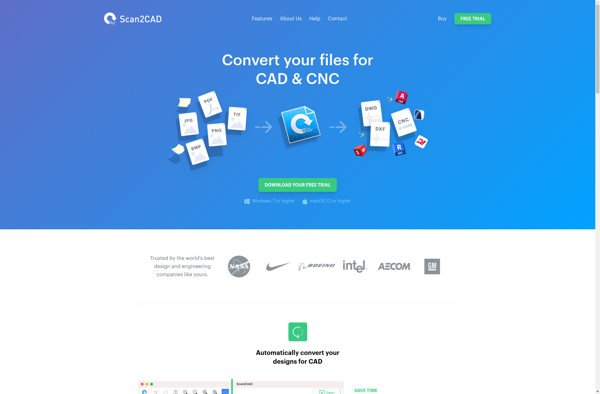
Scan2CAD

PosterMyWall


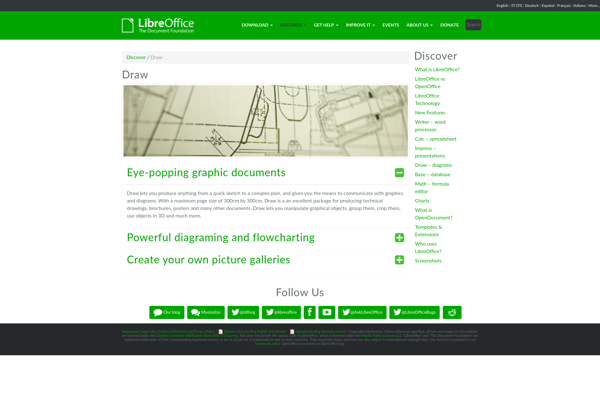
LibreOffice - Draw

Serif Drawplus


Adobe FreeHand


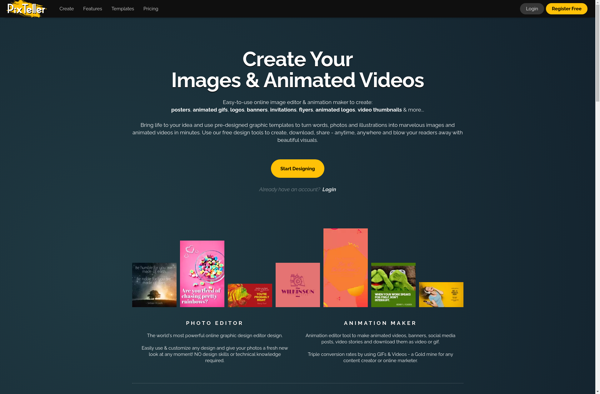
PixTeller

Vizard Studio


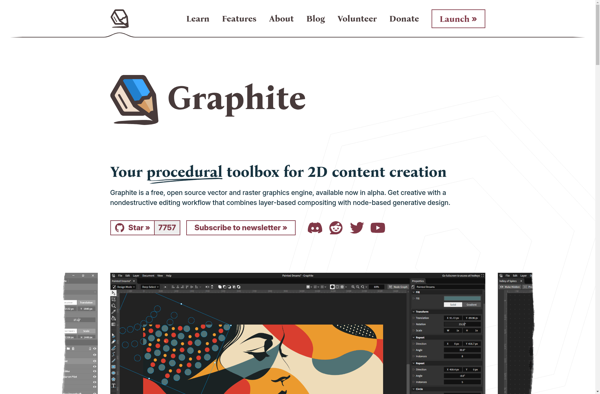
Graphite

Spotiplus


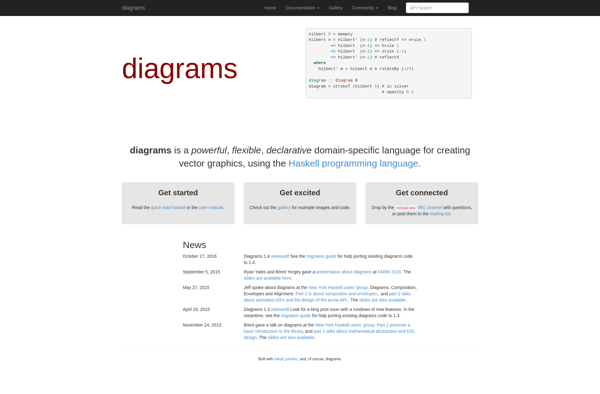
Diagrams

Vecteezy Editor

FontPair

Packly

Polotno Studio

Vectorize!

Corel Vector

Sketsa SVG Editor

Xfig

Xara Designer Pro

QueekyPaint

InsightPoint


Boxy SVG

FlySketch

DrawBerry


SVG Cleaner

SK1

Super Vectorizer

DrawPad
LazPaint

DragPotrace


Logo Design Studio

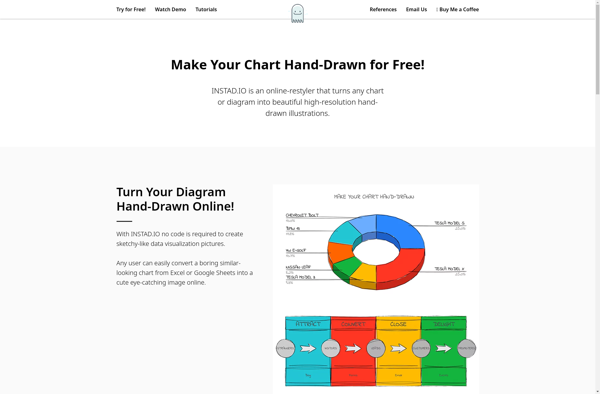
INSTAD.IO

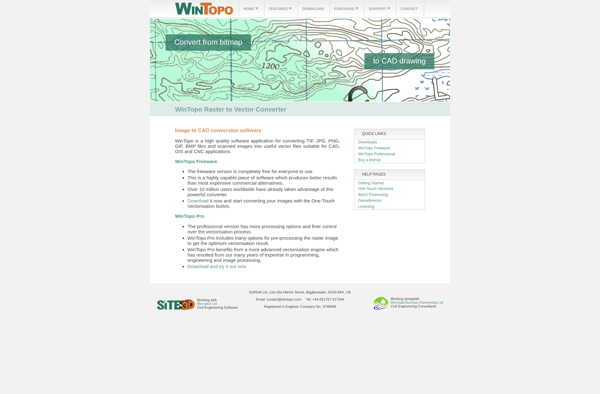
Wintopo

EvolveUI

Aphalina Designer


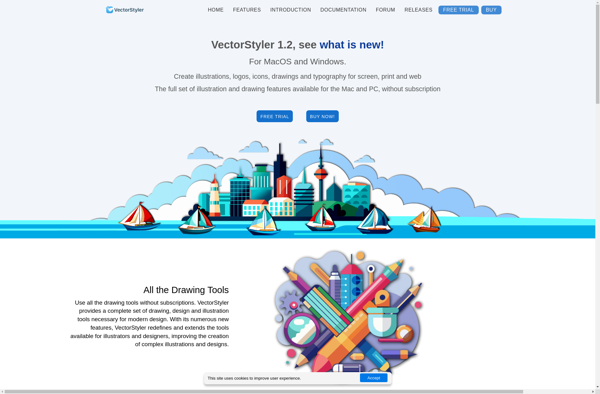
VectorStyler

ProtoSketch


Kleki


AutoDraw

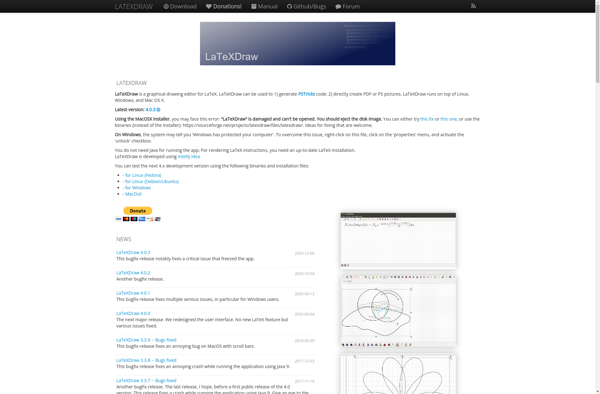
LaTeXDraw

PicMonkey


Autodesk SketchBook Designer


Vector Paint
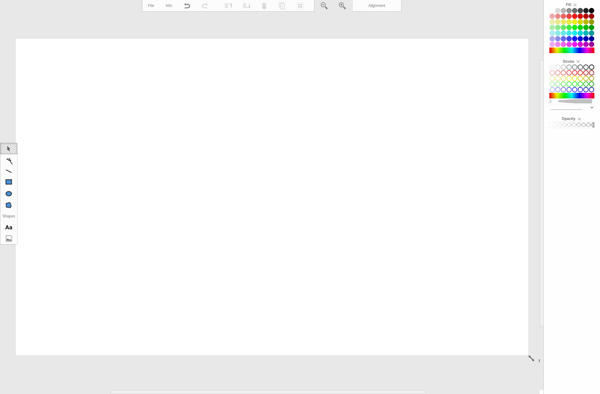

Paintastic

Autotracer.org

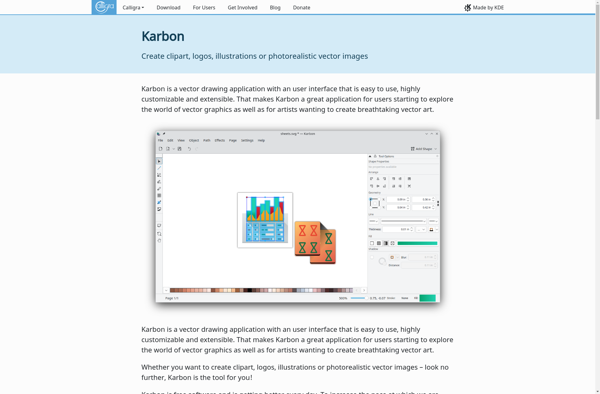
Karbon
Picmaker


Webchemy

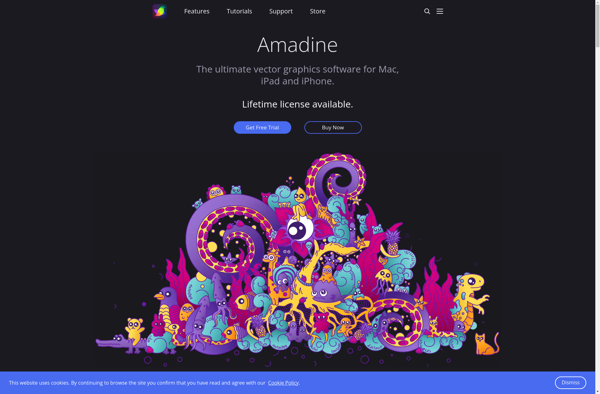
Amadine

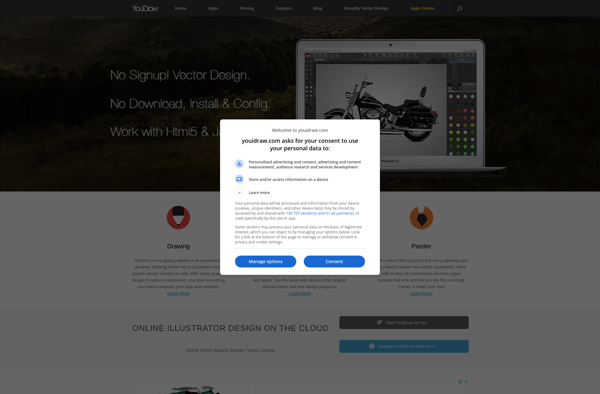
YouiDraw

Zoner Draw

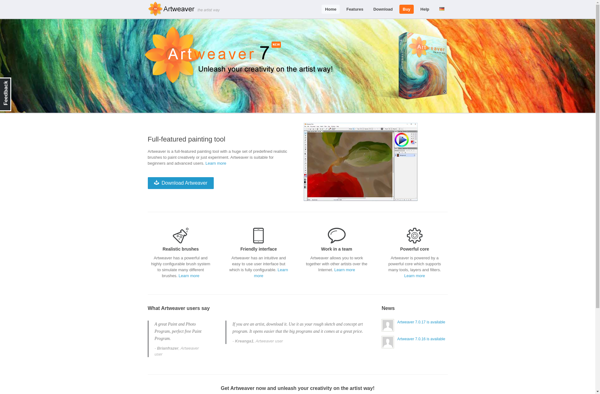
Artweaver

Bez

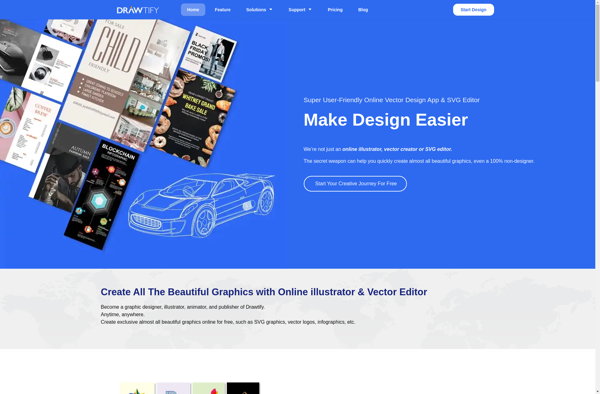
Drawtify

EDIT.ORG


Content Stadium


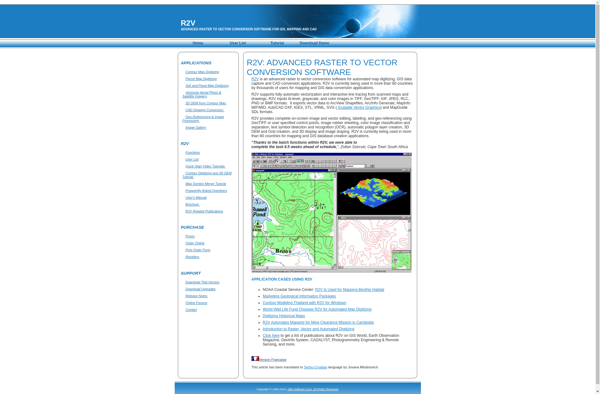
R2V

Vector Artist

Image Vectorizer


Vector Ink
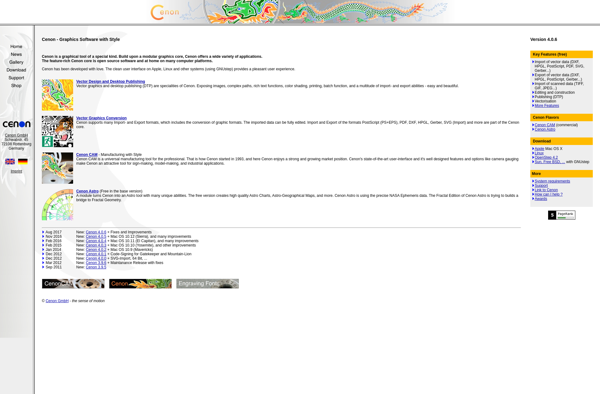
Cenon
IDesign


Microsoft Expression Design

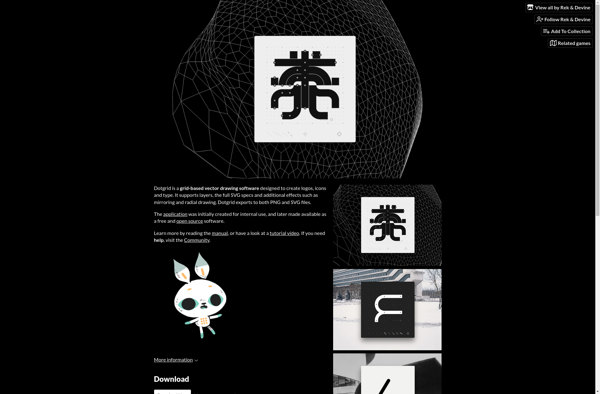
Dotgrid

IVinci


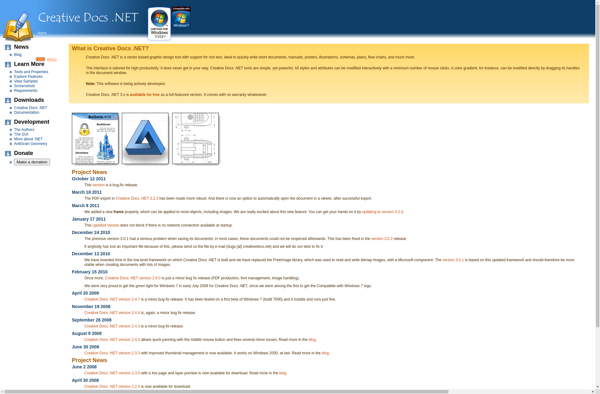
Creative Docs .Net
Ras2Vec

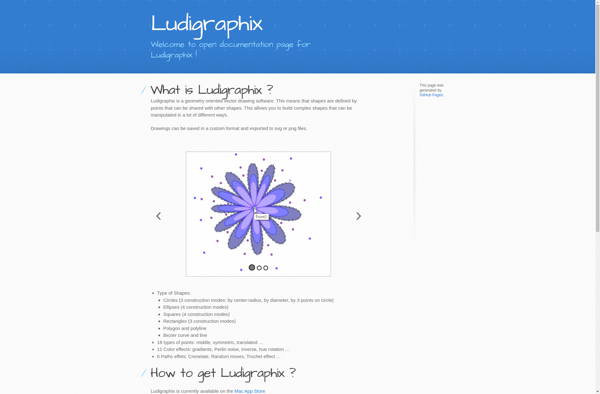
Ludigraphix

Artipic Photo Editor


VectorNow

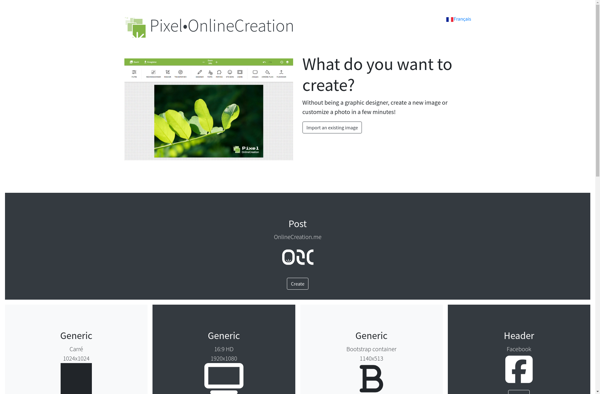
Pixel•OnlineCreation

TikZiT


LineTracer
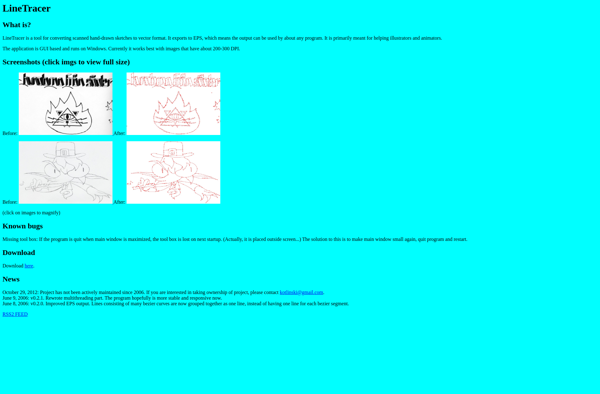

Akira
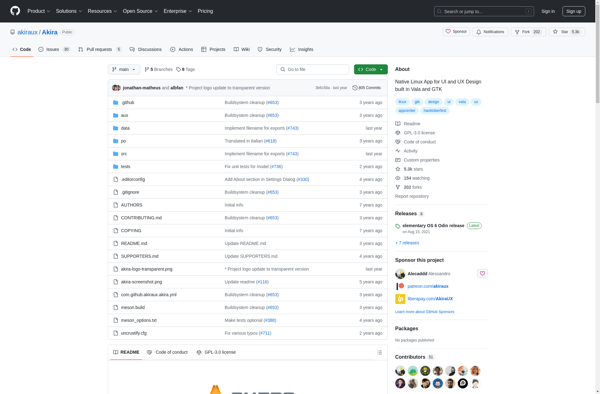

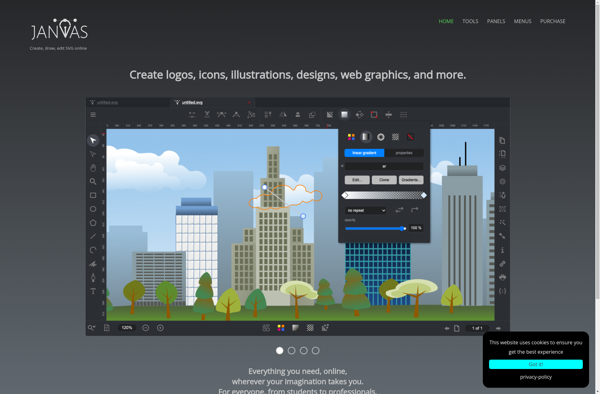
Janvas

Torapp guilloche designer

Microsoft Sprightly


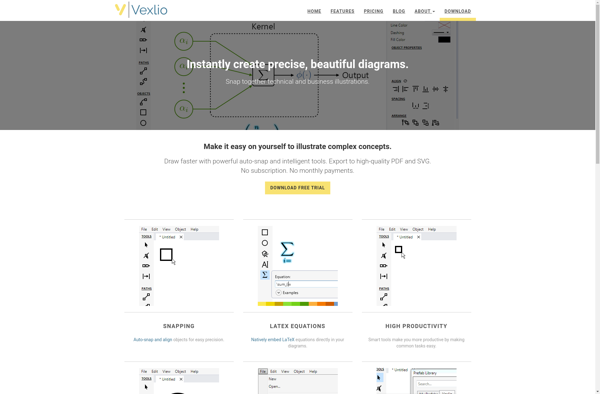
Vexlio

BrandPitch

Realdraw

Adobe Ideas

Online Design Company

GLIPS Graffiti Editor


SVG Splash

Mayura Draw

JPicEdt

InstaLogo

Lineform

VectorDesigner

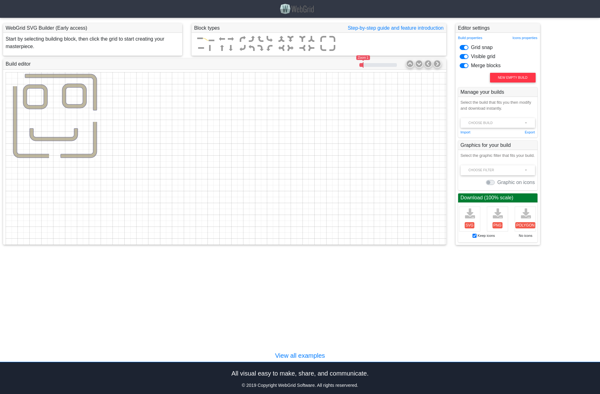
WebGrid SVG Building Tool
Ivinci code

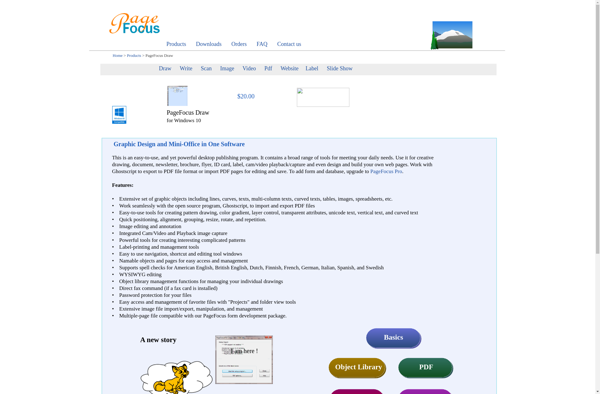
PageFocus Draw

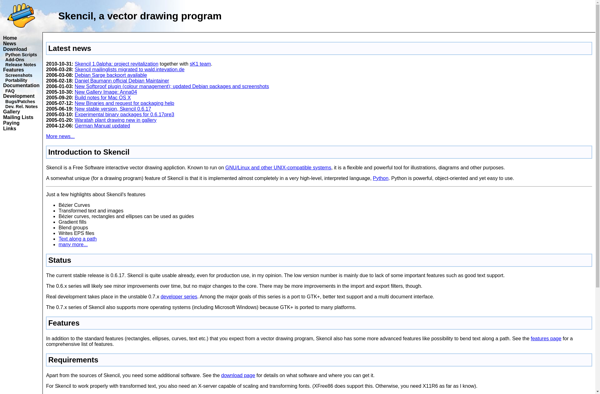
Skencil

ACD Systems Canvas Draw 6

Kwippe

DrawIt

SignGo

Biff


RasterVect


Image to Vector


VectorView

CleverBrush