
LibreOffice - Draw
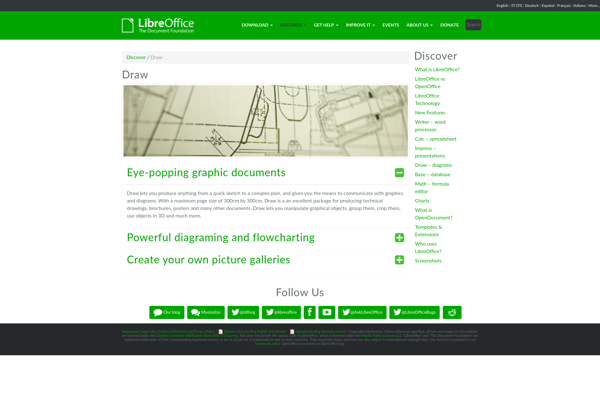
LibreOffice Draw: Free Vector Graphics Editors
A free, open source vector graphics editor for creating diagrams, charts, graphs, flowcharts and more, included in the LibreOffice software suite as an alternative to Microsoft Visio.
What is LibreOffice - Draw?
LibreOffice Draw is a vector graphics editor included in the open source LibreOffice software suite. It allows users to create a wide variety of graphical images including diagrams, flowcharts, organizational charts, network layouts, floor plans, and more.
As an open source alternative to Microsoft Visio, LibreOffice Draw provides many similar features for creating professional and visually appealing graphics. Its vector graphics capabilities allow for flexible scaling, grouping, layering, connecting, and grouping of objects. It also includes tools for adding text, images, special effects, and other design elements.
Some key features of LibreOffice Draw include:
- Vector drawing tools
- Diagramming and flowchart templates
- Advanced shape and line styles
- Connector tools to link objects
- Gradient, texture, and color fill effects
- Typographic and formatting tools
- Import/export to various file formats including PDF and image files
LibreOffice Draw is cross-platform and works on Windows, MacOS, and Linux. It can open and edit Visio files to a certain extent for easy collaboration across office suites. The interface includes sidebar panels and galleries that provide quick access to commonly used tools and styles.
As with all LibreOffice applications, Draw is free and open source software managed by The Document Foundation. It is updated every six months with new features and stability improvements.
LibreOffice - Draw Features
Features
- Vector drawing
- Flowcharts
- Diagrams
- Charts
- Graphing
- Image editing
- Page layout
- Presentation slides
- Export to PDF
- Import/export various file formats
Pricing
- Free
- Open Source
Pros
Cons
Official Links
Reviews & Ratings
Login to ReviewThe Best LibreOffice - Draw Alternatives
View all LibreOffice - Draw alternatives with detailed comparison →
Top Office & Productivity and Office Suite and other similar apps like LibreOffice - Draw
Here are some alternatives to LibreOffice - Draw:
Suggest an alternative ❐
Microsoft Office Visio

Draw.io

Inkscape


Lucidchart


Xmind


SmartDraw


PDFsam

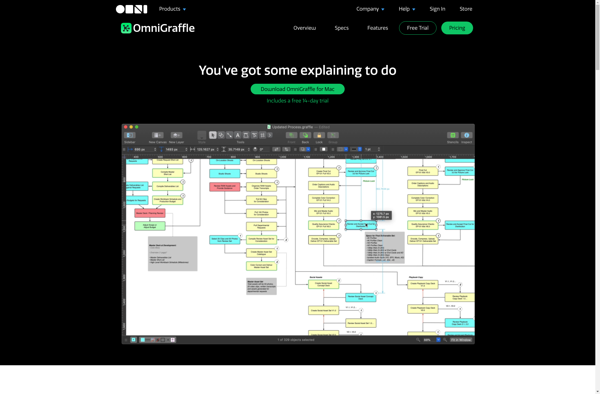
OmniGraffle

Google Drawings


YEd Graph Editor


MindMeister


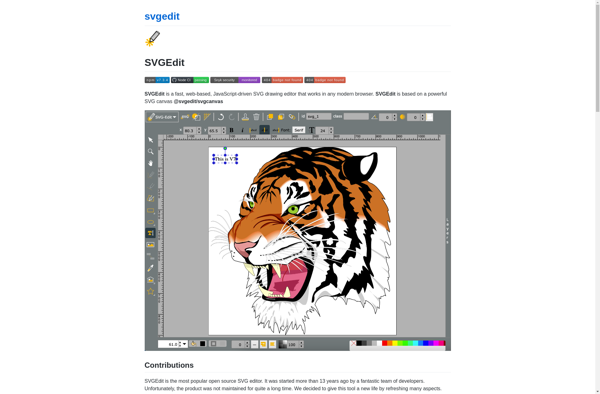
SVG-Edit

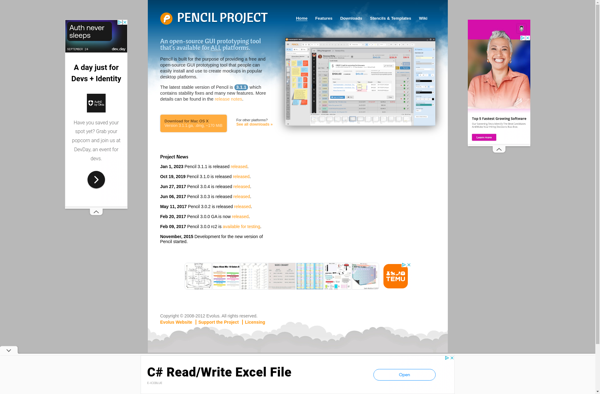
Pencil Project

Graphviz
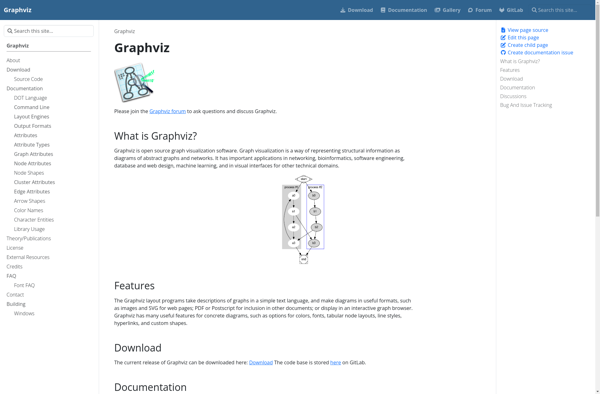

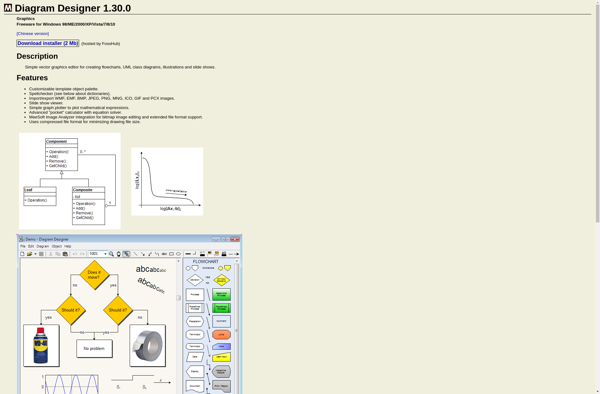
Diagram Designer

ARIS Express


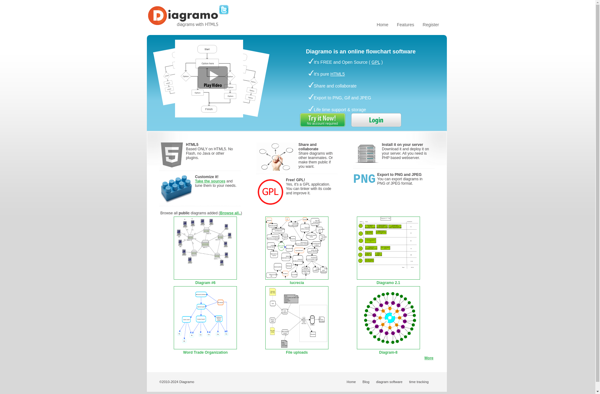
Diagramo

ProcessMaker


PathVisio


GroupMap


Diagrams

Vecteezy Editor

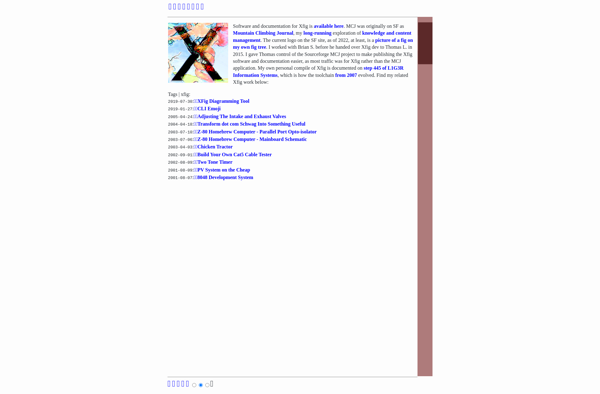
Xfig

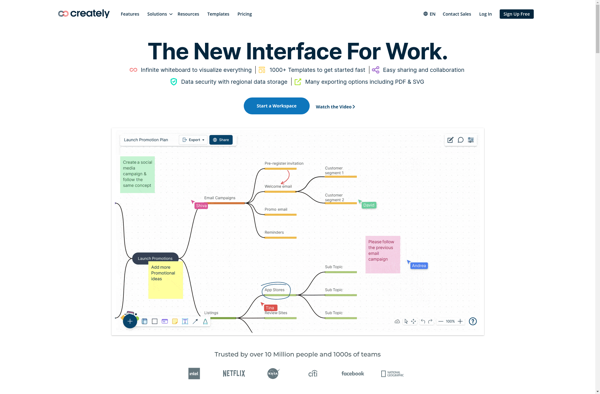
Creately

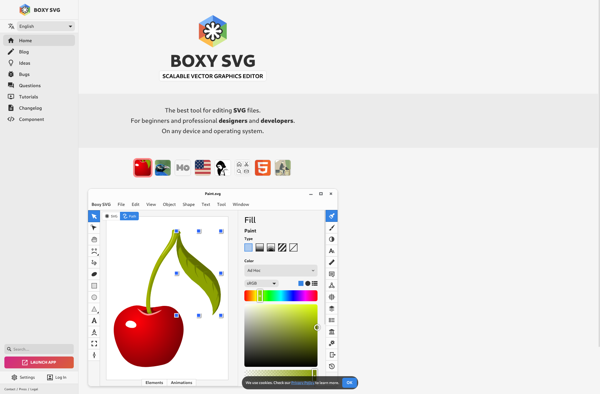
Boxy SVG

DrawBerry


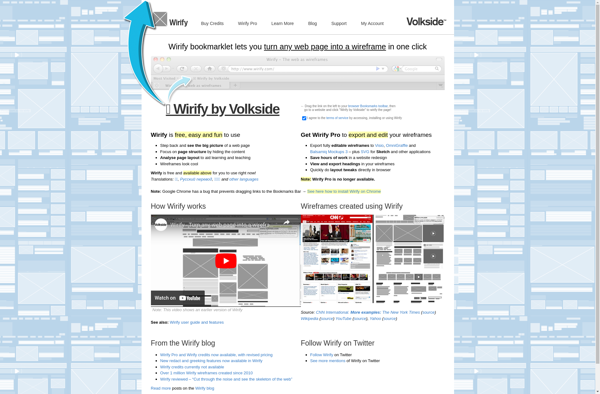
Wirify

ToonDoo


Mindomo


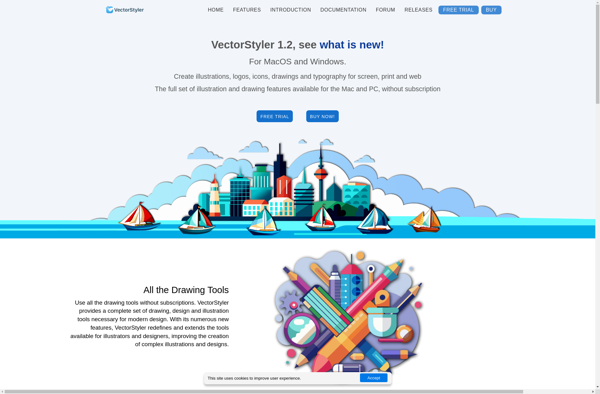
VectorStyler

AutoDraw


Delineato Pro


Mockingbird

PowerDraw

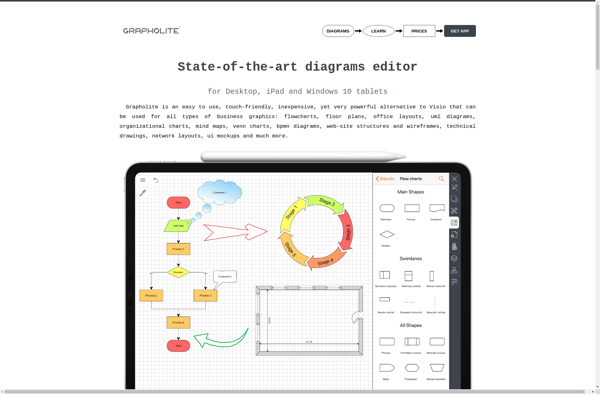
Grapholite

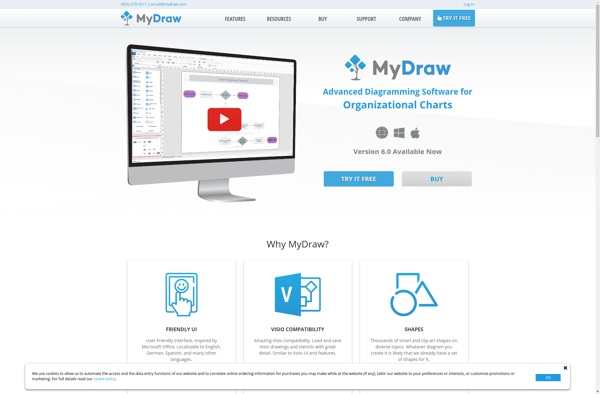
MyDraw

Storyboarder


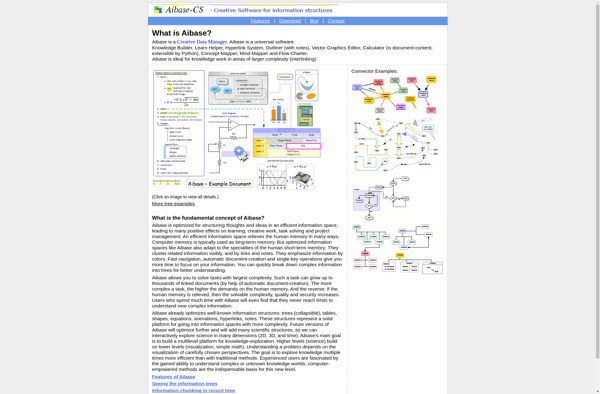
Aibase

QuikFlow


BigHairyGoal


ThinkComposer


PlantText


Isoflow


MindBranches

ComicBook!


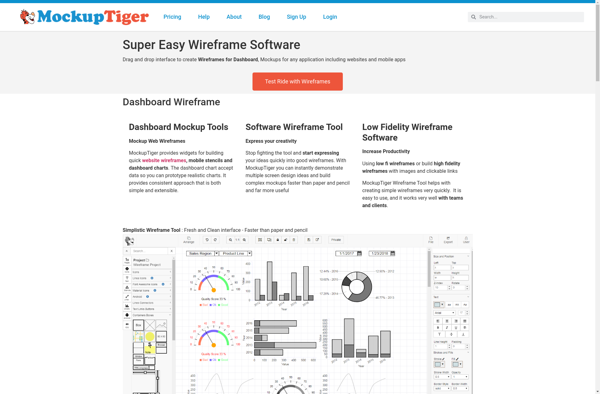
MockupTiger

Textografo

Cacoo


DataGraph
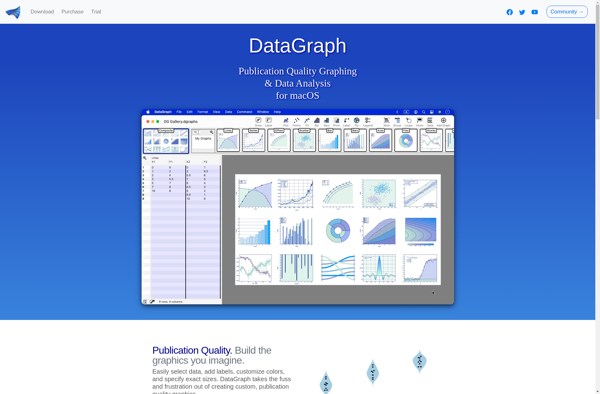
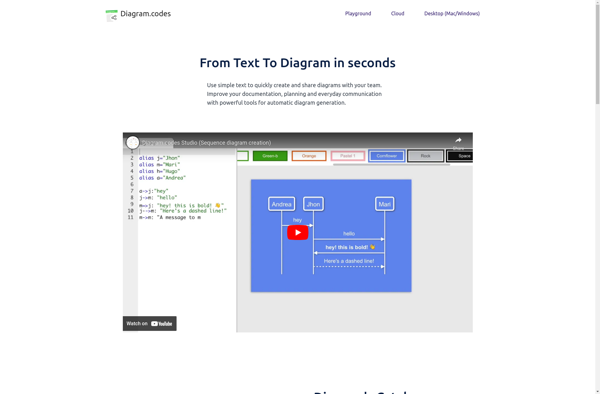
Diagram.codes

GraphUp

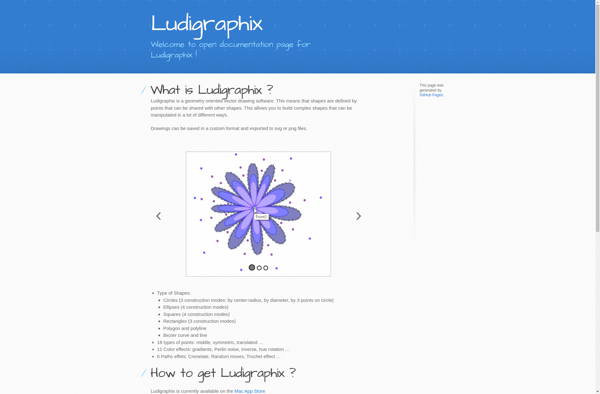
Ludigraphix

Pixel•OnlineCreation


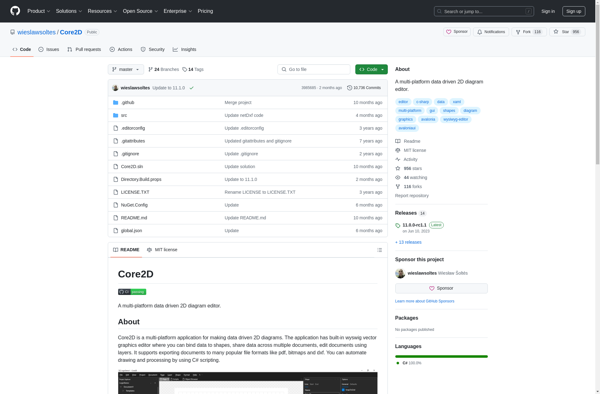
Core2D

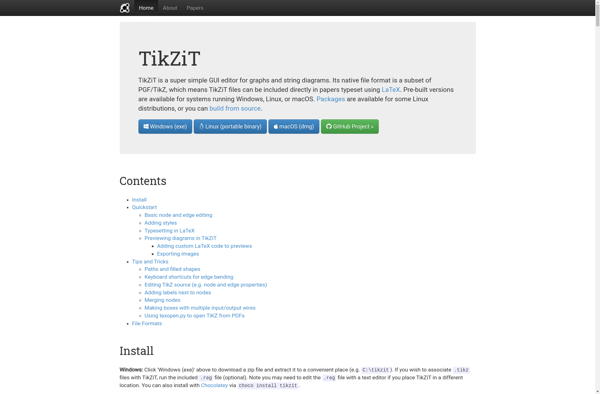
TikZiT

Wireflow


Torapp guilloche designer

Org Chart Designer Pro


GoVisual Diagram Editor


PBS Kids Cartoon Studio


WireframePro


Graphity


Lovely Charts

CDRViewer 3

MindBerry


Enterprise Explorer


Graphesent Anim

SimpleDiagrams


Diagrammix


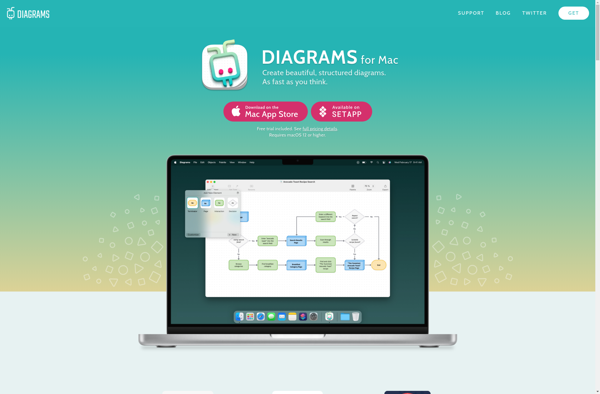
Diagrams for Mac

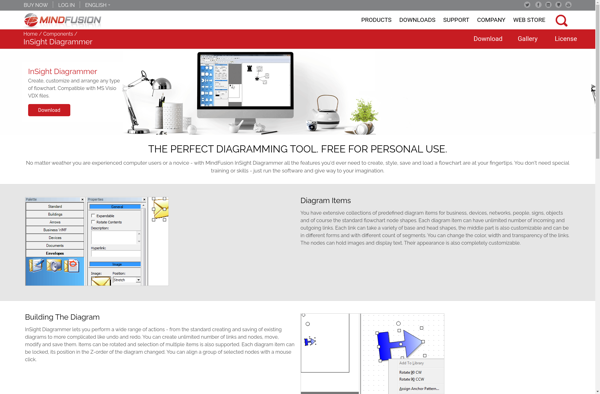
InSight Diagrammer

MyThoughts for Mac

Hohli


Merge Plan


ContactBase