Sublime Text
Sublime Text: Lightweight Cross-Platform Source Code Editor
A popular source code editor with a minimal interface, offering features like syntax highlighting, code snippets, split editing, and plugin support.
What is Sublime Text?
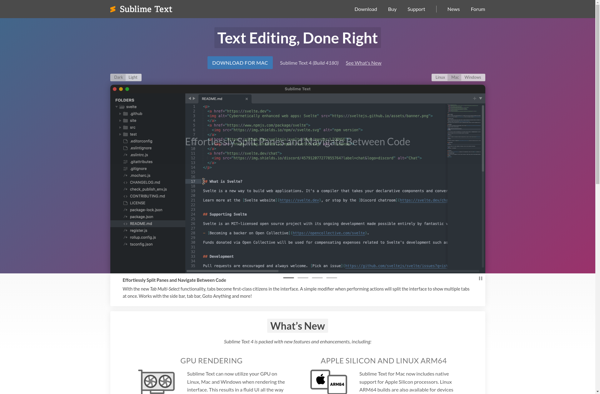
Sublime Text is a sophisticated text editor for code, markup, and prose. It has a clean, intuitive, and unobtrusive user interface with excellent performance. Sublime Text is highly customizable and extensible with Python plugins. Key features include:
- Fast, lightweight, and responsive user interface
- Cross-platform availability for Linux, Windows, and macOS
- Powerful search and replace with regex support
- Customizable keyboard shortcuts
- Split screen editing
- Syntax highlighting for many programming languages and markup formats
- Code snippets and autocompletion
- Minimap showing code outline
- Extensive plugin ecosystem to extend functionality
- Easy syncing of settings across devices
- Themes and color schemes for customizable experience
- Community-driven development model
Sublime Text excels at editing code and markup with its refined interface. The extensive customizability via plugins makes it a versatile editor adaptable to many use cases. Overall, Sublime Text balances performance, an uncluttered interface, cross-platform availability, and customizability into an efficient and polished text editor.
Sublime Text Features
Features
- Syntax highlighting
- Code snippets
- Split editing
- Plugin support
- Customizable interface
- Fast search and navigation
- Multiple cursors and selections
- Package Control for easy plugin installation
Pricing
- Free Trial
- One-time Purchase
- Subscription-Based
Pros
Cons
Official Links
Reviews & Ratings
Login to Review63 reviews
Rating Breakdown
Recent Reviews
Morgan Thomas
May 24, 2026My daily driver for coding - fast, flexible, and powerful
Sublime Text has been my go-to code editor for years now. It's incredibly fast, even with large files, and the 'Goto Anything' feature makes navigating projects a breeze. The extensive package ecosystem through Package Control lets me customize it perfectly …
Emma Harris
May 19, 2026Frustratingly simple for the price
I've tried to get into Sublime Text because everyone raves about it, but I find the minimal interface more limiting than elegant. For a paid editor, the out-of-the-box features feel sparse, and the constant 'unregistered' popup is annoying when cheaper …
Jordan Jackson
May 19, 2026My Daily Driver for Years - Fast, Reliable, and Infinitely Extensible
Sublime Text has been my primary code editor for web development for over five years. Its speed is unmatched—it launches instantly and handles massive files without a hiccup. The package ecosystem via Package Control is incredible, allowing me to customize …
River Johnson
May 19, 2026A Powerful Editor with a Stubborn Price Tag
Sublime Text is incredibly fast and responsive, and its multiple cursors and 'Goto Anything' feature are game-changers for my workflow. However, the nagging popup for the license fee is a constant annoyance, and while extensible, I find it requires more …
Sarah Harris
May 09, 2026My Daily Driver for All Development Work
Sublime Text has been my go-to editor for years because it's incredibly fast and never gets in my way. The 'Goto Anything' feature and the powerful multi-cursor editing boost my productivity immensely. While it's not free, the one-time license fee …
Rating Distribution
The Best Sublime Text Alternatives
View all Sublime Text alternatives with detailed comparison →
Top Development and Text Editors and other similar apps like Sublime Text
Here are some alternatives to Sublime Text:
Suggest an alternative ❐
Visual Studio Code

Neovim

VSCodium
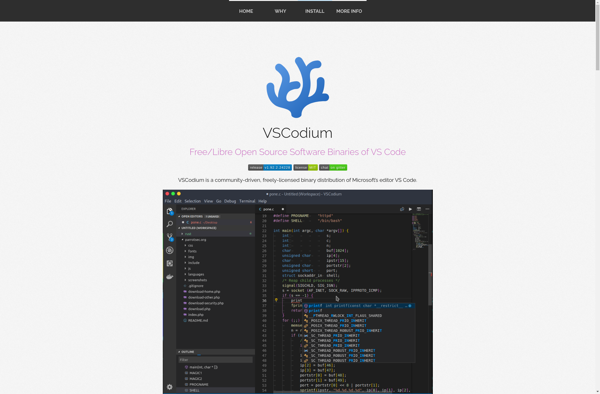

Zed Code Editor

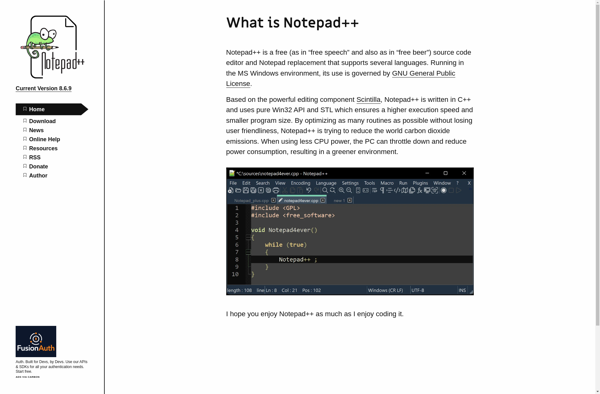
Notepad++

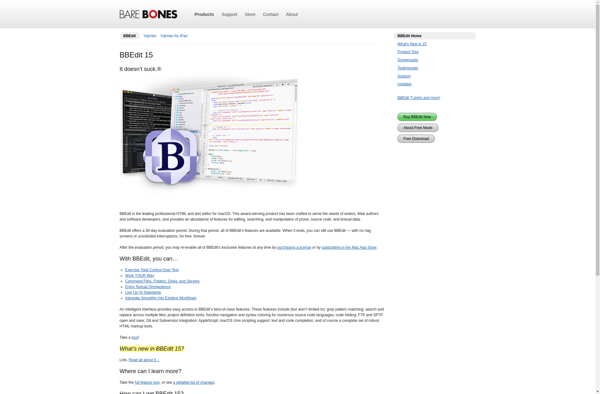
BBEdit

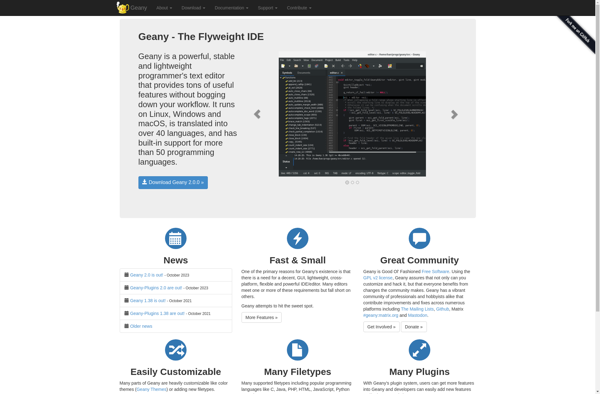
Geany

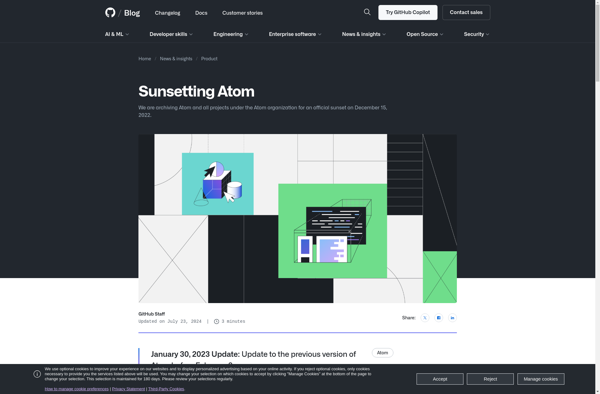
Atom

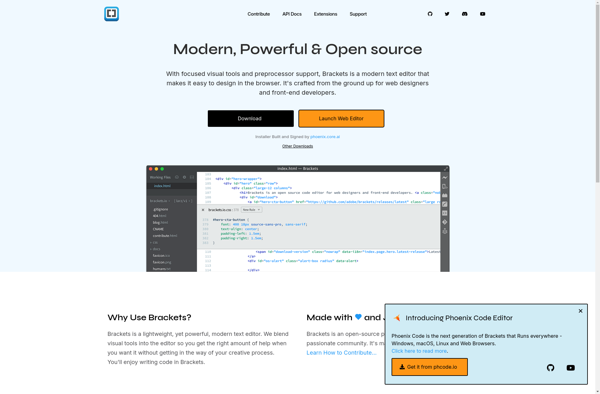
Brackets

TextEdit

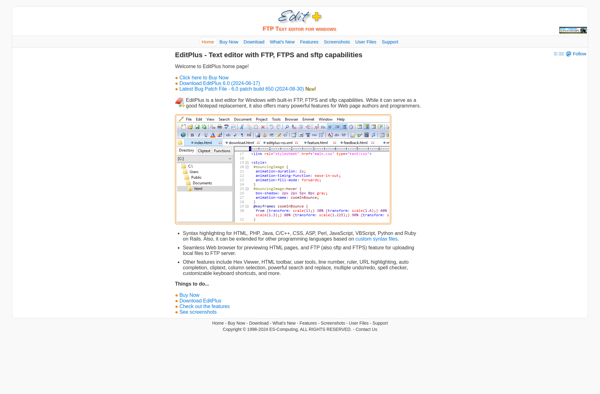
EditPlus

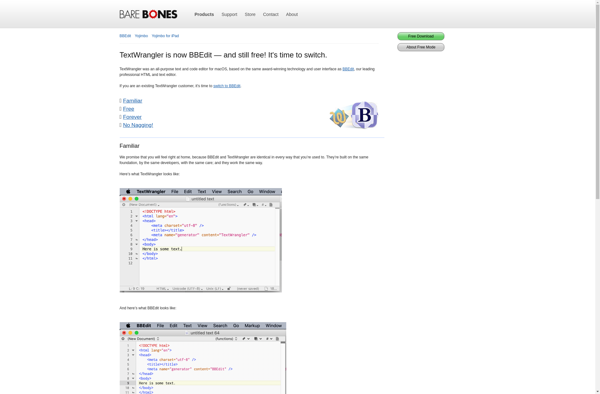
TextWrangler

PSPad


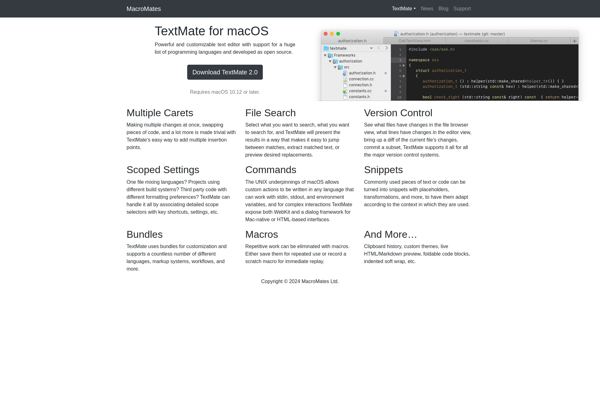
TextMate

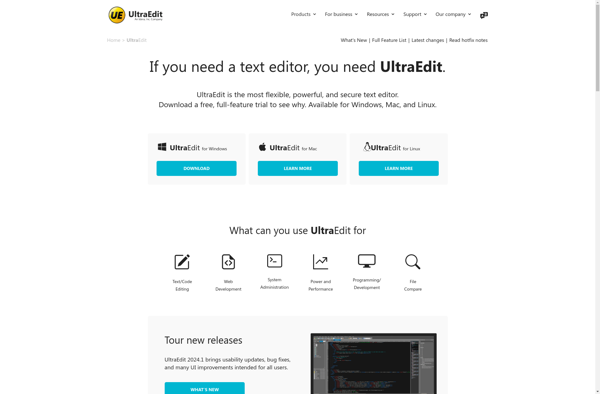
UltraEdit

TextPad

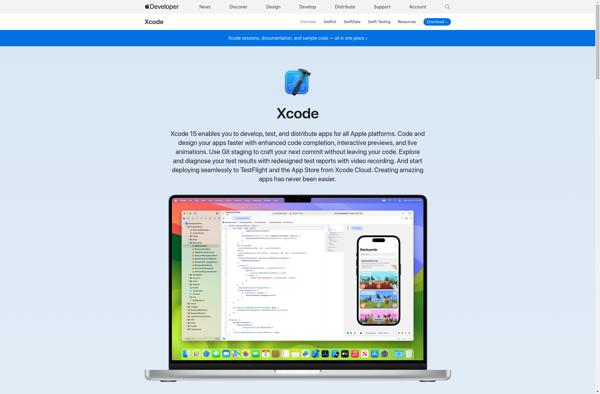
Xcode

Coda

EmEditor

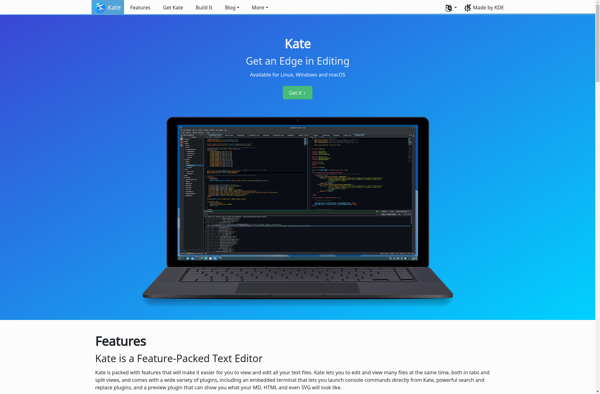
Kate

Leafpad


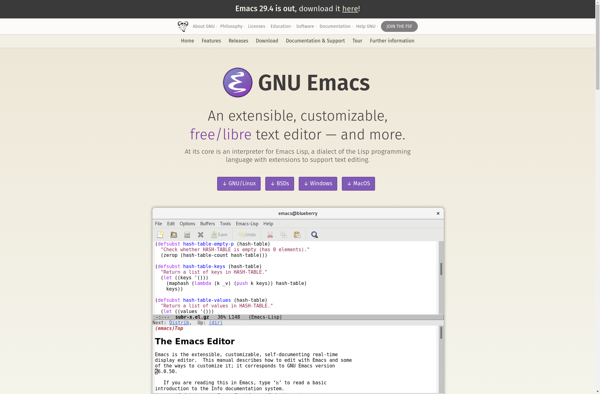
GNU Emacs

PyScripter

Pluma

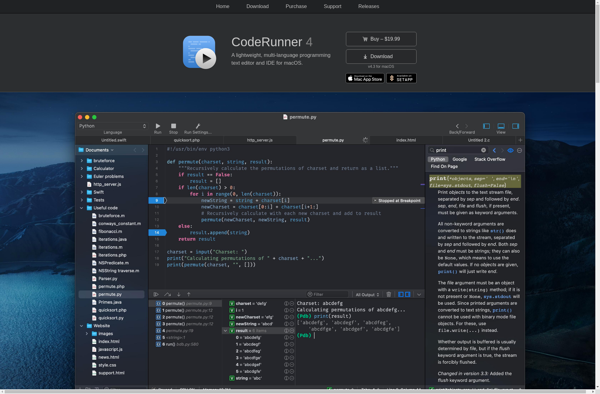
CodeRunner

NEdit

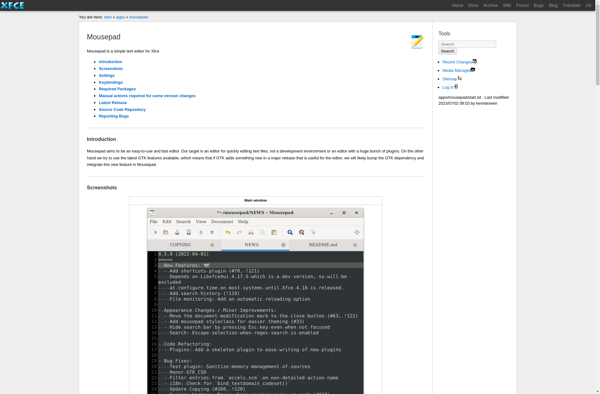
Mousepad

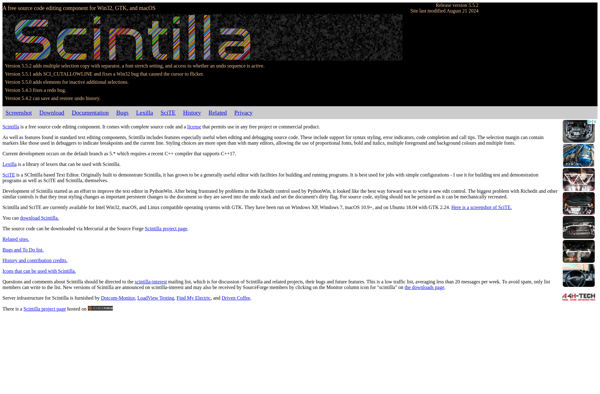
SciTE

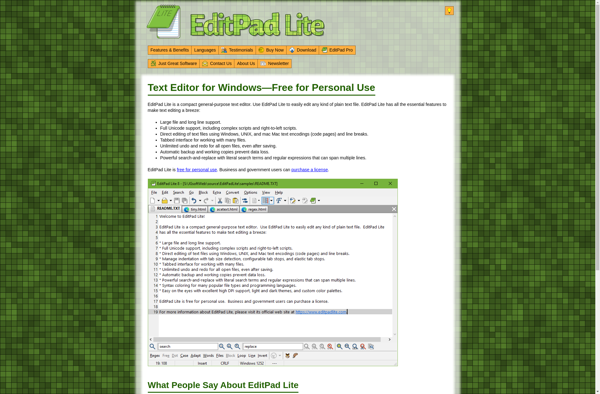
EditPad Lite

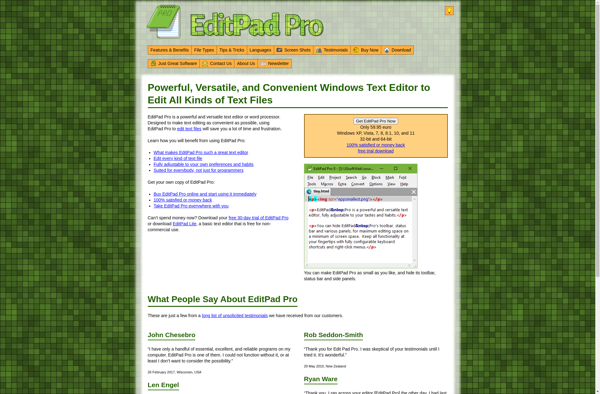
EditPad Pro

Notepadqq

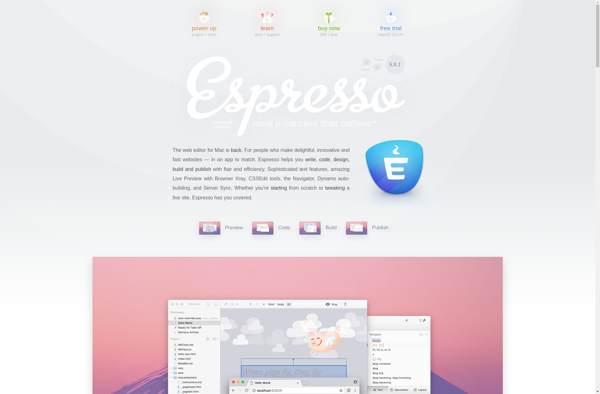
Espresso

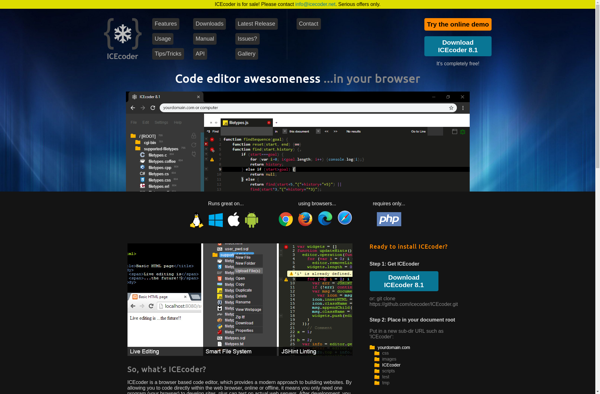
Icecoder

WxMEdit


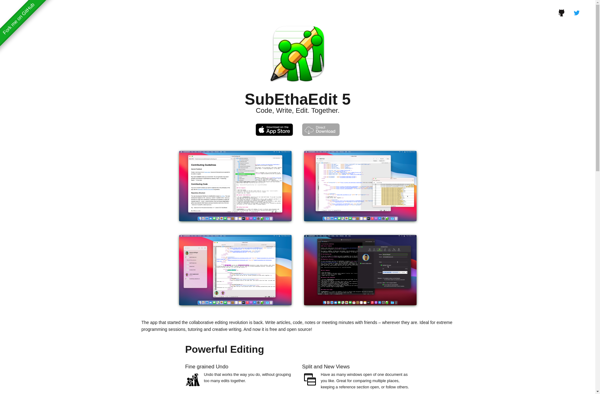
SubEthaEdit

RJ TextEd

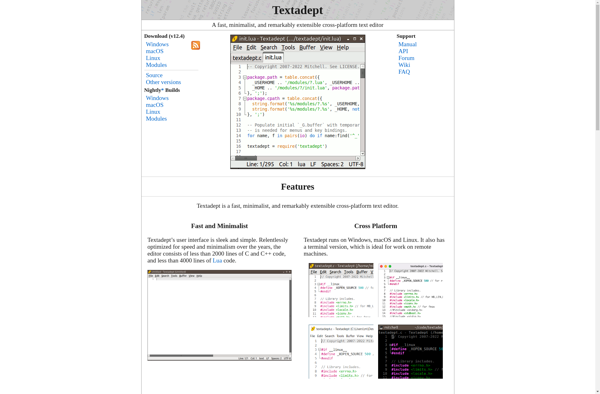
Textadept

NINJA-IDE

SynWrite

Batch Text File Editor

VbsEdit

Runestone
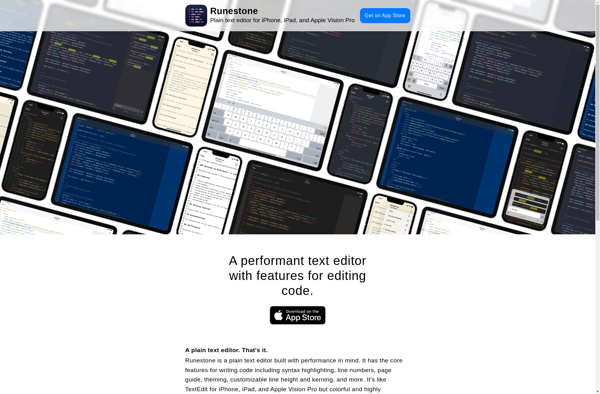

Smultron
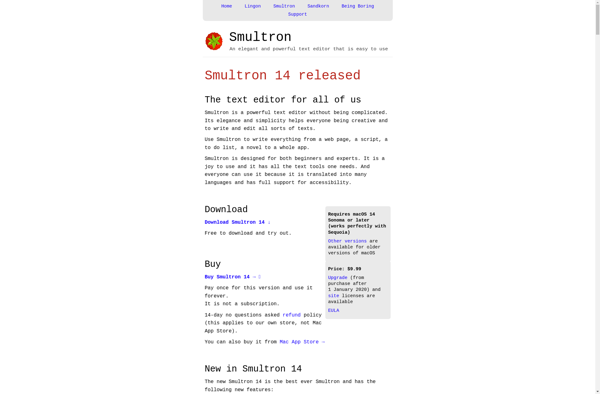

CotEditor
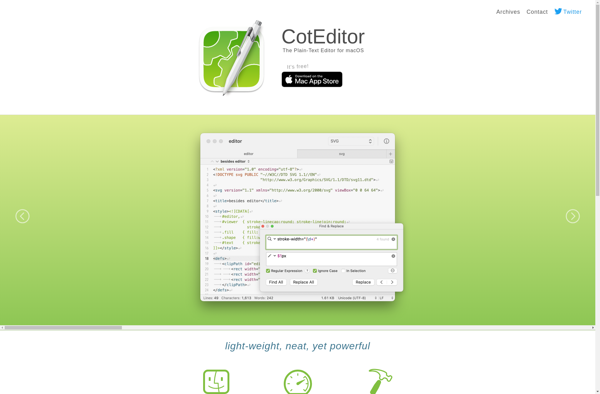

Text Edit Plus


Lapce
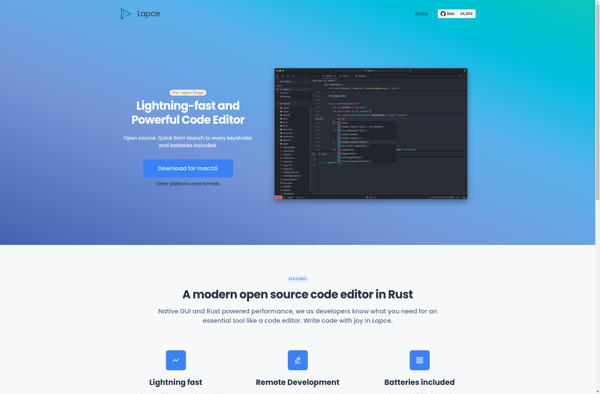

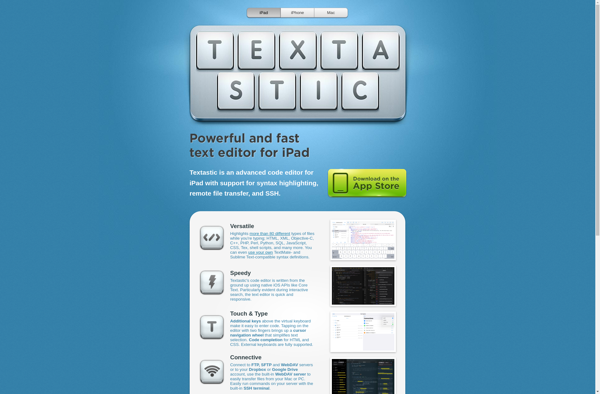
Textastic

YuranPad

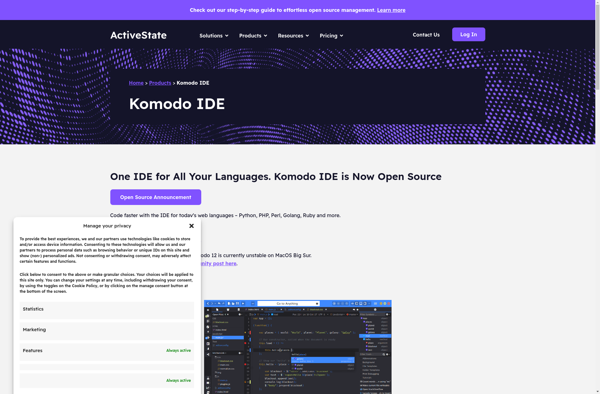
Komodo IDE

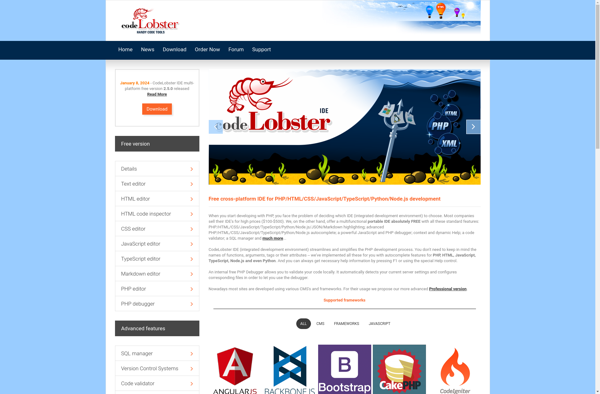
CodeLobster IDE

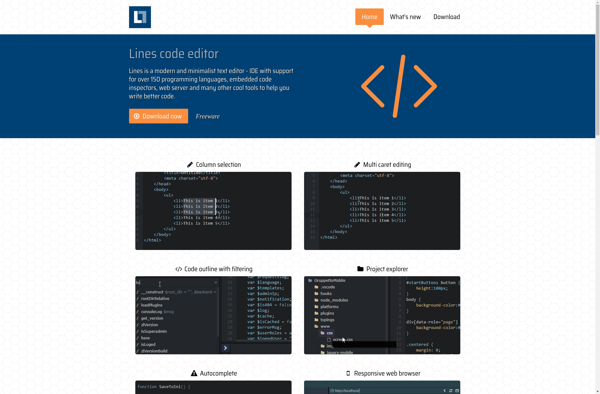
Lines code editor

Notepad3

Notepad2


Doom Emacs

Spacemacs


Bluefish Editor

Textor

Komodo Edit

Squircle IDE

Lite XL

Light Table


Haroopad


Notepads

MS Paint IDE

CudaText

Code Writer

JEdit

NoteTab

GNOME Builder

TabNote


Kakoune

TweakStyle

Simple Code Editor


Batch RegEx

4coder

JetBrains Fleet

Taco HTML Edit
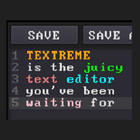
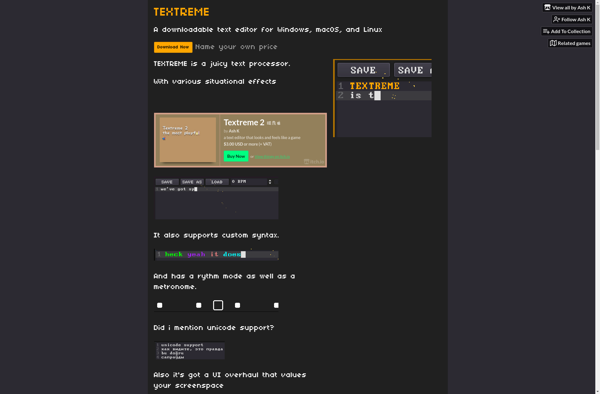
TEXTREME

Helix


AkelPad

Touchqode

Alternate TextBrowser


Boa Constructor

TexEdit

BowPad


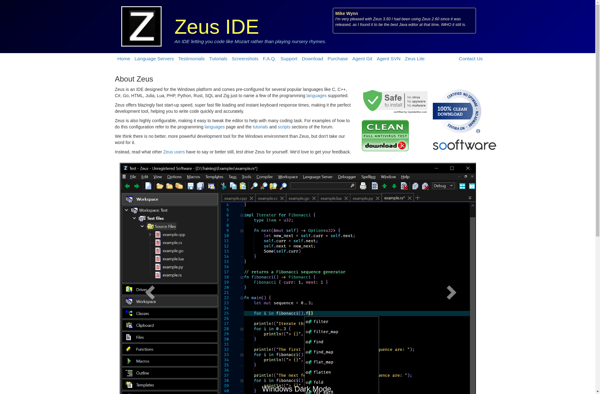
Zeus IDE

Hacker Pad

PHP Studio


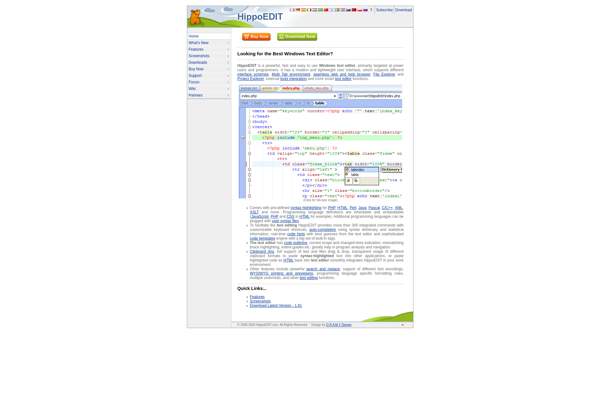
HippoEDIT

Colon IDE


Little Transformer: Text Editor with TTS

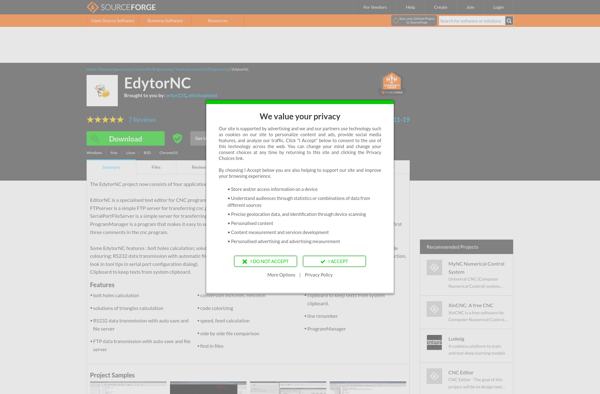
EdytorNC

Syncplify.me Notepad!


GetDiz


Notepad2-mod


Editra

Leafier

Acme

Keypress Editor

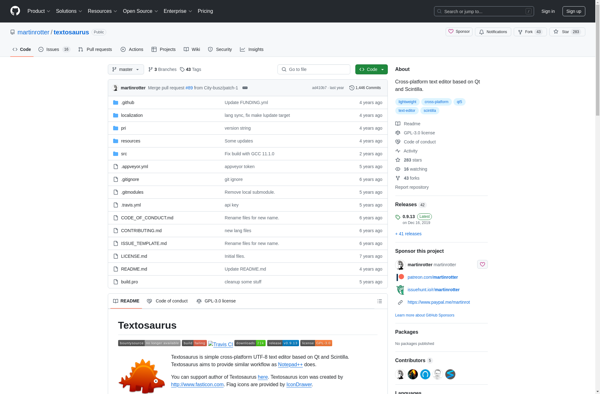
Textosaurus

SilverEdit

Batch Encoding Converter
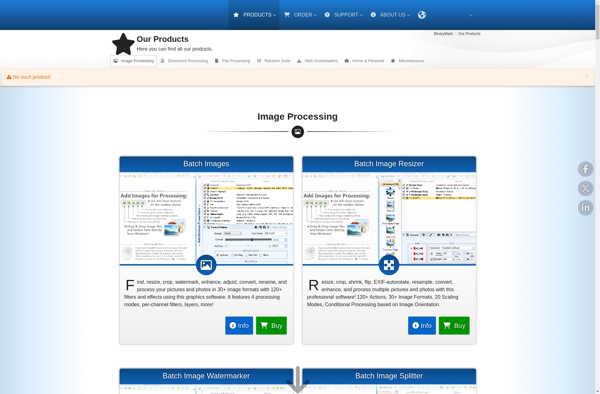

E - TextEditor


Hekapad


WideStudio

Notepas


Veonim

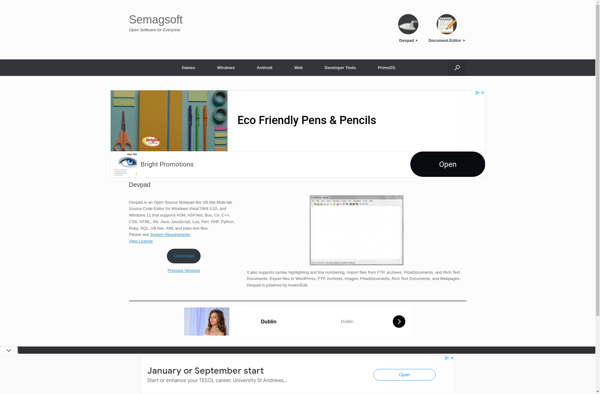
Devpad

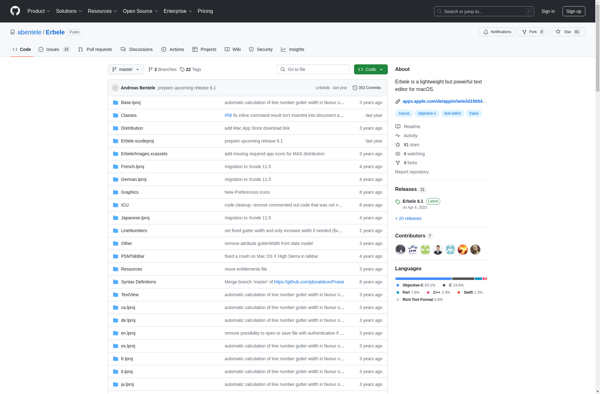
Erbele

JdTextEdit

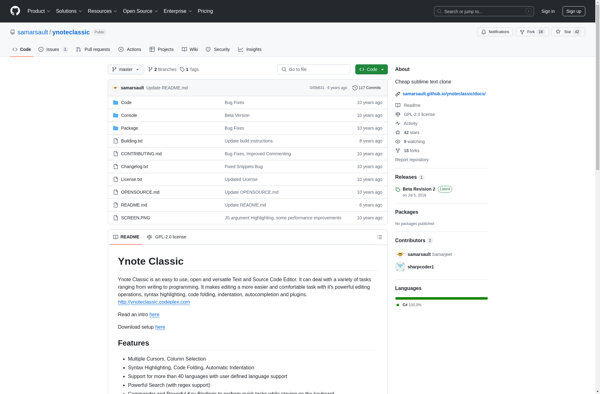
Ynote Classic

Syntaxic

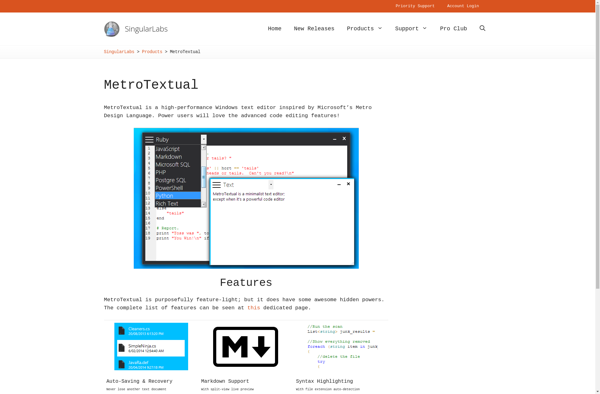
MetroTextual

Adobe Edge Code

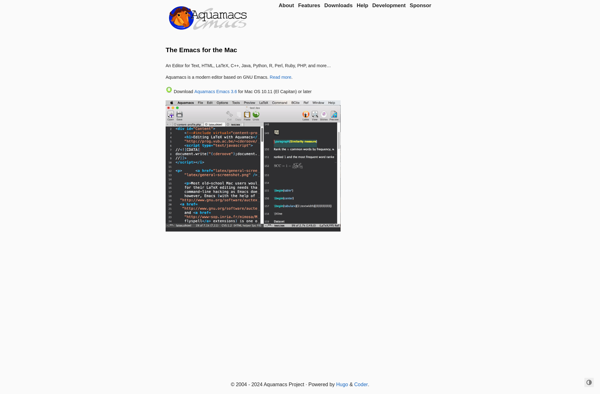
Aquamacs Emacs

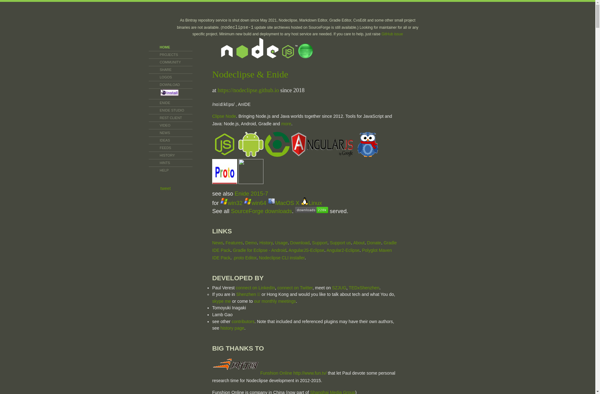
Enide Studio

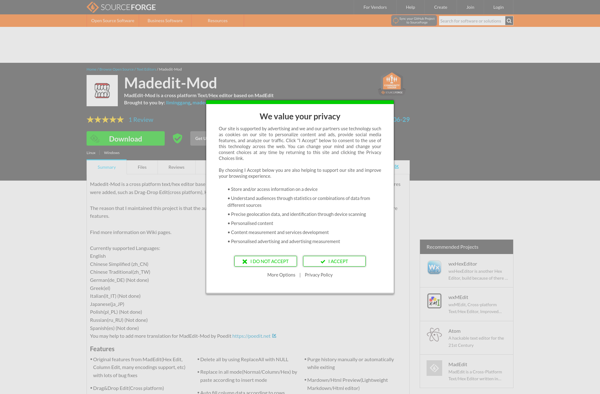
MadEdit-Mod

Appy Text


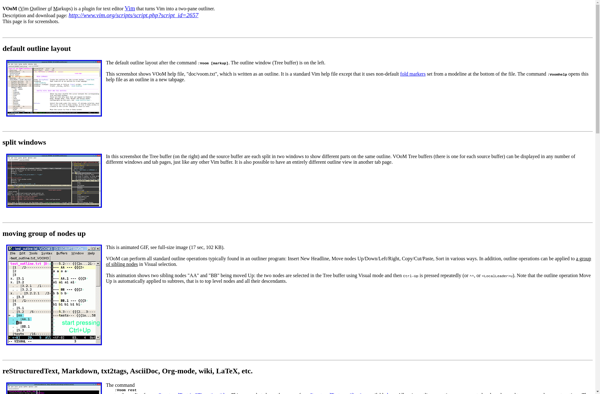
VOoM

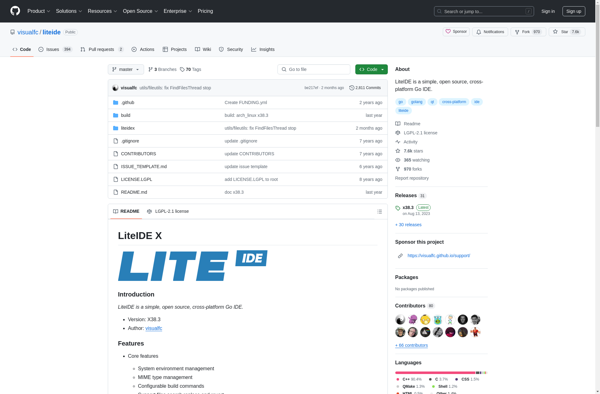
LiteIDE

Vrode Script Editor

JujuEdit

BDV Notepad


Apimac Notepad

GEcrit

CRUDSFOP

Neon Notepad

HAPedit

BabelPad


LopeEdit

Fraise

TotalEdit


Diakonos

FavoText


Typen

Macchiato

TinyEdit
IT-Edit
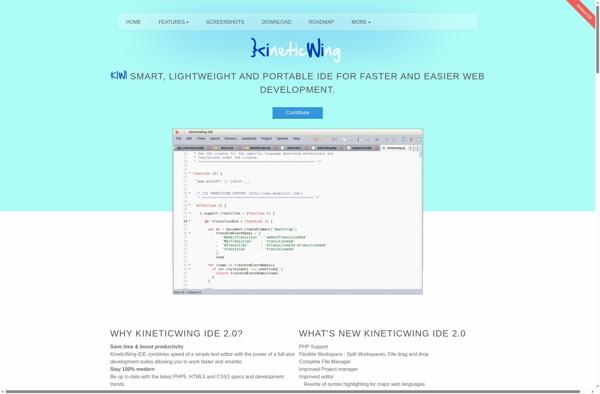
Kineticwing IDE

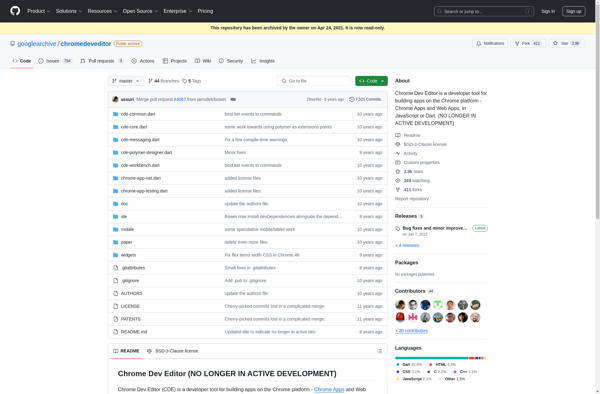
Chrome Dev Editor

Metacode

SourceLair


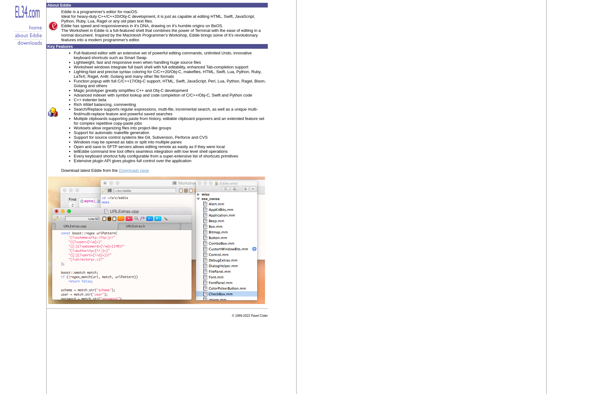
Eddie

EverEdit

SuperbEdit